
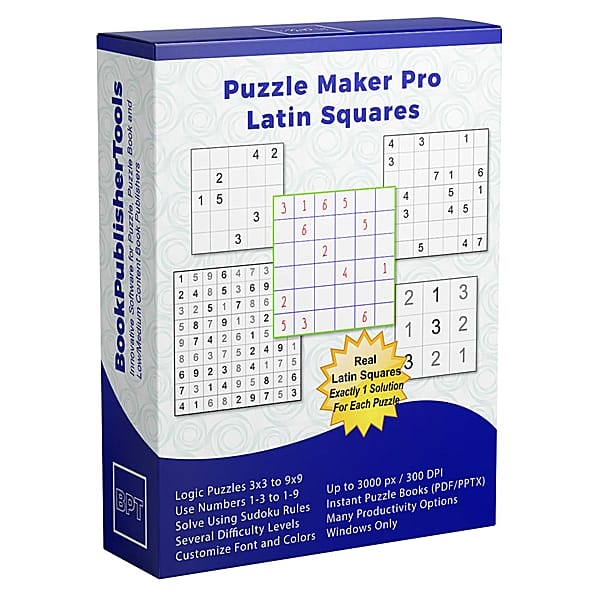


Your Reader Starts Across, Then Down. There Is No Box.
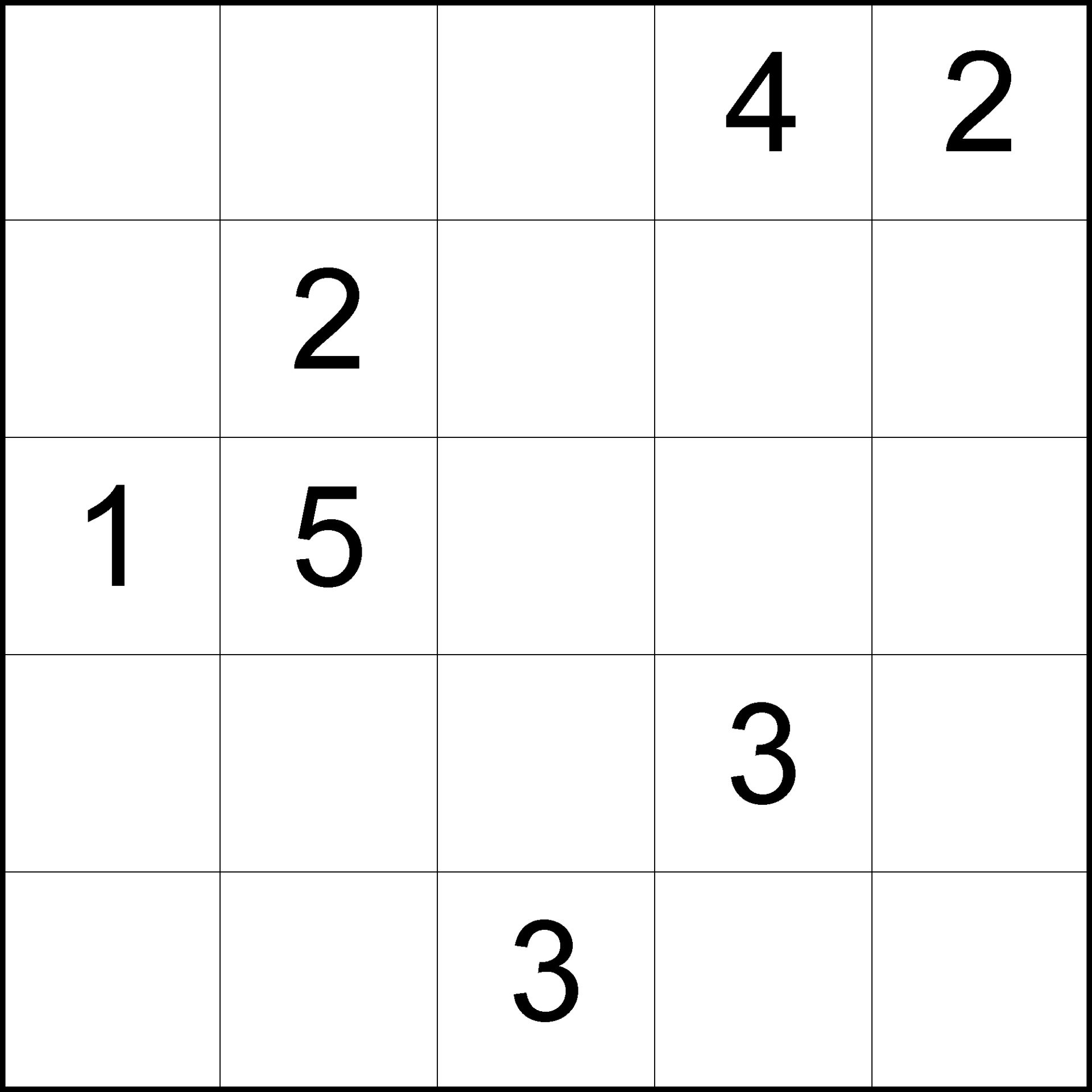
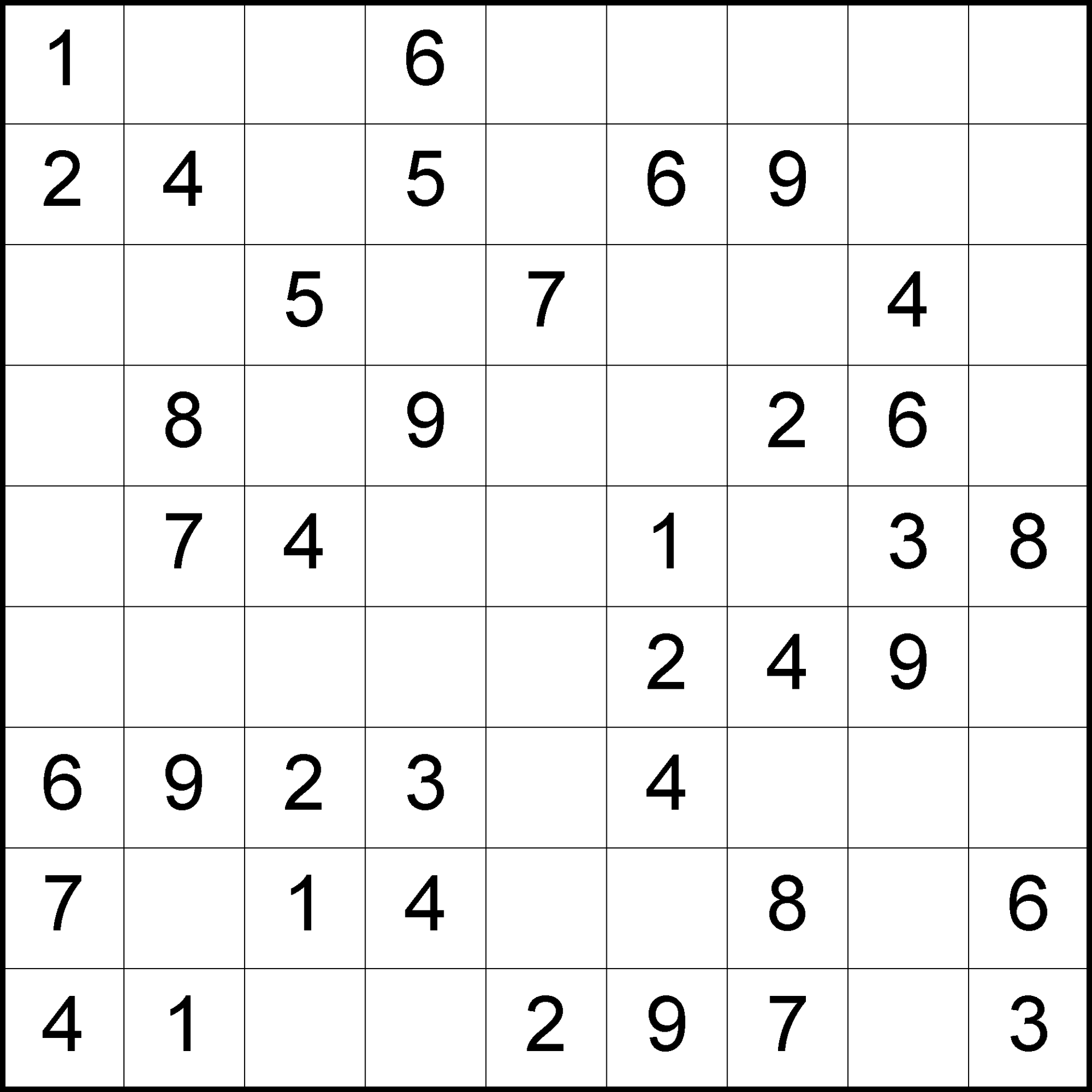
Your reader turns the page and finds a number grid with some cells already filled. They do not hunt a region. They read the row, they read the column, and they write the missing digit. That is the sit they already know how to start, and Look Inside shows it in one glance: a number page, not another boxed 9×9.
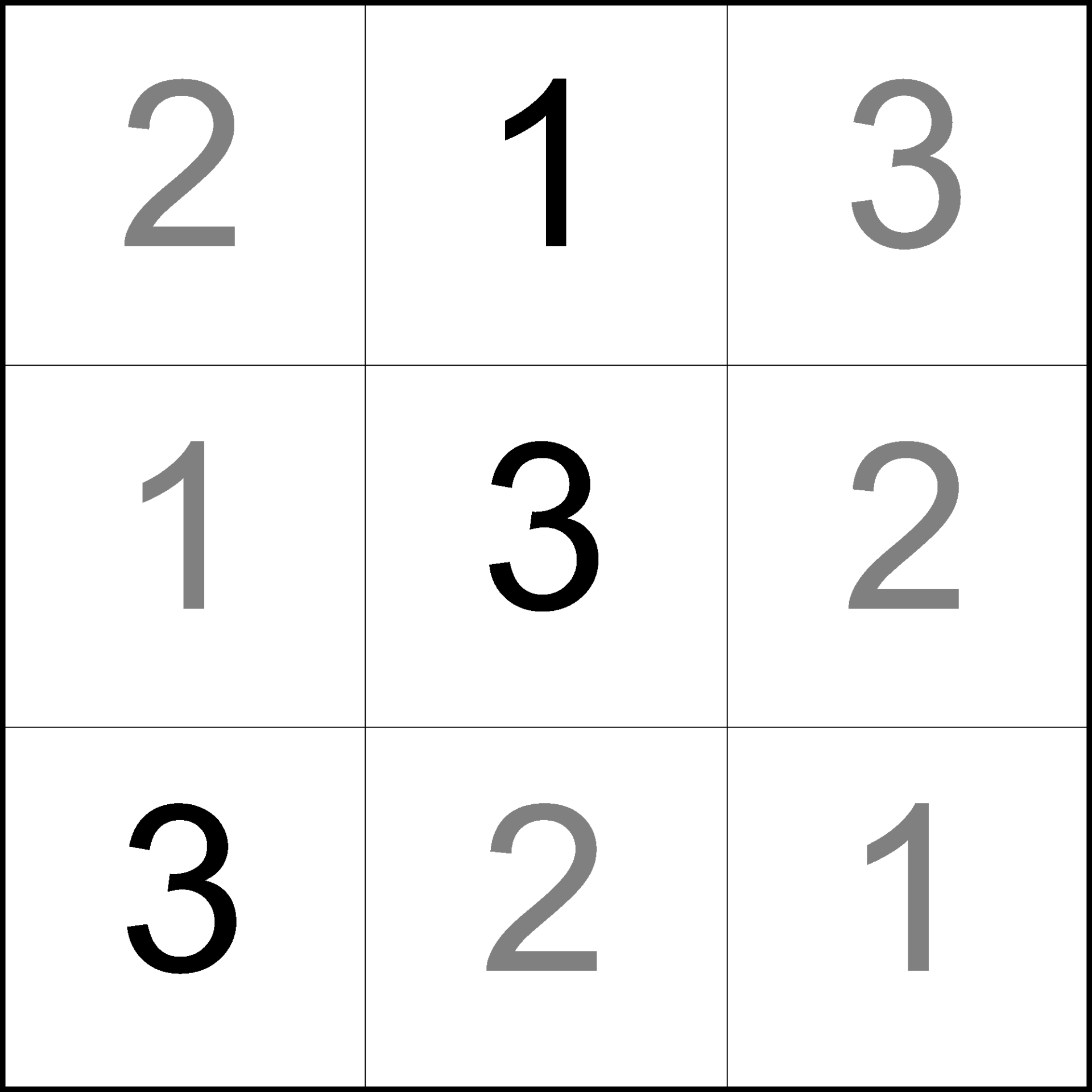
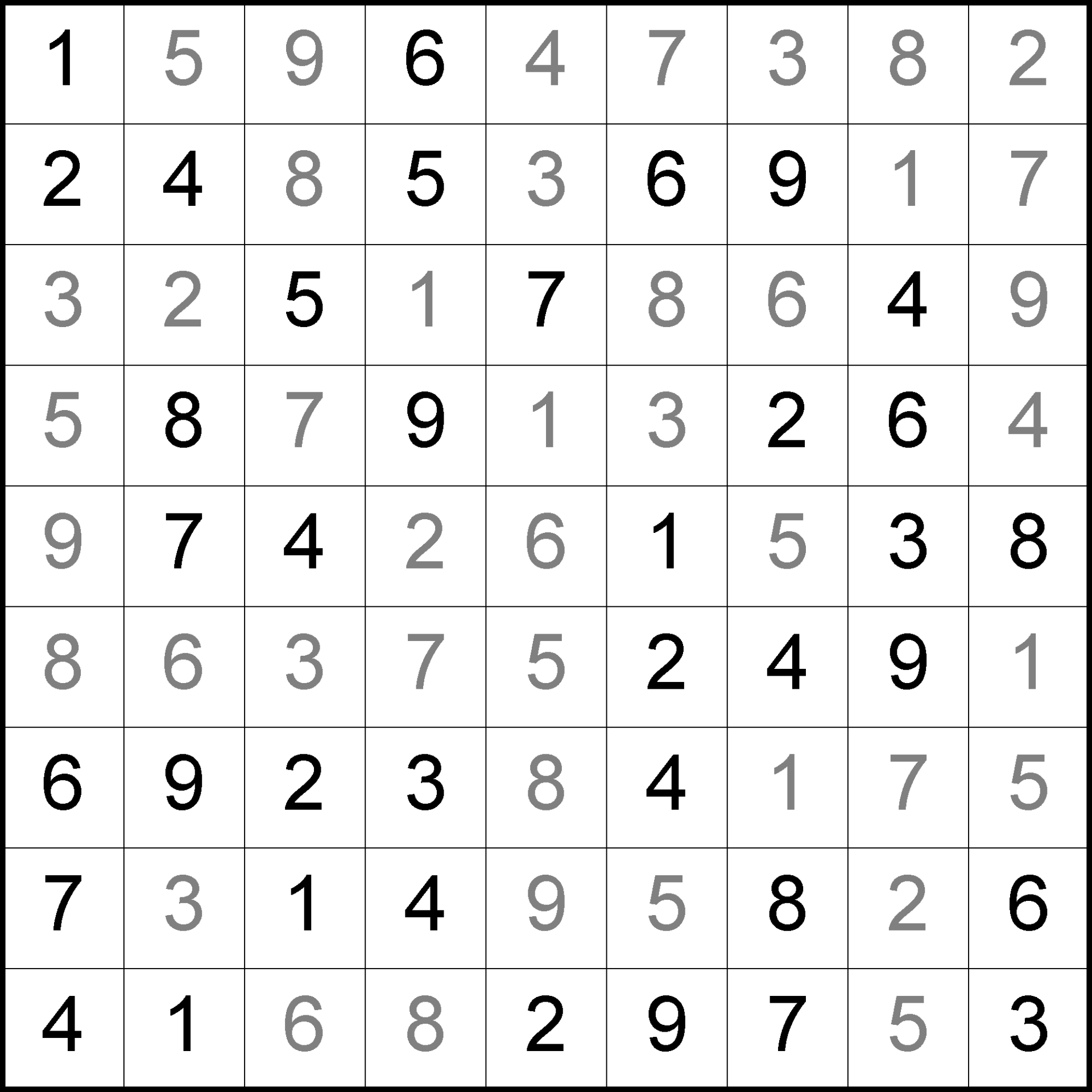
That page is a Latin Square. Each number appears once in every row and once in every column. Sudoku kept that rule and then buried it under boxes. On this listing the boxes never arrive.
You needed that page in a catalog that already has Sudoku, and you needed the filled key to come out of the same Create. This product is numbers, seven sizes from 3×3 through 9×9, and the book path you already use.
Try the free demo and print a 5×5 first.

Why Latin Squares Earns a Place in Your Catalog
The number-logic aisle is a wall of boxed 9×9. A shopper who already owns three of those will not click the fourth unless Look Inside is a different afternoon.
A Latin Square is that afternoon. Same reader. Same digits. A page they can tell from Sudoku in the thumbnail, because there is no box to hunt. Size it as a 3×3 Very Easy sheet or as a 9×9 that can go to level 7, and you have a short pack and a long title off one Creator.
I wanted that cleaner number page in books I was already making, with a key that came out of the same Create. When the catalog needs a number grid that is not another boxed 9×9, this is the page I print.
What You Can Create
One numbers-only Creator, and the jobs below are the ones this page actually ships:
- A standalone number Latin Squares book: empty grids in the front, filled keys in the back
- A graded run that opens on 3×3 Very Easy and closes on 9×9 at a higher level
- A class set from one rule: a 3×3 Very Easy for the group still working, a 9×9 for the ones already done
- Number-grid printables for KDP, Etsy, Teachers Pay Teachers, or a store you run
- A live lesson from the same board, when you turn on Puzzle Slides and leftover-tile stacks sit beside the grid
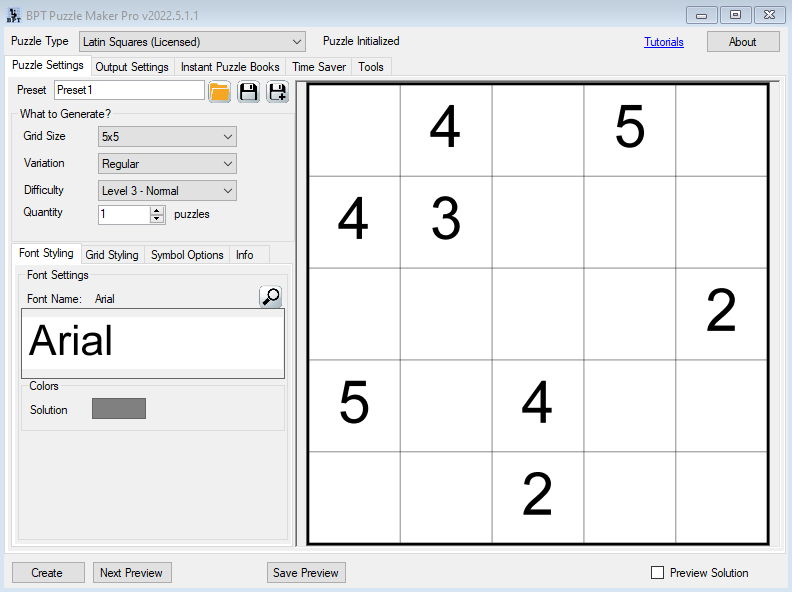
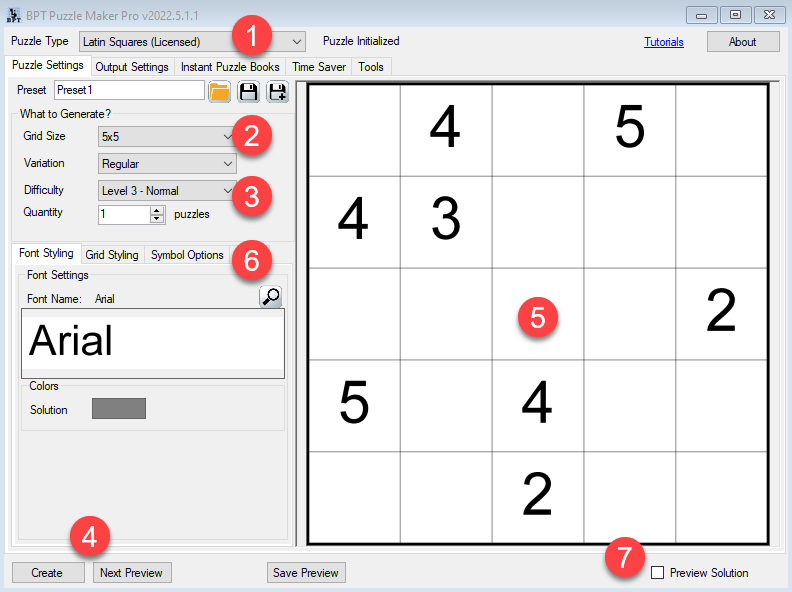
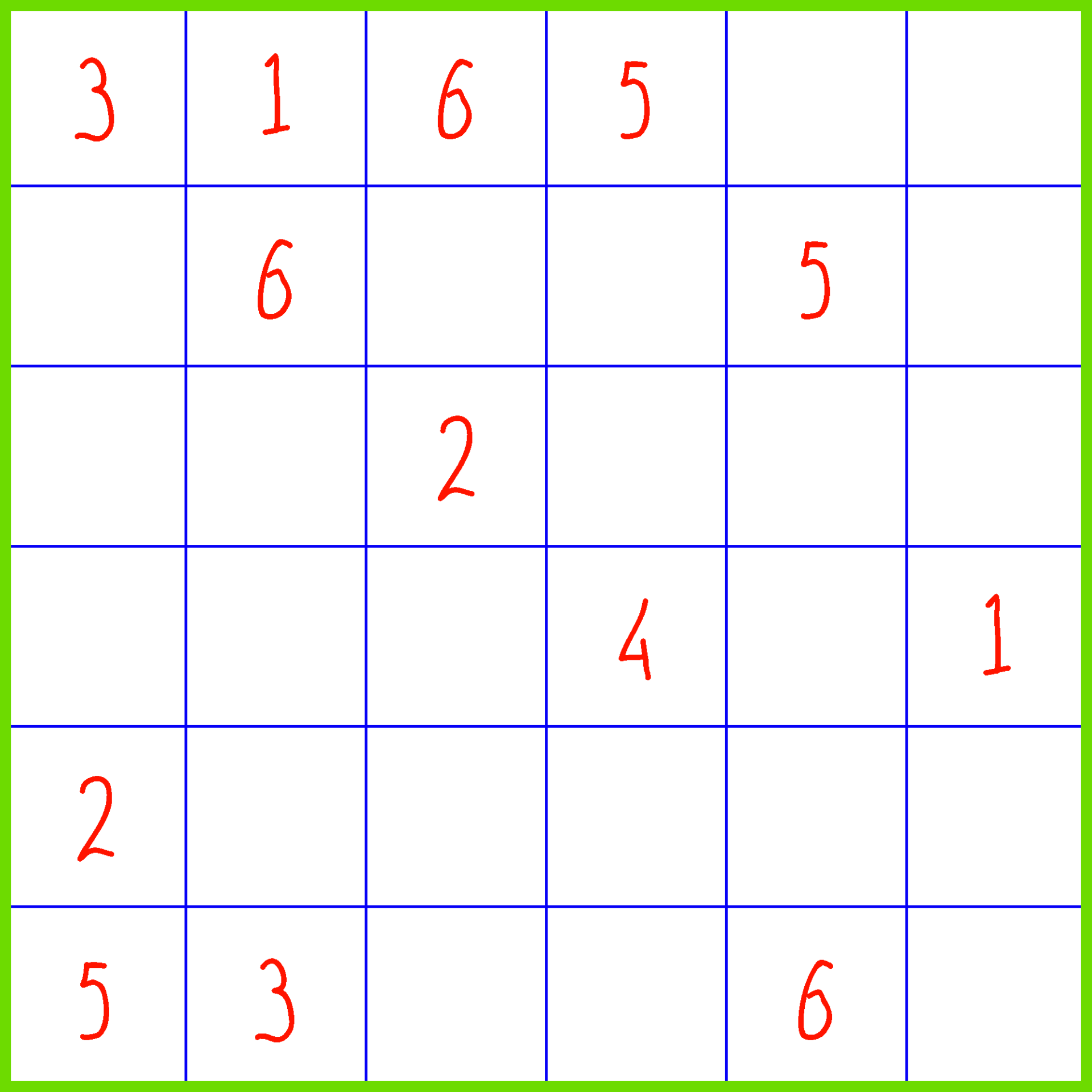
Create writes two images every time: a number grid with some cells given, and the same grid filled.

Why Create It with Puzzle Maker Pro?
The stall was never drawing the grid. It was sitting down later to fill the key after the book was already designed.
Each Create writes a puzzle image and a matching solution image. Set Quantity from 1 to 5000. Put the key in the solutions section in the back of the book, or put the puzzle page and the key in the printable pack you upload. You are not typesetting an answer section by hand.
The difficulty list rebuilds when the size changes. A 3×3 stays on Very Easy. Larger sizes add higher levels. A 9×9 can offer level 7.
Key Creation Workflows
List a numbers-only Latin Squares title This page is one add-to-cart, and the symbols are numbers. That is the listing: a number-logic book a shopper can tell from boxed Sudoku, because Look Inside has no boxes. Print the 5×5, look at the empty cells, and decide whether that grid is the one you would upload.
Size the book from a 3×3 to a 9×9 Pick the grid the title is actually for. Seven sizes, 3×3 through 9×9. The difficulty list rebuilds with the size, so a 3×3 stays on Very Easy and a 9×9 can offer level 7. A short pack and a long title come off the same Creator. You change the size, not the rule.

Set Quantity and take the puzzle-plus-key pair Quantity is how many puzzles you write, from 1 to 5000. Each one is a puzzle image plus the matching answer key, as JPG, PNG, transparent PNG, or SVG. That pair is what Instant Puzzle Books stacks, and it is what you drop into a worksheet pack.

Hand the set to Instant Puzzle Books You already keep trim, titles, and page numbers there. Instant Puzzle Books stacks the empty grids, then the keys, with a title page, a table of contents, and a footer that names the solution page. Export as an interactive PDF book and the empty grid opens its filled key. That is the interior you can list.
Open the same collection in Puzzle Book Studio When this collection needs fonts and titles edited on the page, open it in Puzzle Book Studio. This product edits one collection: front matter, puzzle pages, the answer key section, page numbers, trim size. The interactive PDF book comes from Studio the same way it comes from Instant Puzzle Books.
Project leftover tiles with Puzzle Slides Print the worksheet for every desk. Open Puzzle Slides on the board. They call the next number. A leftover stack for 3 that is down to one tile is the next count. The deck is PowerPoint: the puzzle, two-column leftover-tile stacks, the solution, and a Latin Squares Puzzle Menu. The sheet they write on and the deck on the projector are the same Create.

From One Puzzle to a Full Book
A 5×5 is a cover thumbnail. A Latin Squares book needs short grids first, a 9×9 last, and a solutions section that matches.
Set the size and the level, set Quantity, and Create. Instant Puzzle Books turns that pair-run into the interior at the trim you already use: title page, contents, empty grids, then keys, with a footer that names the solution page. Export as an interactive PDF book from Instant Puzzle Books or Puzzle Book Studio and the empty grid opens its filled key.
Puzzle Book Studio edits this one collection when you want to change front matter, puzzle pages, the answer key section, page numbers, or trim on the page. Next title: another size, same book settings.
Output Formats and Publishing Options
The number grid has to print as a book page or a class sheet without a redraw. Latin Squares writes JPG, PNG, transparent PNG, and SVG for the empty grid and the filled key.
This product is Latin Squares: number grids in seven sizes, Instant Puzzle Books, Puzzle Book Studio for this one collection, interactive PDF books from either builder, and Puzzle Slides with leftover-tile stacks.
Teach It Live with Puzzle Slides
A row that already holds 1 through 4, with one cell open, is a move a class can see. A leftover stack for 3 that is down to one tile is the next count.
Puzzle Slides writes a PowerPoint deck with the puzzle, two-column leftover-tile stacks, the solution, and a Latin Squares Puzzle Menu. Share the deck on a call. It opens as a PowerPoint file.
Leftover-tile stacks sit beside the same board they already have on paper.
What Ships With Latin Squares
This page is one add-to-cart. Number grids, matching keys, Instant Puzzle Books, Puzzle Book Studio for this one collection, and Puzzle Slides.
| Latin Squares | |
|---|---|
| Number Latin Squares, 3×3 through 9×9 | Yes |
| JPG, PNG, transparent PNG, SVG, puzzle and key | Yes |
| Instant Puzzle Books, with title page, contents, and solution cross-references | Yes |
| Interactive PDF books from Instant Puzzle Books or Puzzle Book Studio | Yes |
| Puzzle Book Studio, this one collection | Yes |
| Puzzle Slides, with leftover-tile stacks | Yes |
| Licence to sell finished books, worksheets, and packs to your own readers | Yes |
You can add other Puzzle Maker Pro products later if you want another puzzle type.
Try the free demo, then use Add to Cart at the top of this page.
Who This Is For
Publishers who already sell number logic. You have a reader who buys Sudoku and a Look Inside that looks like everyone else’s. This listing shows a number grid with no boxes. Instant Puzzle Books uses the trim you already keep.
People already assembling books in Puzzle Maker Pro. Latin Squares uses the same Create, the same pair of images, and the same Instant Puzzle Books settings. Puzzle Book Studio edits this one collection the way you already edit a collection.
Teachers who need a short sheet and a long sheet from one rule. A 3×3 Very Easy for the group still working. A 9×9 for the ones already done. Puzzle Slides puts leftover-tile stacks beside the board so the class can see what is still left.
If you have been skipping Latin Squares because filling the key after the print run felt like a second job, that is the part Create already finished.
Try It Before You Buy
Make a 5×5 in the free demo and look at the empty cells before you buy. The demo writes a real number grid. Demo files carry a watermark. Paid files do not.
How the controls work is in the Latin Squares tutorials, including getting started.
Licensing and Commercial Use
Latin Squares is a one-time commercial-use licence. Sell the number books and class sheets you make to your own readers on KDP, Etsy, Teachers Pay Teachers, or a store you run. Paid files have no watermark.
The licence covers the finished books, worksheets, and packs you make.
Product Details
| Product | Puzzle Maker Pro – Latin Squares |
| Shop editions | Latin Squares (one product) |
| Platform | Windows desktop |
| Internet required | No |
| Puzzle rule | Each number once per row and once per column. No boxes |
| Grid sizes | 3×3, 4×4, 5×5, 6×6, 7×7, 8×8, 9×9 (default 5×5) |
| Difficulty | Size-dependent levels. 3×3 shows Very Easy only. Larger sizes add higher levels. 9×9 can go to level 7 |
| Symbols | Numbers |
| Quantity | 1 to 5000 puzzle files, each with a puzzle image and a matching solution image |
| Output formats | JPG, PNG, transparent PNG, SVG |
| Puzzle Slides | Yes, a PowerPoint deck with the puzzle, two-column leftover-tile stacks, the solution, and a Latin Squares Puzzle Menu |
| Solution pages | Yes, a solution image generated with every Create |
| Puzzle books | Instant Puzzle Books; Puzzle Book Studio (this one collection); title page, table of contents, solution cross-references; interactive PDF books from Instant Puzzle Books or Puzzle Book Studio |
| Upgrades | This page is the Latin Squares product. You can add other Puzzle Maker Pro products later if you want another puzzle type |
| Commercial license | Sell the finished books, worksheets, and packs you make to your own readers and customers |
| Free demo | Yes |
| Delivery | Immediate, in your member area |
Questions Before You Buy
Is there a free demo?
Yes. The demo writes a real number grid, so you can print a 5×5 before deciding. Demo files carry a watermark. Paid files do not.
Can I upgrade later?
Yes. This page is the Latin Squares product. You can add other Puzzle Maker Pro products after you buy if you want another puzzle type.
How do Latin Squares puzzles work?
Each number appears once in every row and once in every column. There are no boxes. Some cells are given. The solver fills the rest.
Does every puzzle come with a matching key?
Yes. Each puzzle is a puzzle image plus the matching answer key. Set Quantity from 1 to 5000. Put the key in the solutions section in the back of the book, or put the puzzle page and the key in the printable pack you upload.
What files do I get?
A puzzle image and a solution image, as JPG, PNG, transparent PNG, or SVG. Turn on Puzzle Slides when you want the PowerPoint deck for the set. Instant Puzzle Books stacks those pairs into a Latin Squares book interior. Export as an interactive PDF book from Instant Puzzle Books or Puzzle Book Studio and the empty grid opens its filled key.
Where do I learn the controls?
The Latin Squares tutorials, including getting started.
Can I sell the finished books and worksheets I create?
Yes. Latin Squares lets you sell the number books and class sheets you make to your own readers.
Do I need the internet to create?
No. Latin Squares runs on your Windows PC with no internet.
How hard are the puzzles?
You set size and level. A 3×3 Very Easy is the smallest size. Larger sizes add higher levels. A 9×9 can go to level 7.
Six Months From Now the Shelf Has a Number Book That Is Not Another Boxed 9×9
Boxed 9×9 titles sell regions. A Latin Squares title sells the page your reader starts without hunting a box.
Open the demo and print a 5×5. If those empty cells are the grid you would upload, use Add to Cart. Then list a 3×3 class sheet beside a 9×9, with keys you never filled by hand.
Then use Add to Cart at the top of this page.

Your reader starts across, then down. There is no box. Seven sizes, 3×3 through 9×9, puzzle plus matching key. Instant Puzzle Books stacks the interior. Try the free demo, then use Add to Cart at the top of this page.


