
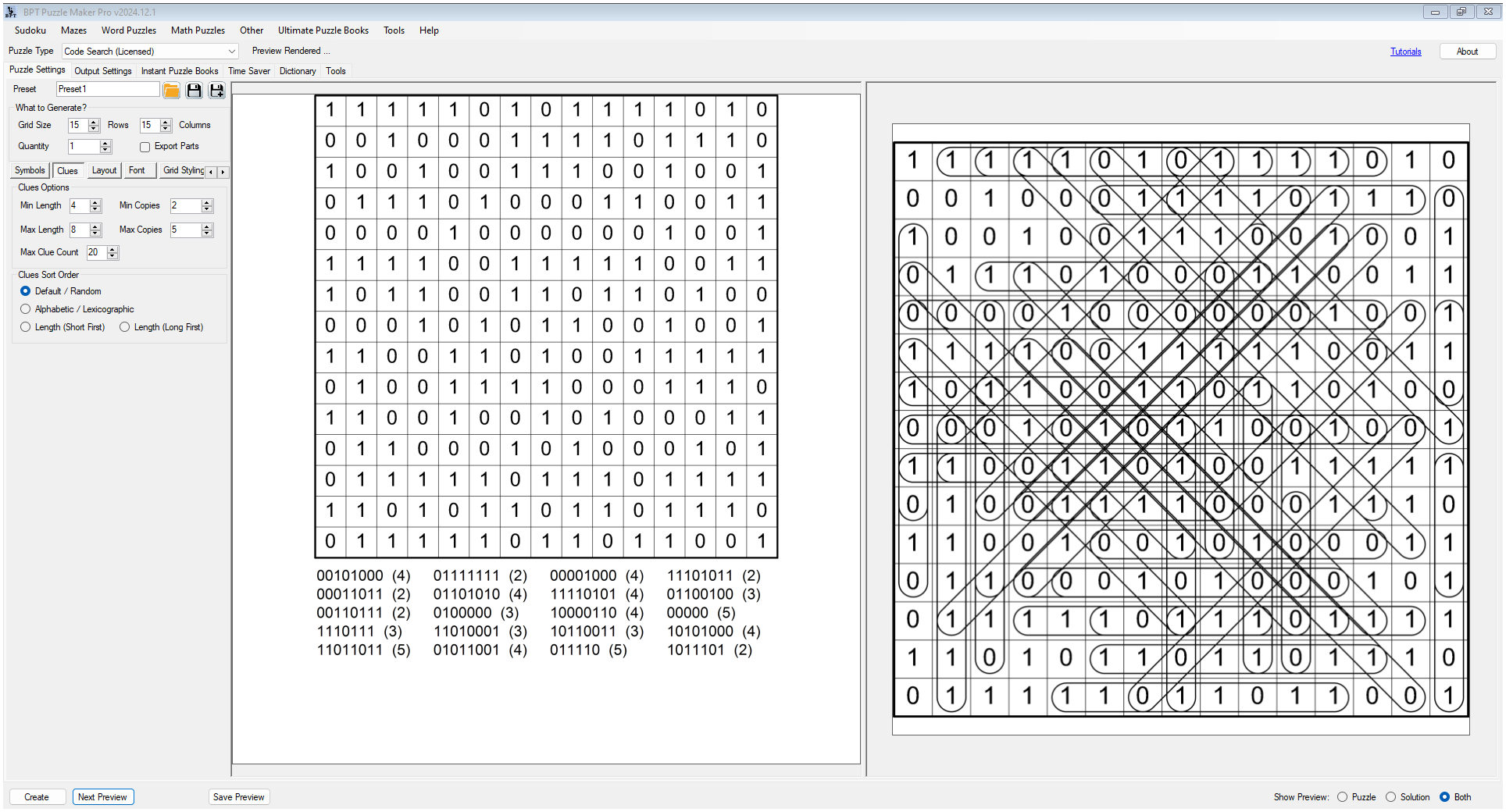
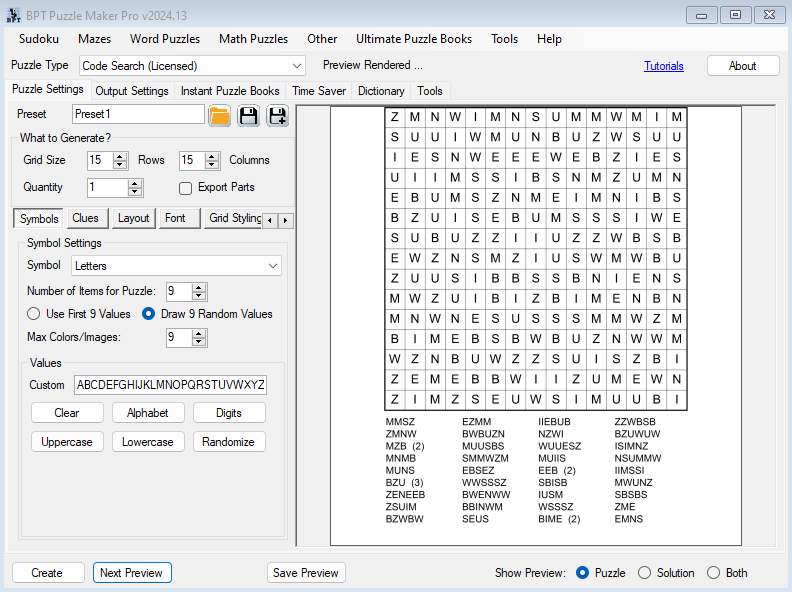
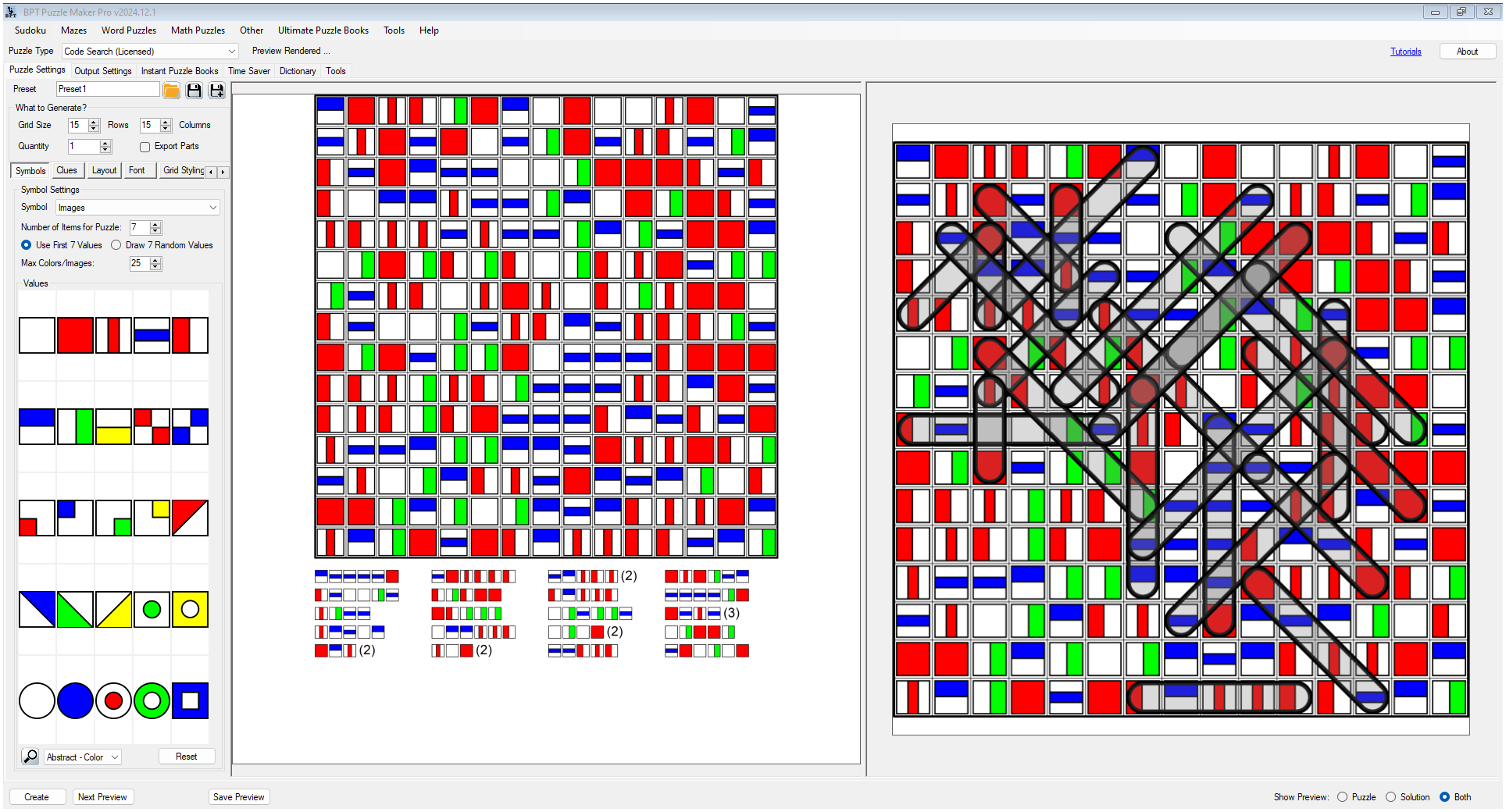
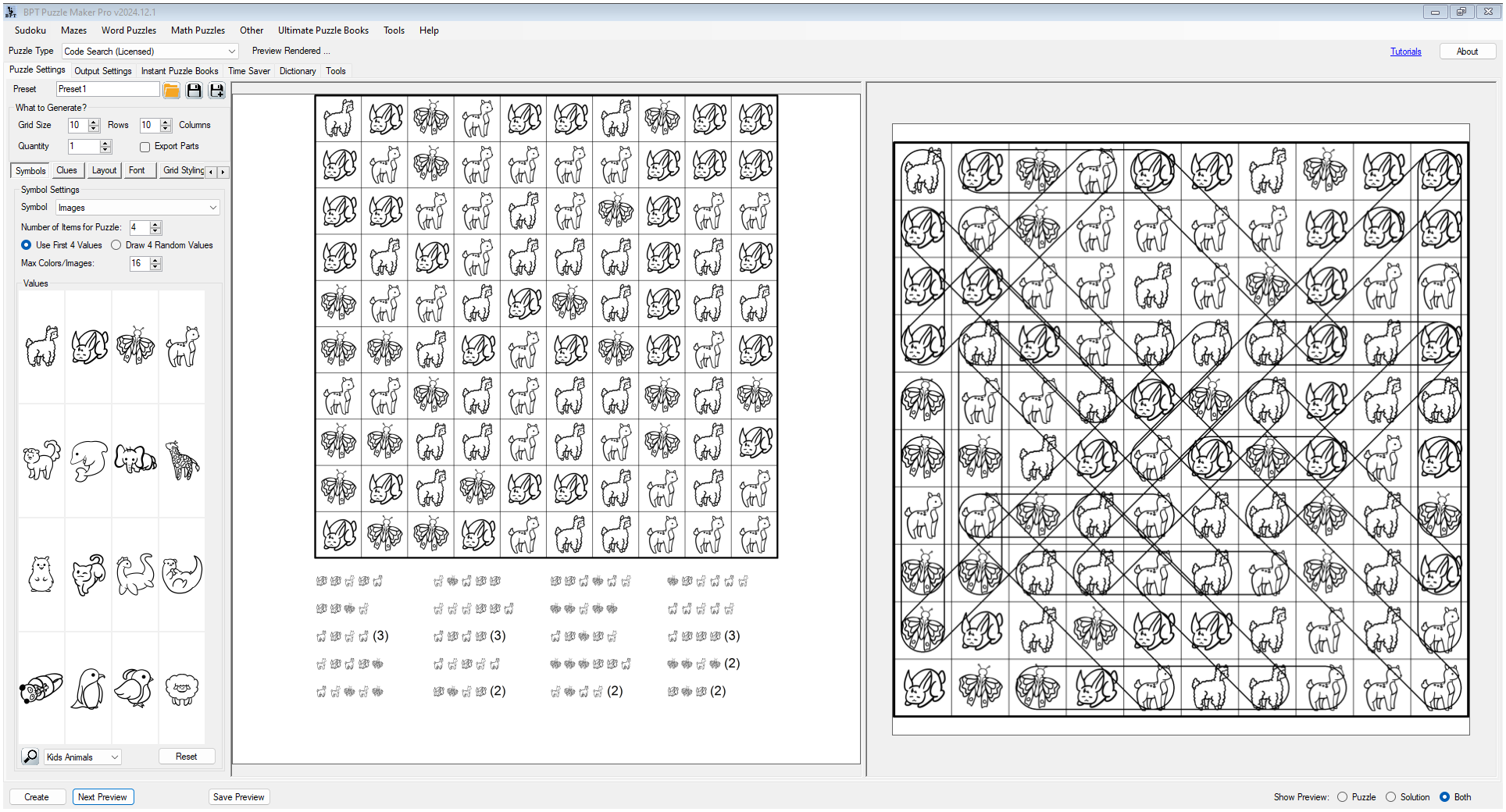


Create Flexible Code Search Puzzles from One Module
Most puzzle creators eventually need more than familiar formats.
Word searches, mazes, Sudoku, and crosswords all work, but puzzle books and printable packs can start to feel similar when every page follows the same pattern. Puzzle Maker Pro – Code Search gives you a different kind of search puzzle: familiar enough for solvers to understand quickly, but flexible enough to support many visual styles and publishing ideas.
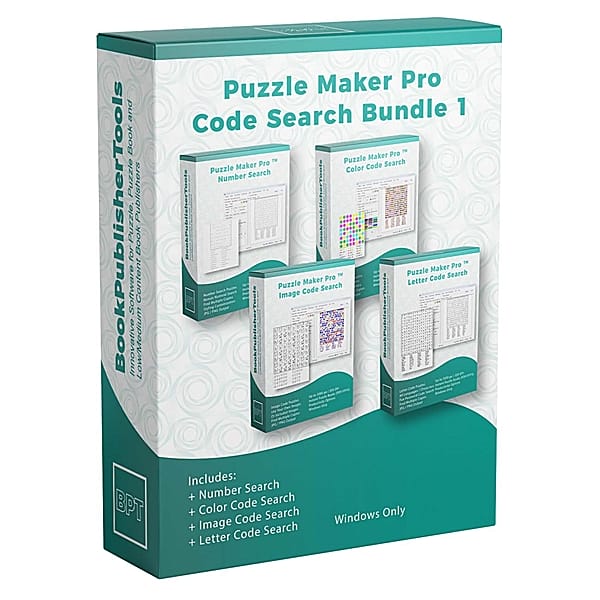
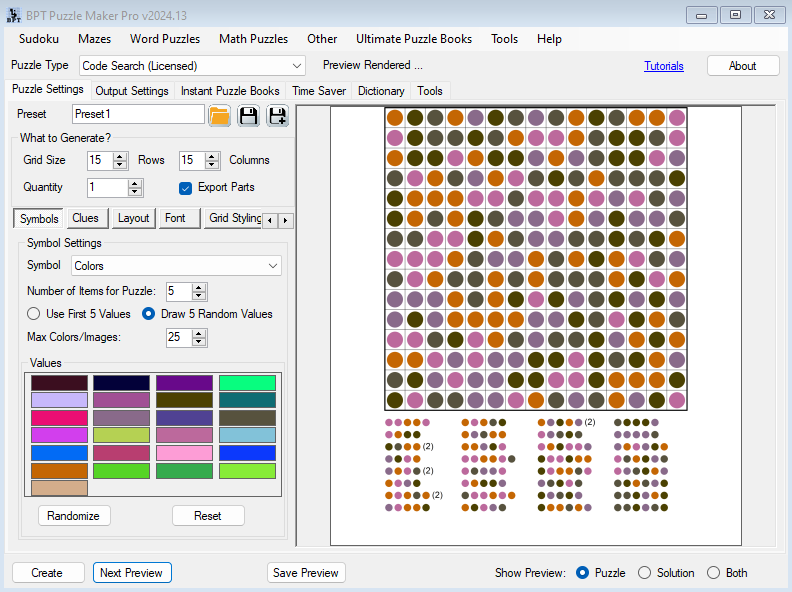
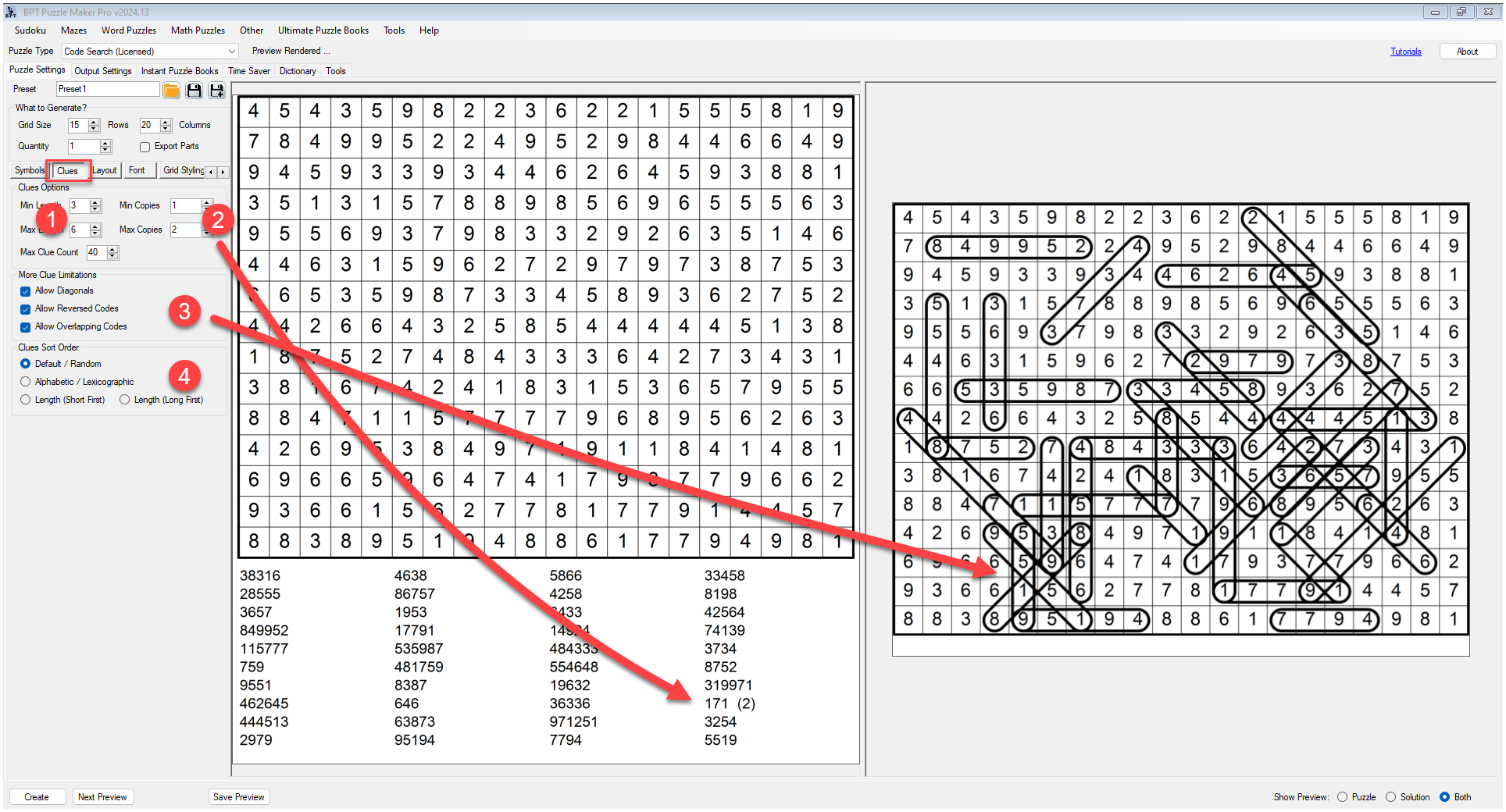
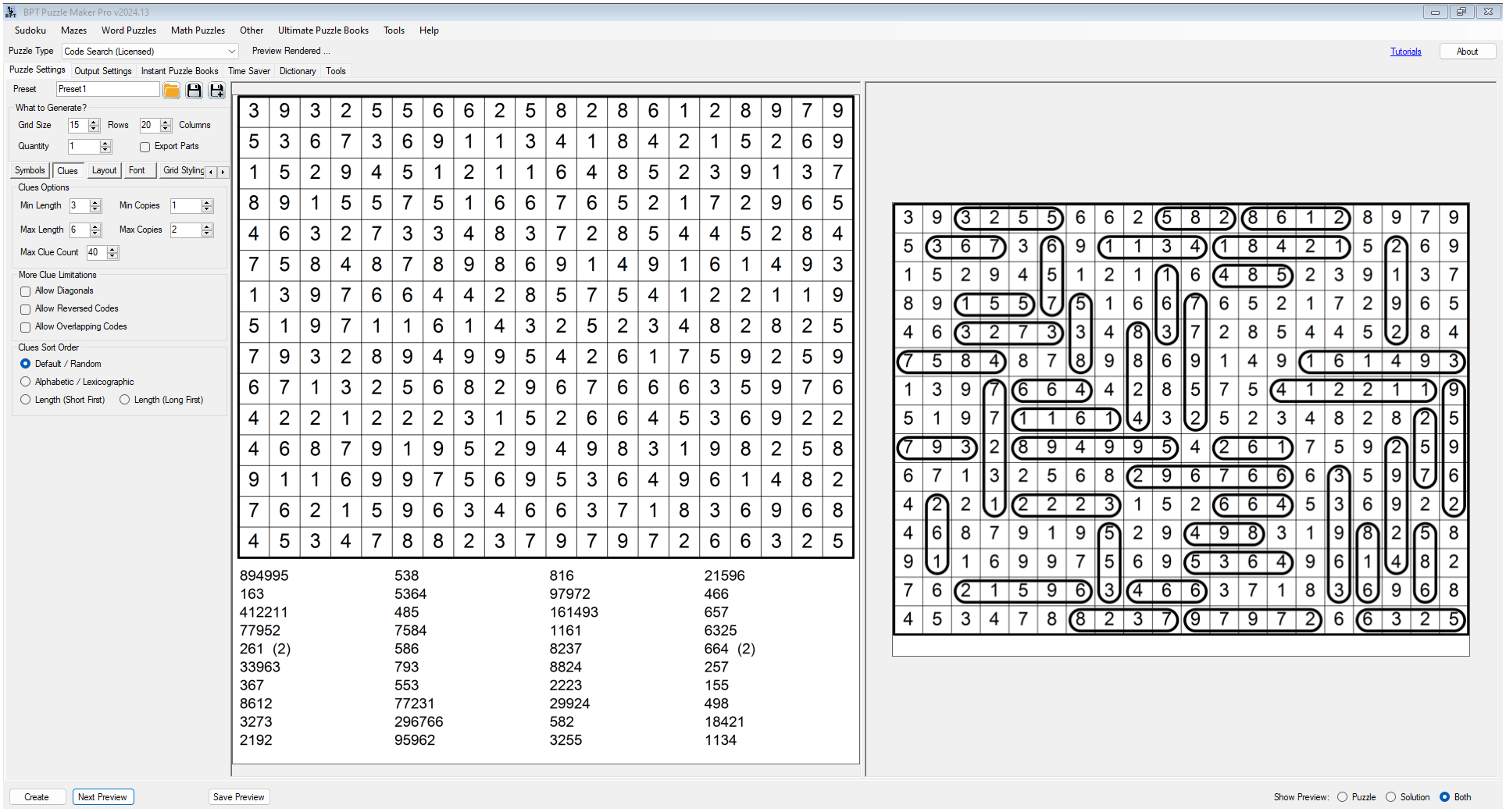
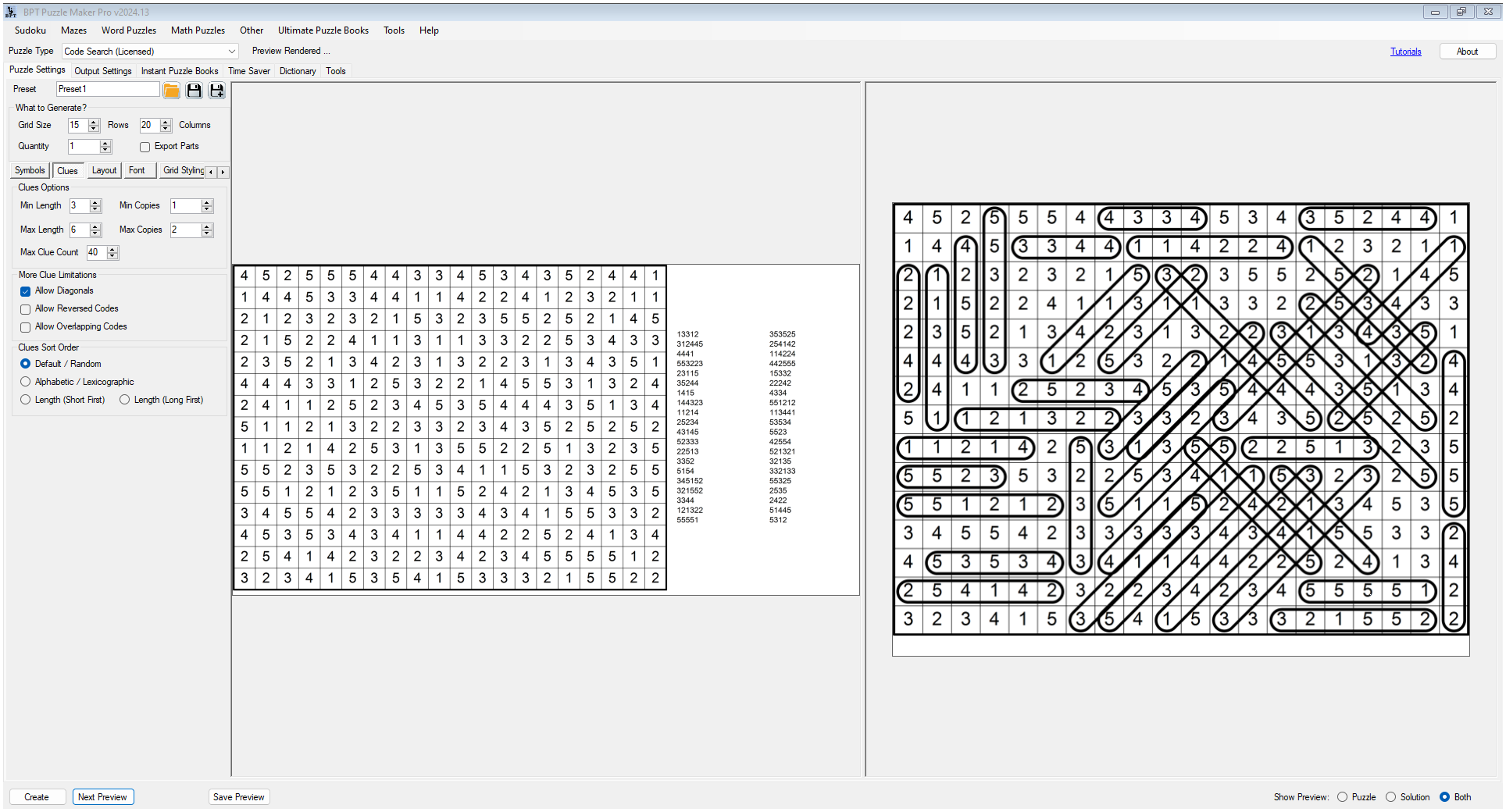
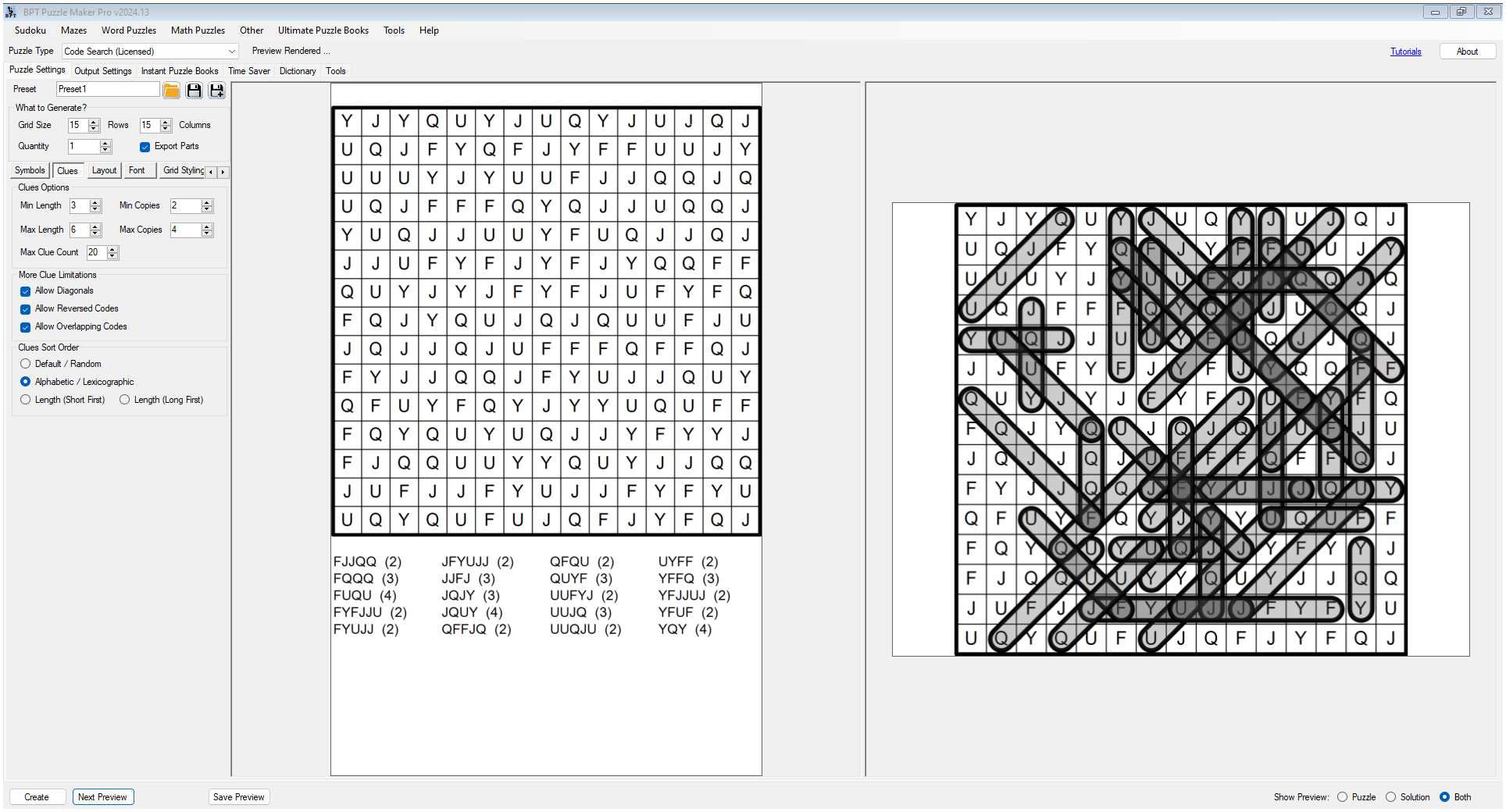
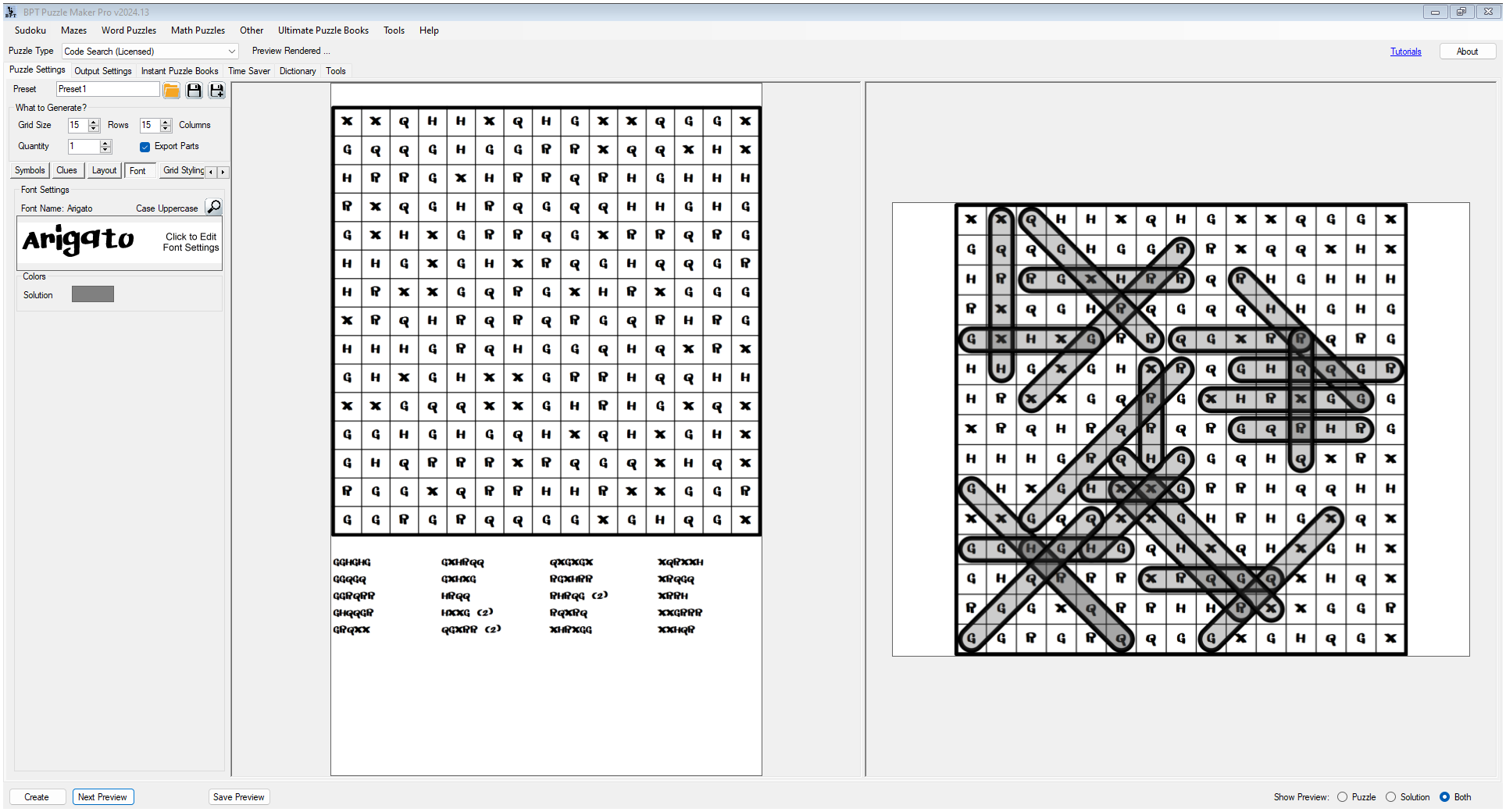
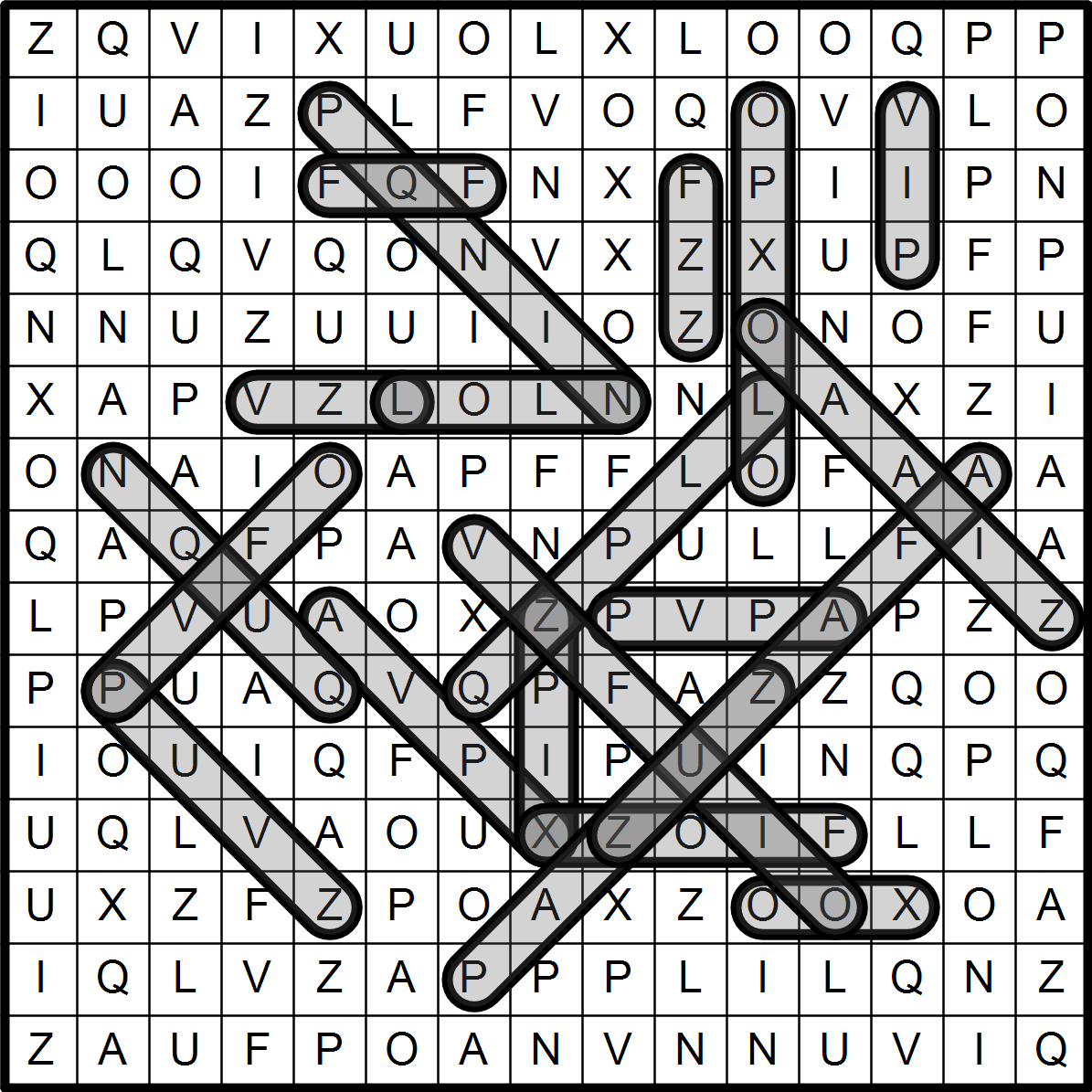
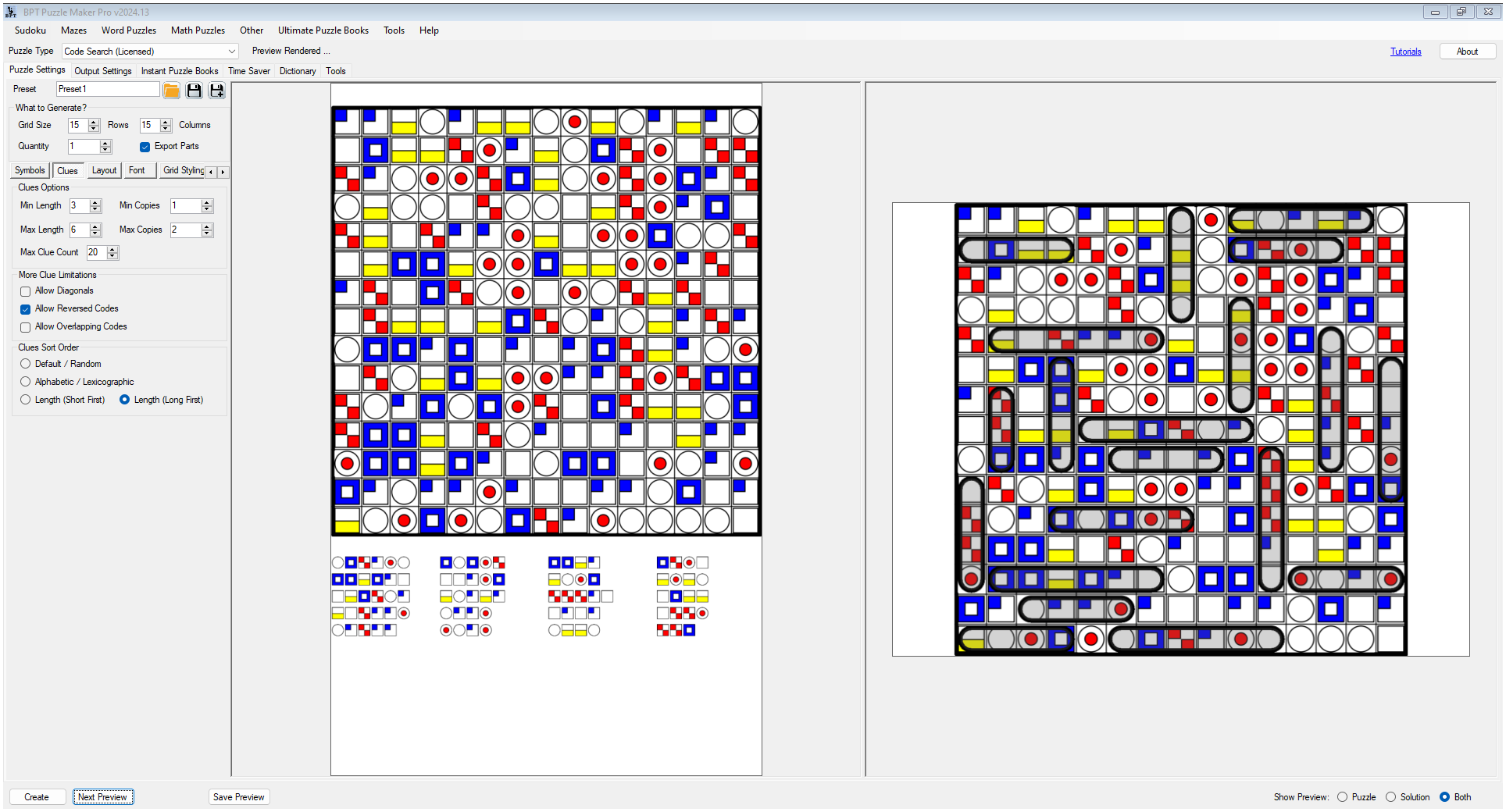
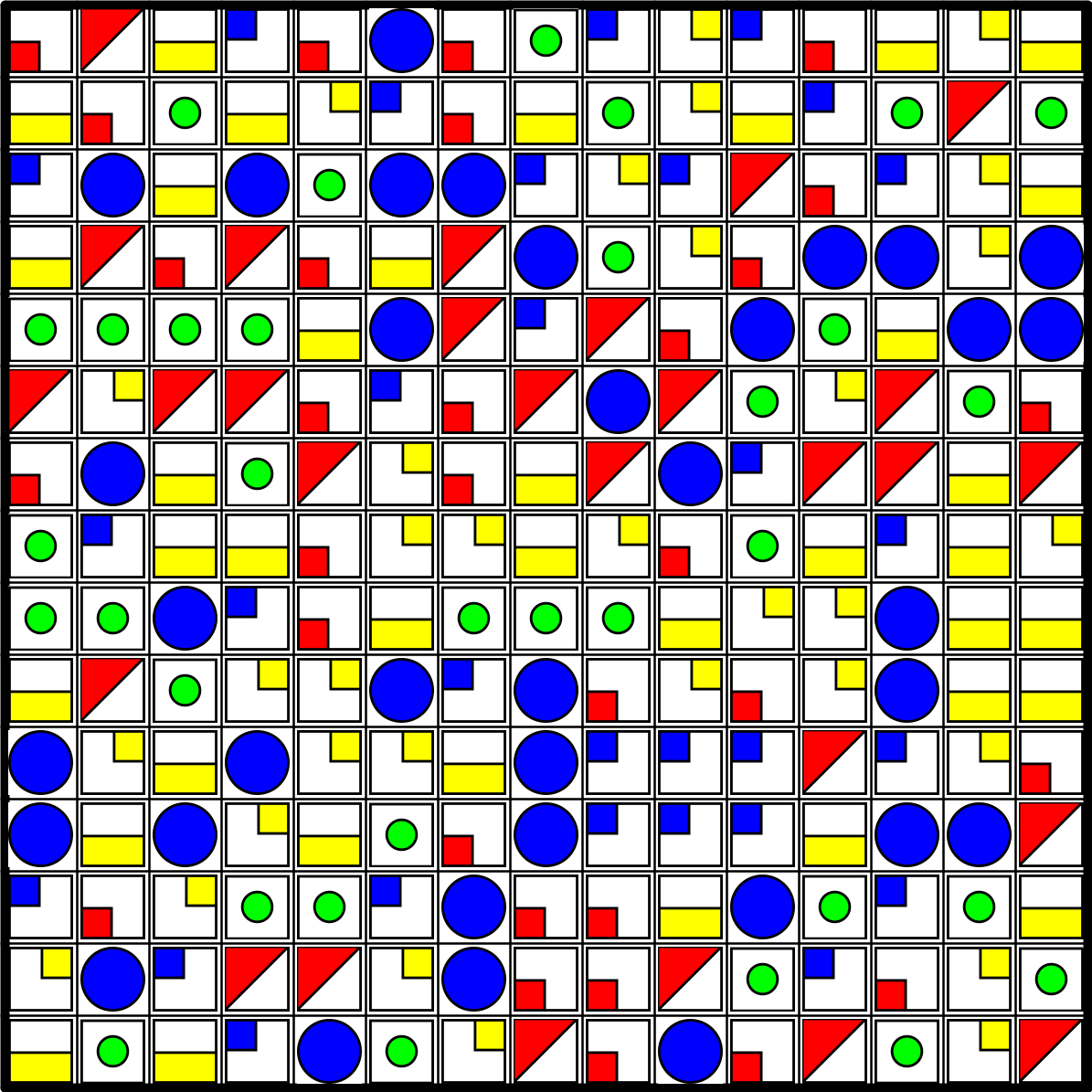
With Code Search, the “code” can be built from numbers, letters, colors, images, symbols, and themed visual content. That means you can create number challenges, secret-code activities, color recognition puzzles, image-based searches, themed symbol puzzles, and visual activity pages from one module.
One workflow. Many Code Search possibilities.
A Search Puzzle with a Code-Breaking Twist
Code Search puzzles use the familiar idea of searching inside a grid, then add a coded layer that makes the activity feel more distinctive.
Instead of relying only on ordinary words, you can shape the puzzle around visual or coded content. This makes Code Search useful for creators who want puzzle pages that stand out in book previews, printable listings, classroom resources, and themed activity packs.
You can create puzzles that feel like:
- secret-code activities
- number search challenges
- color recognition puzzles
- image-based activity pages
- symbol search puzzles
- spy and detective puzzles
- classroom logic worksheets
- themed puzzle-book interiors
The result is a puzzle format that is easy to understand, but flexible enough to support many audiences and niches.
What You Can Create
Code Search helps you create coded search puzzle pages and matching solution pages through a reusable Puzzle Maker Pro workflow.
Use it for:
- individual Code Search puzzles
- printable worksheets
- classroom activities
- homeschool resources
- KDP puzzle-book interiors
- Etsy printable packs
- Teachers Pay Teachers resources
- themed activity books
- visual puzzle collections
- Code Search puzzle books
You can adjust grid size, puzzle quantity, clue rules, placement behavior, clue-list layout, and page arrangement. That gives you practical control over both puzzle difficulty and page presentation.
Multiple Content Styles for Different Puzzle Ideas
Code Search is not locked to one kind of coded puzzle.
You can use different content styles depending on the project, audience, and theme.
Number-Based Code Search
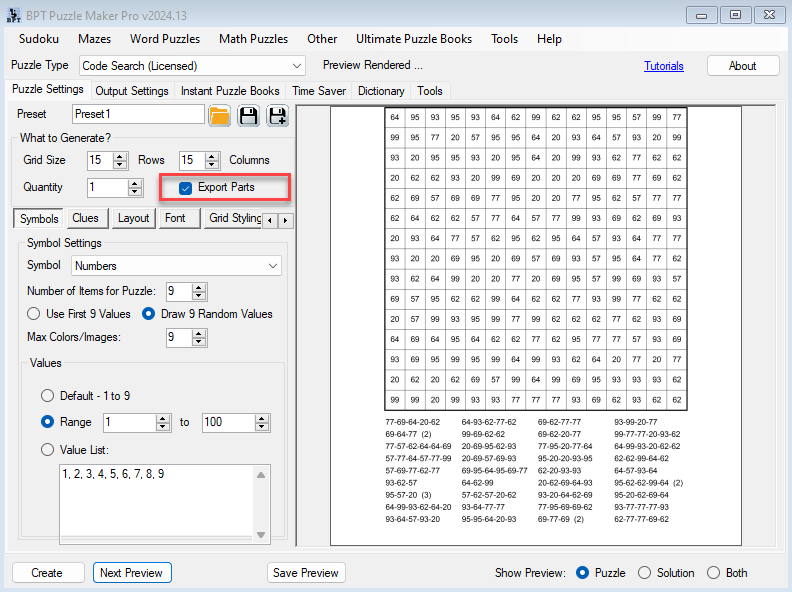
Use number-based Code Search puzzles for brain-training books, number recognition, Roman numeral themes, logic activities, math-adjacent resources, history date puzzles, and classroom practice pages.
This style works well when you want the puzzle to feel structured, analytical, or challenge-based.
Letter-Based Code Search
Use letter-based Code Search puzzles for spy themes, secret-code activities, alphabet practice, escape-room printables, detective books, password-style puzzles, and classroom challenges.
This style is especially useful when you want a page to feel like a mystery activity instead of a standard worksheet.
Color-Based Code Search
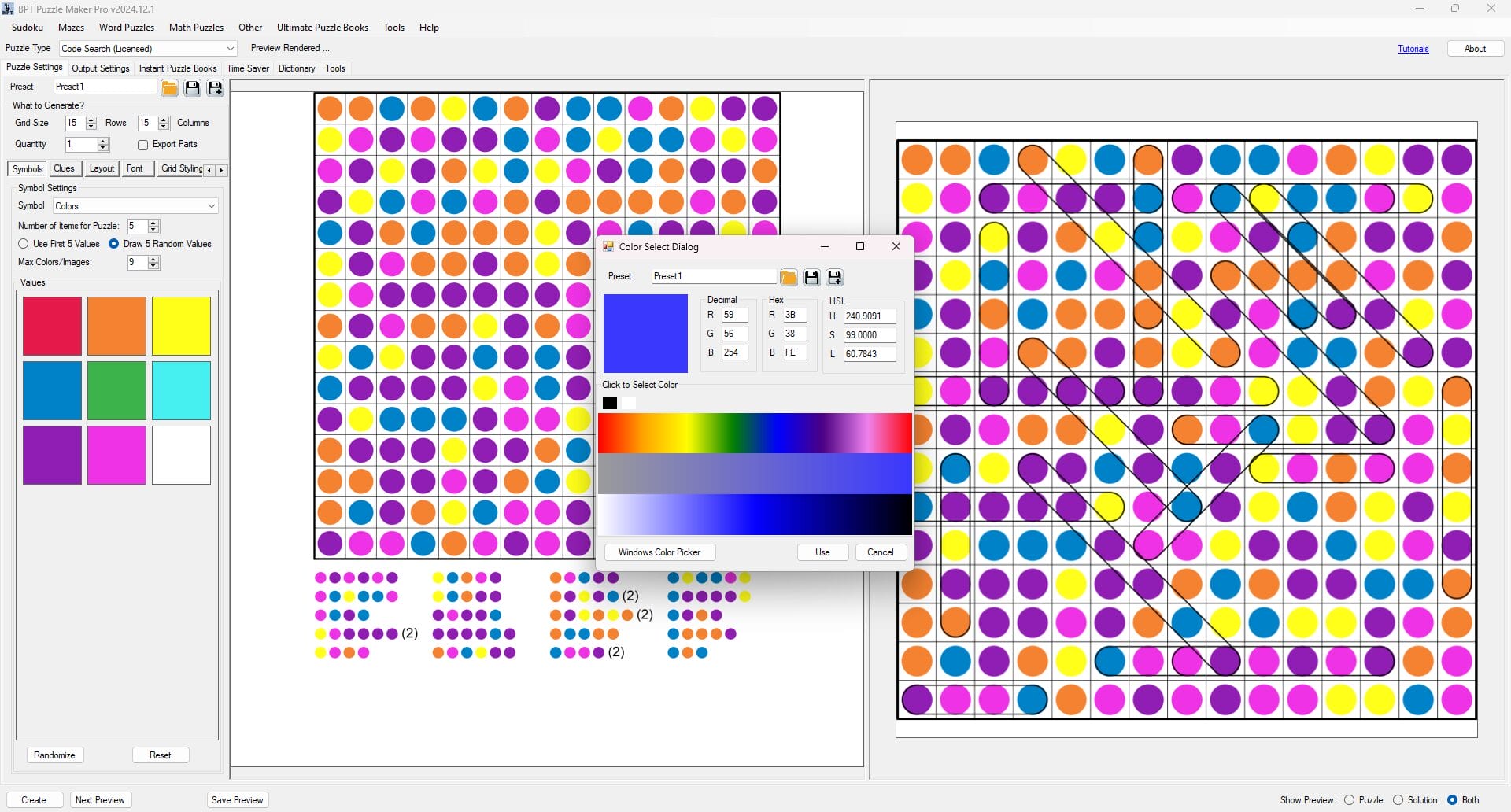
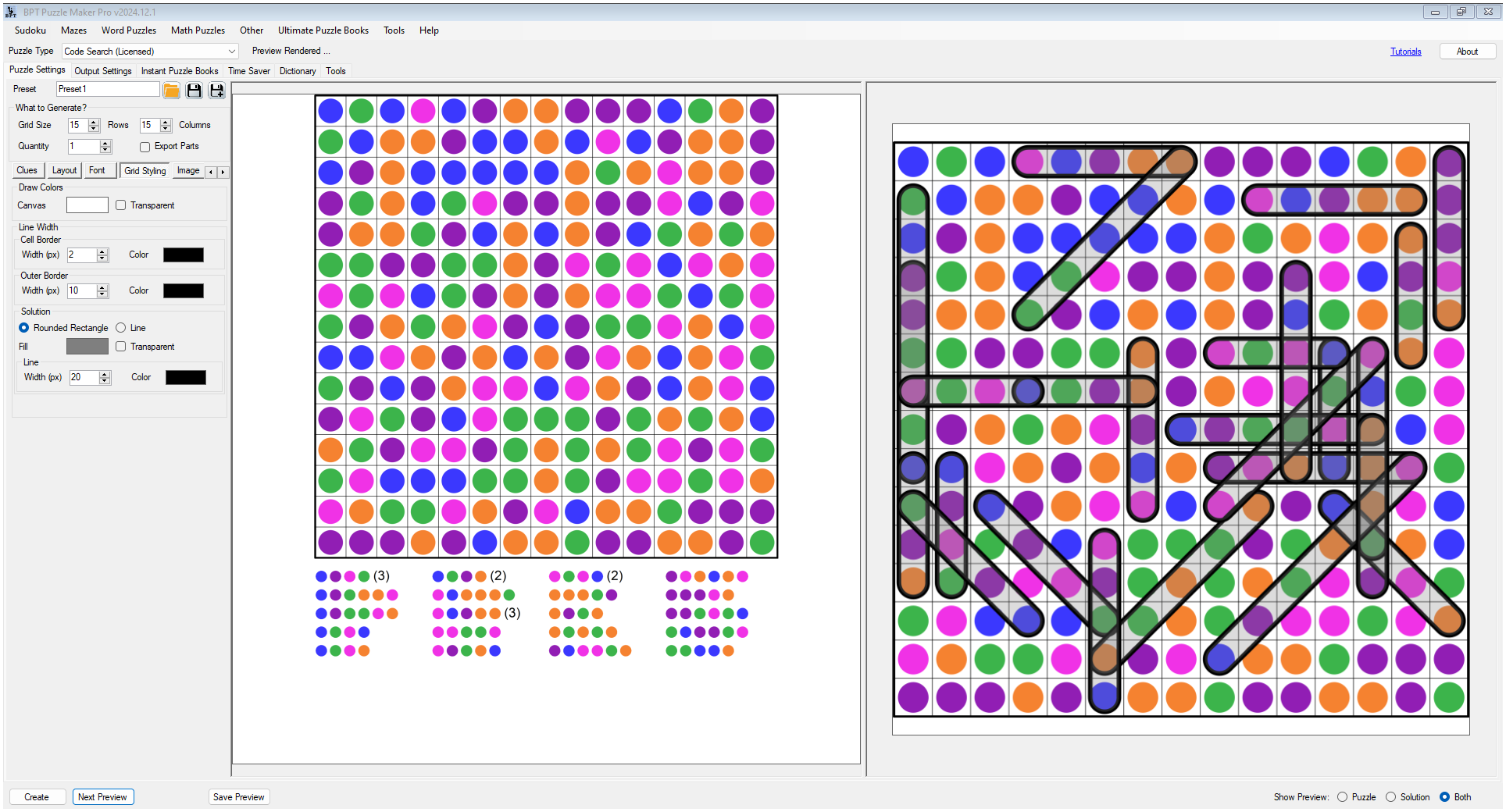
Use color-based Code Search puzzles for younger solvers, visual learners, seasonal activities, color recognition, classroom warm-ups, and visually distinctive printable packs.
This style is useful when the visual appearance of the page matters as much as the puzzle mechanic.
Image and Symbol-Style Code Search
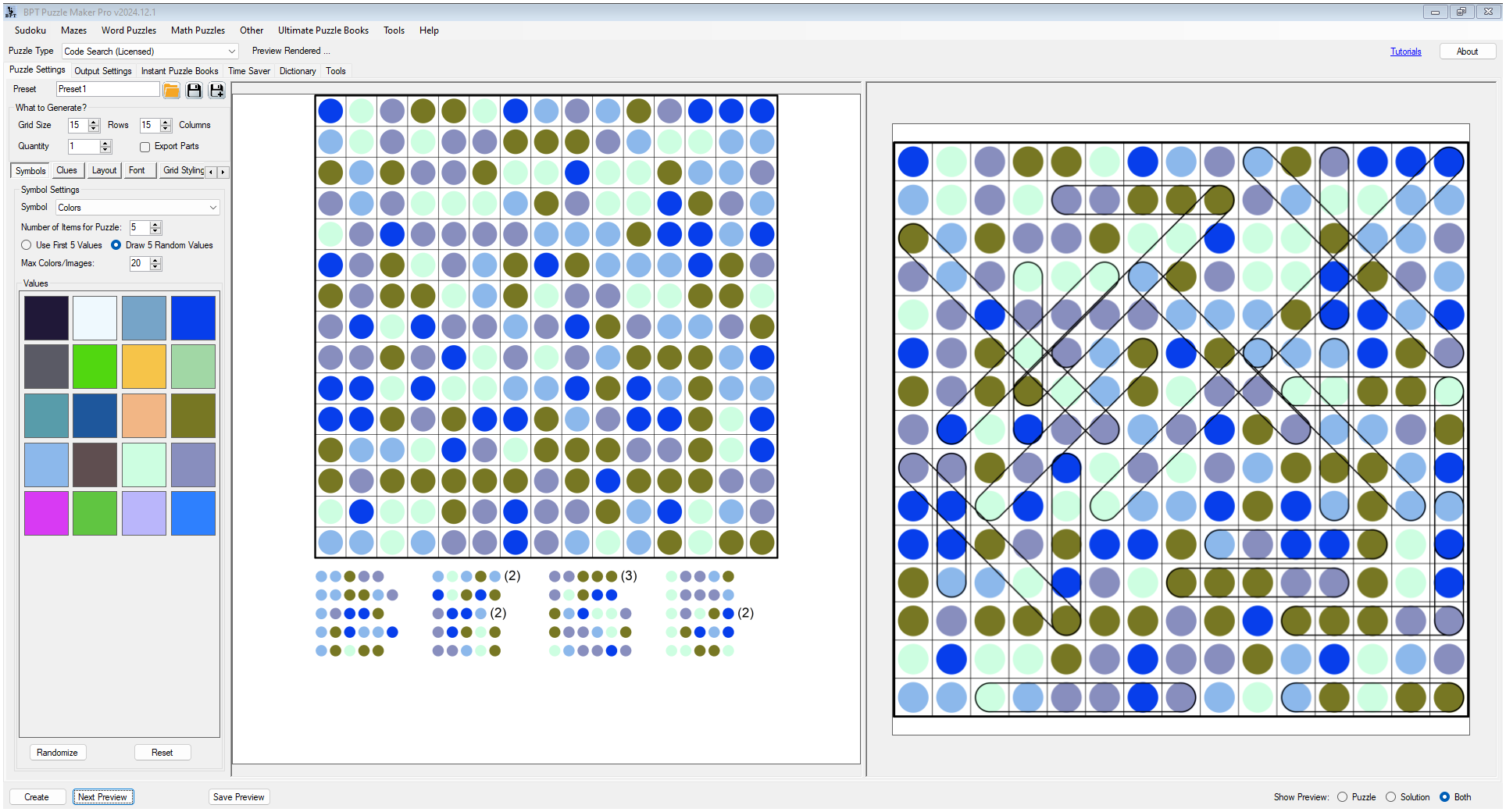
Use image and symbol-style Code Search puzzles for holiday packs, animal themes, food themes, sports activities, branded worksheets, party games, classroom resources, and non-word visual puzzles.
This style helps you create activity pages that feel custom and theme-specific.
These are content options inside one flexible module, not separate products.
Build Puzzle Sets, Printables, and Books
A single Code Search puzzle is useful, but the real value appears when you start building sets.
You might create a pack of color-code worksheets for a classroom theme, a number-based section for a brain-training book, a spy-themed activity pack with letter codes, or a collection of image-based puzzles for a children’s activity book.
Code Search supports that kind of repeatable creation. You can start with one puzzle idea, create variations, build a themed collection, and turn the results into a publishable resource.
That makes the module useful for creators who want:
- distinctive puzzle-book interiors
- themed printable packs
- classroom-ready puzzle worksheets
- reusable puzzle styles
- consistent puzzle collections
- Code Search sections inside larger activity projects
Control the Puzzle Structure
Code Search gives you practical controls for shaping both the puzzle and the page.
You can adjust rows, columns, quantity, clue length, clue copies, maximum clue count, and placement behavior such as diagonals, reversed clues, and overlaps. This helps you create easier puzzles for younger learners or more challenging puzzles for older solvers.
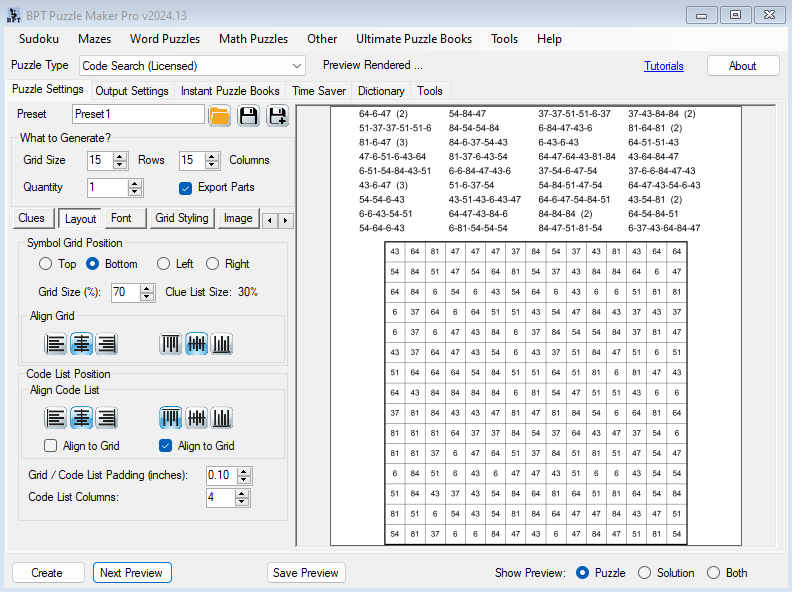
You can also control how the grid and clue list appear, including grid position, alignment, clue-list columns, spacing, and sorting behavior.
That matters because publishing is not only about generating puzzles. It is also about creating pages that are readable, organized, and ready to use.
Preview, Create, and Review
Code Search fits into the shared Puzzle Maker Pro workflow.
You can preview the puzzle, preview the solution, or view both while working. Then you can create your output and move into a broader puzzle-book workflow when your project needs more than a single page.
A typical Code Search workflow looks like this:
- Choose the content style for the project.
- Set the grid, clue, and placement rules.
- Adjust the layout and clue-list options.
- Preview the puzzle and solution.
- Create the puzzle pages.
- Review and assemble the project in Puzzle Book Studio when building a book or collection.
This keeps Code Search connected to the larger Puzzle Maker Pro production system instead of treating each puzzle as a disconnected file.
Assemble Code Search Books in Puzzle Book Studio
After creating Code Search puzzles, you can use Puzzle Book Studio to review, organize, and prepare puzzle-book projects.
Puzzle Book Studio gives you a visual workspace for checking pages, navigating puzzle sets, editing puzzle information, and rendering final books. You can review single pages or facing-page spreads, hide puzzles or collections, shuffle content, rebuild the book after changes, and prepare the final output.
For Code Search creators, this means you can move from puzzle generation into book assembly without losing control over the finished product.
Create the puzzle content. Review the book structure. Adjust what belongs in the final product. Render when ready.
Two Purchase Options
This product page has two purchase options:
- Puzzle Maker Pro – Code Search
- Puzzle Maker Pro – Code Search Productivity Edition
Both include the Code Search module. The difference is workflow scale, mixed puzzle book use, and commercial rights.
Code Search
Choose Code Search if you want to create your own Code Search puzzle books, worksheets, printables, activity packs, educational resources, or puzzle collections.
This option is for creators who publish and sell their own finished puzzle products directly to consumers.
Use Code Search for:
- personal puzzle creation
- classroom worksheets
- homeschool resources
- KDP puzzle books under your own account
- Etsy printable packs
- Teachers Pay Teachers resources
- PDF products for your own shop
- print-on-demand puzzle books
- finished puzzle products sold to end users
This is the right choice when you are creating products under your own brand and selling them directly to your own readers, students, or customers.
Code Search Productivity Edition
Choose Code Search Productivity Edition if you want Code Search plus stronger production workflow tools and expanded commercial rights.
The Productivity Edition adds Time Saver, reseller rights for finished puzzle products, and the ability to use Code Search in mixed puzzle books.
Use Code Search Productivity Edition when you want to:
- generate larger Code Search batches
- use saved presets in Time Saver workflows
- create multiple puzzle setups in one production run
- use Code Search as a section inside mixed puzzle books
- combine Code Search with other puzzle types in larger books
- create finished puzzle products for clients
- create wholesale puzzle content
- create products another seller or publisher can resell
Productivity Edition is not just about working faster. It is for creators who want Code Search to become part of a repeatable publishing workflow.
What Time Saver Adds
Time Saver turns Code Search into a batch production workflow.
Instead of setting up one run at a time, you can work with saved presets and batch rows. Each row can represent a different setup, quantity, and variation.
For example, one row might create number-based Code Search puzzles, another might create color-based classroom pages, and another might create image-style activity pages. You can then run the batch as part of a larger production project.
With Code Search Productivity Edition, Time Saver helps you:
- import one or more Code Search presets
- create multiple batch rows
- set quantities per row
- vary grid and clue rules per setup
- adjust placement behavior
- randomize row order when useful
- optionally export puzzle parts
- build larger sets with less repeated setup work
This is especially useful for books, bundles, themed packs, client projects, and repeatable publishing systems.
Use Code Search in Mixed Puzzle Books
Code Search Productivity Edition is also the option for using Code Search inside mixed puzzle books.
A mixed puzzle book might include Code Search, mazes, word puzzles, math puzzles, logic puzzles, visual puzzles, and other activity pages in one finished product. This is useful when you want to create richer books instead of single-format puzzle collections.
Possible mixed book ideas include:
- spy activity books with Code Search, mazes, and logic puzzles
- classroom workbooks with Code Search, math puzzles, and word activities
- holiday activity books with image Code Search and other puzzle types
- brain-training books with number Code Search and logic puzzles
- kids’ activity books with color Code Search and visual activities
Choose the regular Code Search option for your own Code Search products. Choose Productivity Edition when Code Search needs to become part of a larger mixed-book workflow.
Edition Comparison
| Feature / Use Case | Code Search | Code Search Productivity Edition |
|---|---|---|
| Code Search puzzle module | ✓ | ✓ |
| Number, letter, color, image, and visual content options | ✓ | ✓ |
| Create Code Search puzzle pages | ✓ | ✓ |
| Create matching solution pages | ✓ | ✓ |
| Grid, clue, placement, and layout controls | ✓ | ✓ |
| Preview puzzle, solution, or both | ✓ | ✓ |
| Create your own Code Search books and printables | ✓ | ✓ |
| KDP, Etsy, TPT, classroom, and POD rights for your own products | ✓ | ✓ |
| Puzzle Book Studio workflow for Code Search projects | ✓ | ✓ |
| Time Saver batch workflow | — | ✓ |
| Multiple presets in one batch workflow | — | ✓ |
| Row-level quantity and setting control | — | ✓ |
| Optional exported puzzle parts | — | ✓ |
| Use Code Search in mixed puzzle books | — | ✓ |
| Reseller rights for finished puzzle products | — | ✓ |
| Create finished puzzle products for clients or other sellers | — | ✓ |
| Best for | Own-brand puzzle books, worksheets, printables, and activity packs | Batch production, mixed puzzle books, client work, wholesale content, and reseller workflows |
Who Code Search Is For
KDP and Puzzle Book Publishers
Use Code Search to add a visually different puzzle format to your publishing catalog. Create number-search books, secret-code collections, themed activity books, or Code Search sections that help your interiors feel less generic.
Etsy and Printable Creators
Create seasonal packs, party activities, holiday games, classroom printables, and visual puzzle downloads. Code Search works well when your printable needs a clear theme and a quick-to-understand activity.
Teachers, Homeschoolers, and TPT Sellers
Turn review activities into puzzles students want to solve. Use numbers, letters, colors, images, or symbols to support recognition, logic, alphabet practice, classroom themes, or visual learning.
Activity Book Creators
Use Code Search as a flexible section inside children’s books, educational workbooks, holiday activity packs, brain-training books, and visual puzzle collections. With Productivity Edition, it can also become part of larger mixed puzzle books.
Real-World Project Ideas
Spy Codebreaker Activity Pack
Create letter-based and symbol-style Code Search puzzles for a spy, detective, or escape-room theme. Add matching solution pages and turn the result into a printable activity pack or puzzle-book section.
Color Recognition Worksheet Set
Create color-based Code Search puzzles for younger learners, seasonal classroom activities, homeschool resources, or TPT printables.
Number Challenge Puzzle Book
Create number-based puzzles for brain-training, number recognition, Roman numeral activities, logic practice, or math-adjacent puzzle books.
Themed Image Search Collection
Create image-based Code Search puzzles around animals, holidays, food, sports, school topics, or custom visual themes.
Mixed Puzzle Book with Productivity Edition
Use Code Search Productivity Edition when Code Search is one section inside a larger book that also includes other puzzle types.
Why Code Search Exists
Puzzle creators need variety, but variety should not create workflow chaos.
If every new puzzle style requires a separate tool, setup process, or manual design workflow, publishing becomes harder to scale. Code Search solves that problem by giving you a flexible coded-search puzzle module with multiple content styles inside one reusable workflow.
You can start with one puzzle, create variations, build themed sets, assemble books, and scale into batch workflows with the Productivity Edition.
That is the practical value of Code Search: flexible puzzle variety without turning your production process into a mess.
Licensing and Usage Rights
Code Search
Choose Code Search if you are creating finished puzzle products for your own brand, shop, classroom, or publishing catalog.
You can use it for personal use, classroom use, homeschool resources, KDP books, Etsy printables, TPT resources, PDF products, print-on-demand books, and finished products sold directly to end users.
Code Search Productivity Edition
Choose Code Search Productivity Edition if you need Time Saver workflow features, reseller rights for finished puzzle products, client work rights, wholesale use, or Code Search inside mixed puzzle books.
Productivity Edition reseller rights apply to finished puzzle products only.
You may not resell, redistribute, share, repackage, sublicense, or transfer the Puzzle Maker Pro software itself.
Technical Details
| Detail | Information |
|---|---|
| Platform | Windows software |
| Software type | Desktop software, not browser-based software |
| Internet required | Works offline after installation and activation |
| Delivery | Digital download from your member area after purchase |
| Demo | Free demo available |
| Demo limitation | Unlicensed modules create watermarked puzzle outputs |
| Updates | Lifetime updates included |
| Refunds | No refunds; please test the free demo before purchasing |
| Creative rights | Personal, classroom, print-on-demand, and end-user sales rights |
| Productivity rights | Includes reseller rights for finished puzzle products |
| Software resale | Not allowed |
Frequently Asked Questions
What is Puzzle Maker Pro – Code Search?
Code Search is a Puzzle Maker Pro module for creating coded search puzzles with different content styles, including numbers, letters, colors, images, symbols, and themed visual content.
Is Code Search one module or several products?
Code Search is one module with multiple content and layout options.
What kinds of puzzles can I create?
You can create number-based searches, letter-code puzzles, color-based searches, image-style puzzles, symbol-style activities, and themed visual Code Search puzzles.
What is the difference between Code Search and Code Search Productivity Edition?
Both options include the Code Search module. Code Search is for your own puzzle books, worksheets, printables, and activity packs. Code Search Productivity Edition adds Time Saver, reseller rights for finished puzzle products, and the ability to use Code Search in mixed puzzle books.
Do I need Productivity Edition for KDP, Etsy, or TPT?
Not if you are creating and selling your own finished products directly to end users. Code Search is enough for your own KDP books, Etsy printables, TPT resources, classroom materials, and POD products.
When do I need Productivity Edition?
Choose Productivity Edition when you need Time Saver batch workflows, Code Search inside mixed puzzle books, reseller rights, client work rights, wholesale use, or finished puzzle products another seller or business can resell.
Can I use Puzzle Book Studio with Code Search?
Yes. Code Search projects can flow into Puzzle Book Studio for reviewing, organizing, editing, rebuilding, and rendering puzzle-book projects.
Can I sell the puzzles I create?
Yes. With Code Search, you can sell your own finished puzzle products directly to end users, including KDP books, Etsy printables, TPT resources, PDFs, worksheets, and print-on-demand products.
Can I create puzzle products for clients or other sellers?
Yes, but you need Code Search Productivity Edition. Productivity Edition includes reseller rights for finished puzzle products.
Can I resell the software?
No. Reseller rights apply only to finished puzzle products created with the software. The Puzzle Maker Pro software itself may not be resold, redistributed, shared, sublicensed, repackaged, or transferred.
Is there a demo version?
Yes. Puzzle Maker Pro has a free demo version. Unlicensed modules create watermarked puzzle outputs, so you can test the workflow before purchasing.
Does Code Search work offline?
Yes. Puzzle Maker Pro is Windows desktop software and works offline after installation and activation.
Are updates included?
Yes. Lifetime updates are included.
Do you offer refunds?
No. There are no refunds. Please download and test the free demo before purchasing.
Choose the Code Search Workflow That Fits Your Publishing Goals
Code Search gives you a flexible way to create coded search puzzles that look different, feel engaging, and work across many publishing ideas.
Choose Code Search if you want to create and sell your own finished puzzle products for KDP, Etsy, TPT, classroom use, print-on-demand publishing, or your own shop.
Choose Code Search Productivity Edition if you want Time Saver batch workflows, reseller rights for finished puzzle products, client or wholesale use, and the ability to use Code Search inside mixed puzzle books.
Create one puzzle. Build a themed set. Assemble a book. Scale the workflow when you are ready.


