2025 update

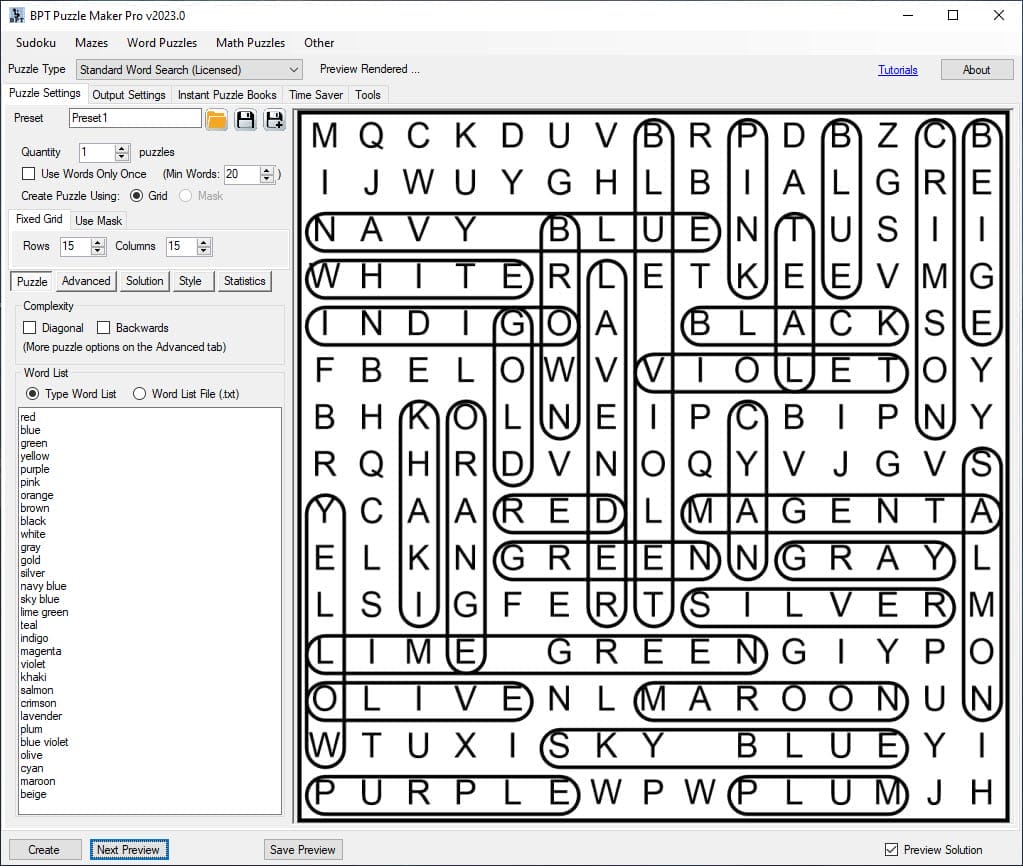
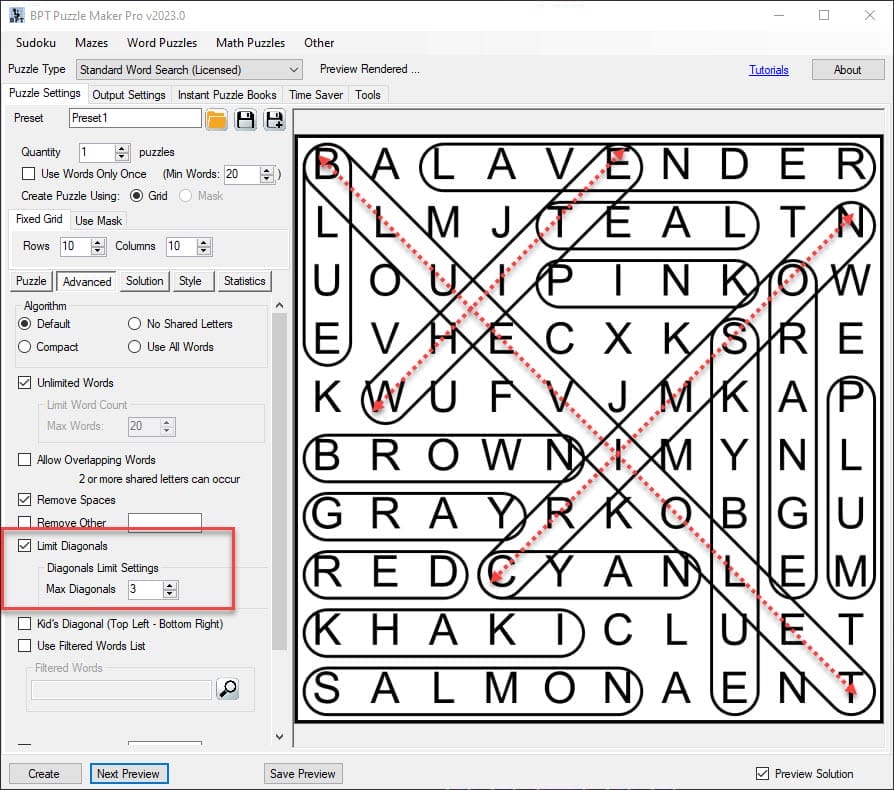
How can I set the number of diagonals in Puzzle Maker Pro Word Search?

Welcome to the tutorial on how to create diagonals for Puzzle Maker Pro Word Search. The techniques used in this tutorial are available for all versions of Word Search. There are several options to control if and how diagonals will be used to place words in the grid: How to Enable or Disable Diagonals in

How can I set the number of diagonals in Puzzle Maker Pro Word Search? Read More »
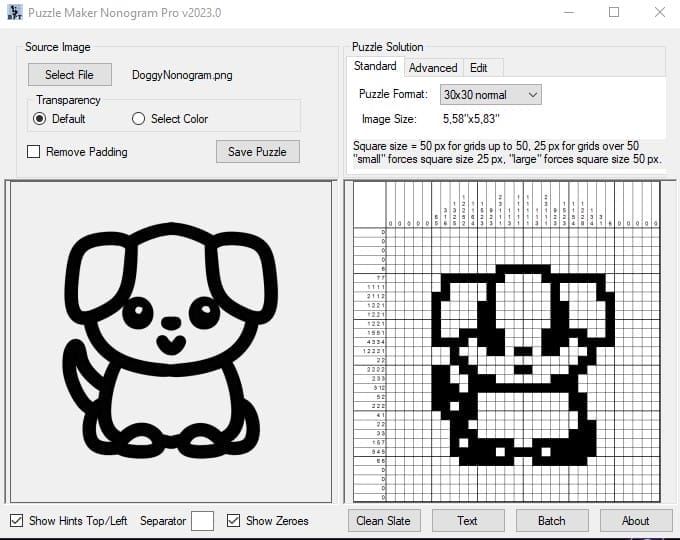
How can I create Nonogram puzzles with Puzzle Maker – Nonogram Standard?

This tutorial shows how to create nonogram puzzles with Puzzle Maker – Nonogram. The techniques in this tutorial apply to: Creating Puzzles You always start off with a blank screen. If you’ve activated your software (Instructions for this appear are sent in an email automatically upon purchase), you can start making your own puzzles. You

How can I create Nonogram puzzles with Puzzle Maker – Nonogram Standard? Read More »

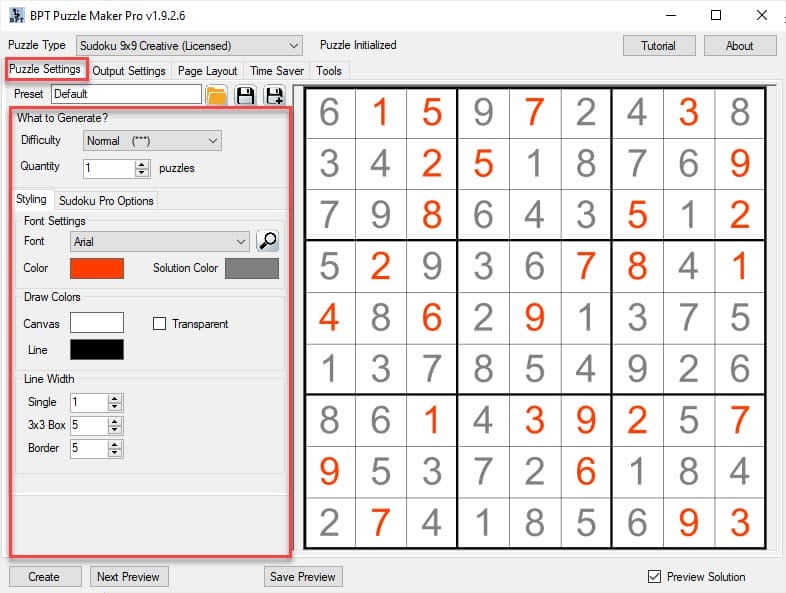
How can I create a Puzzle Book without using the Time Saver in Puzzle Maker Pro?

Create Puzzle Books with Puzzle Maker Pro There are several ways to create puzzle books with Puzzle Maker Pro. With ‘puzzle book’ we mean a PDF or Powerpoint file that can be used as an interior for KDP books, or as a printable on e.g. Etsy. Single Puzzle Type Single Puzzle Type in this case

How can I create a Puzzle Book without using the Time Saver in Puzzle Maker Pro? Read More »

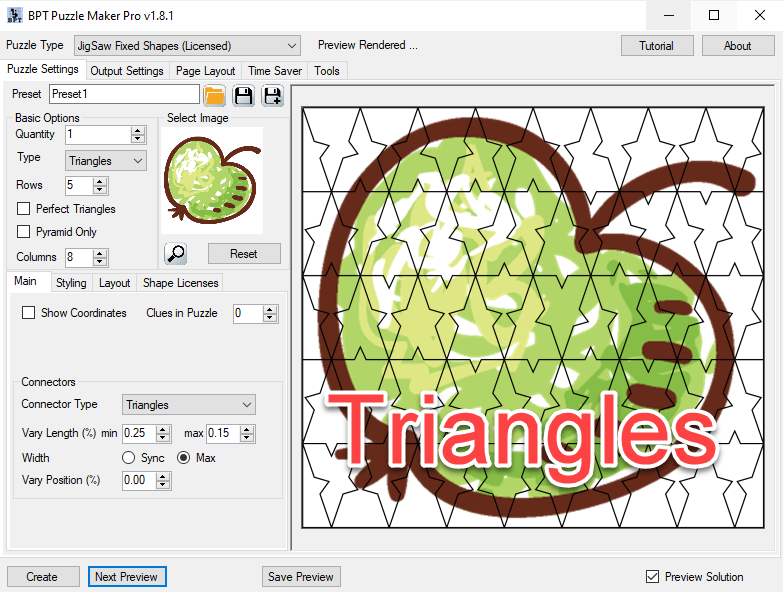
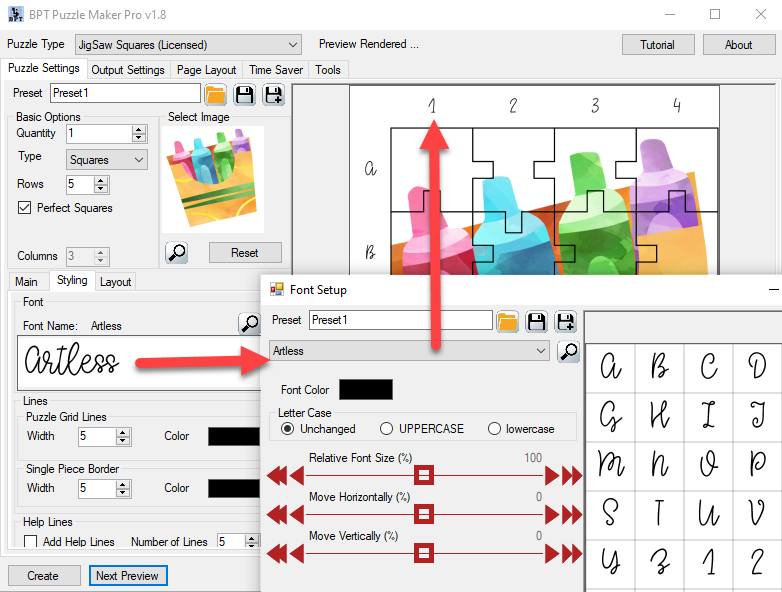
How Can I Change the Styling for Puzzle Maker Pro – Jigsaw puzzles?

Welcome to the tutorial for styling your Jigsaw puzzles made with Puzzle Maker Pro – Jigsaw. The techniques shown in this tutorial apply to all versions of Jigsaw. For Jigsaw puzzles, the following styling options are available: Font Styling You can choose any (TrueType) font on your computer for the printed coordinates. Just click the

How Can I Change the Styling for Puzzle Maker Pro – Jigsaw puzzles? Read More »

Shopping Cart