2025 update

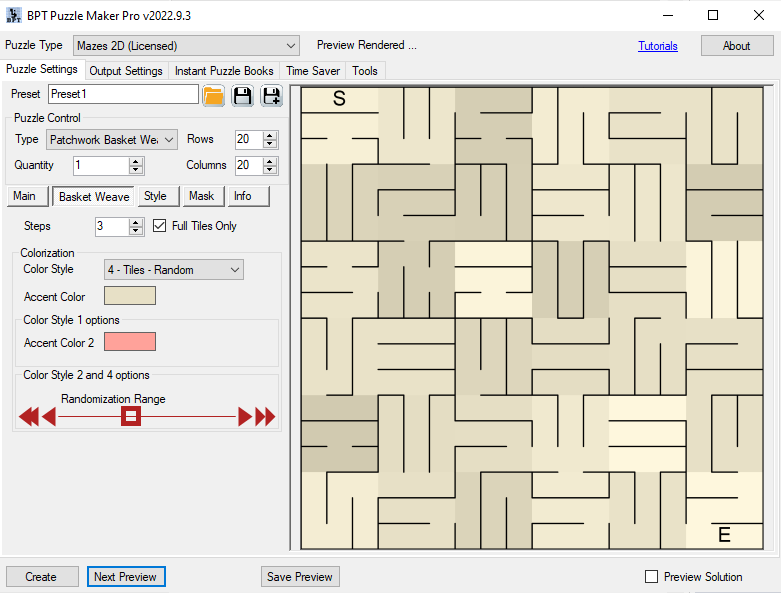
How to create Basket Weave Mazes with Puzzle Maker Pro – Mazes 2D Bricks

How to create Basket Weave Mazes with Puzzle Maker Pro – Mazes 2D Bricks This tutorial applies to Puzzle Maker Pro – Mazes 2D Patchwork Bricks. The tutorial “How to use Mazes 2D Squares” describes how to use the generic options for Mazes 2D. The module Mazes 2D Bricks for Puzzle Maker Pro contains two

How to create Basket Weave Mazes with Puzzle Maker Pro – Mazes 2D Bricks Read More »
How to use Masked Word Search Puzzle Presets in the Time Saver for Word Search (for Puzzle Maker Pro version 1 to 2023.3.2)

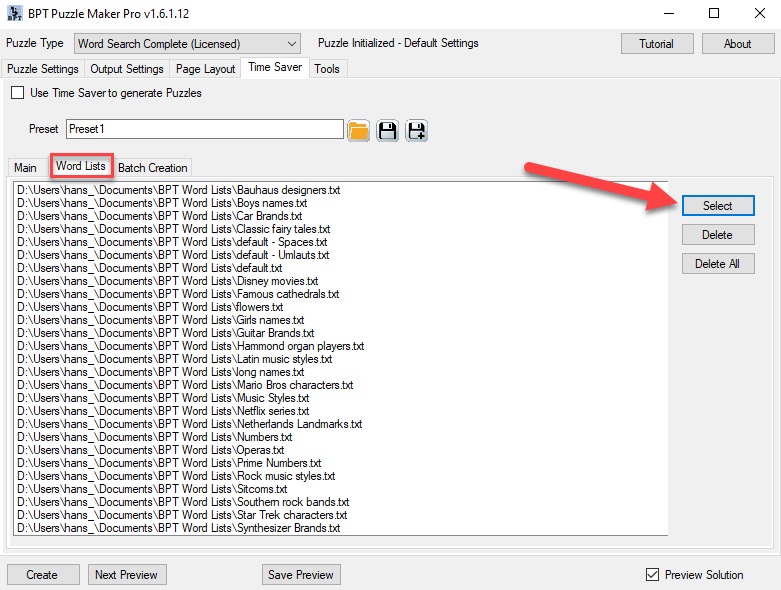
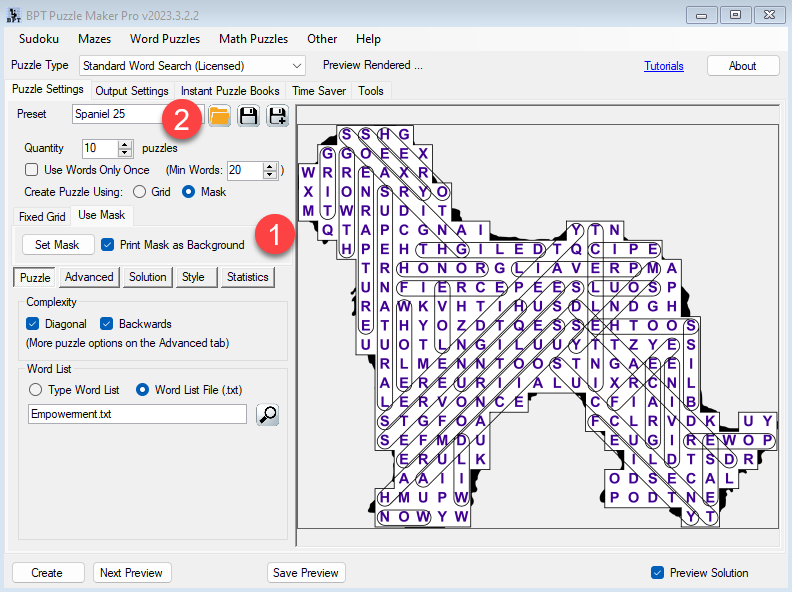
This tutorials shows how to use Masked Word Search Puzzle Presets in the Time Saver for Word Search. The tutorial applies to Puzzle Maker Pro version 1 to 2023.3.2 and modules: Note: If you don’t use masks, but specific layout settings, you can apply this tutorial without the mask setup. Introduction The Time Saver for

How to use Masked Word Search Puzzle Presets in the Time Saver for Word Search (for Puzzle Maker Pro version 1 to 2023.3.2) Read More »

How to create letter or word nonograms with Puzzle Maker Nonogram

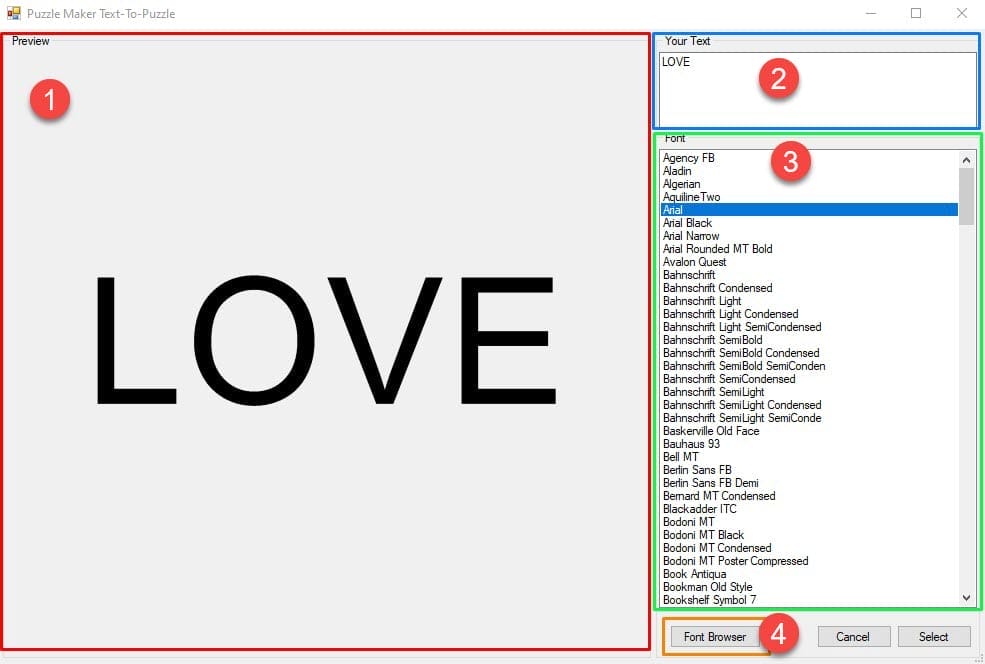
Creating a text nonogram Welcome to the tutorial on how to create Nonograms with letters or words. This is possible with Puzzle Maker Nonogram Text. You can use these techniques with Nonogram Complete, or Nonogram Text. Creating a nonogram with text in it is rather easy, if you have this software. First, select the “text”

How to create letter or word nonograms with Puzzle Maker Nonogram Read More »

How do I use the advanced and edit tabs of Puzzle Maker Nonogram

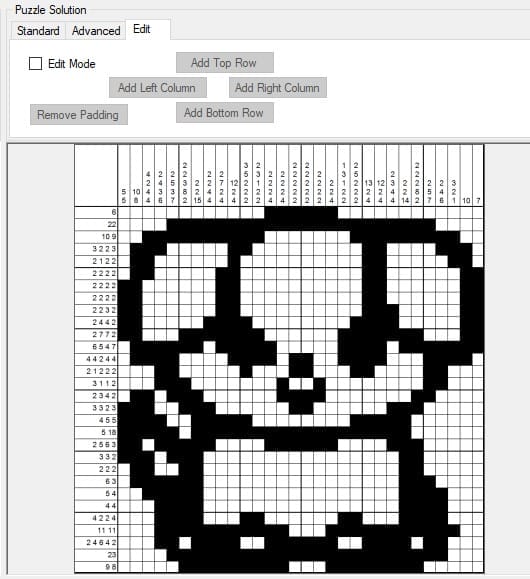
This tutorial shows how to use the advanced and edit tabs of Puzzle Maker Nonogram Complete. This tutorial applies to: (The advanced and edit tabs are not available in Puzzle Maker Nonogram Standard.) Contents Introduction In the getting started tutorial, we discussed easy ways to quickly make a nonogram puzzle. In this tutorial, we’ll be

How do I use the advanced and edit tabs of Puzzle Maker Nonogram Read More »

Shopping Cart