Hans Miedema

How to Use Custom Layouts for Different Puzzle Sets

How to Use Custom Layouts for Different Puzzle Sets Summary:Custom layouts allow individual Puzzle Sets to use different page layouts within the same puzzle book. This tutorial explains how to create, edit, and manage collection-specific layouts in Puzzle Book Studio so different types of puzzles can be presented in the most effective way. Overview Not

How to Use Custom Layouts for Different Puzzle Sets Read More »
How to Shuffle Puzzles in Puzzle Book Studio (Sets or Full Book)

How to Shuffle Puzzles in Puzzle Book Studio (Sets or Full Book) Summary:Puzzle Book Studio allows you to randomize puzzle order either within individual puzzle sets or across the entire book. This tutorial explains how to use the shuffle tools to create more varied puzzle books while preserving your original puzzle collections. Overview Puzzle order

How to Shuffle Puzzles in Puzzle Book Studio (Sets or Full Book) Read More »

How to Render Puzzle Books in Multiple Formats

How to Render Puzzle Books in Multiple Formats Summary:Puzzle Book Studio allows you to render finished puzzle books in multiple output formats, including PDF, Image PDF, Bitmap Pages, and PowerPoint. This tutorial explains how to configure output settings, render your book, and create different publishing products from the same puzzle content. Overview Rendering is the

How to Render Puzzle Books in Multiple Formats Read More »

How to Change Page Layouts and Rebuild Puzzle Books

How to Change Page Layouts and Rebuild Puzzle Books Summary:Puzzle Book Studio allows you to modify book layouts, adjust book settings, and rebuild assembled puzzle books without regenerating your original puzzles. This tutorial explains how to update your book layout, rebuild the book, and review the results before publishing. Overview One of the biggest advantages

How to Change Page Layouts and Rebuild Puzzle Books Read More »

How to Use Puzzle Book Studio in Puzzle Maker Pro

How to Use Puzzle Book Studio in Puzzle Maker Pro Summary:Puzzle Book Studio is the workspace used to review, organize, customize, and publish puzzle books created with Puzzle Maker Pro. This tutorial explains how Puzzle Book Studio helps you transform generated puzzles into polished, publish-ready puzzle books through one organized workflow. Overview Creating puzzles is

How to Use Puzzle Book Studio in Puzzle Maker Pro Read More »

How to Fix Warnings in Puzzle Book Studio

How to Fix Warnings in Puzzle Book Studio Summary:Puzzle Book Studio warnings help you identify layout, readability, missing-file, and review issues before rendering your final puzzle book. This tutorial explains how to read warnings, navigate to affected pages or puzzles, and decide what to fix before publishing. Overview Warnings in Puzzle Book Studio are quality-control

How to Fix Warnings in Puzzle Book Studio Read More »

Puzzle Book Studio Tutorials Overview

Puzzle Book Studio Tutorials and Learning Guide Summary:Puzzle Book Studio tutorials help you assemble, organize, edit, review, and publish puzzle books created with Puzzle Maker Pro. This guide provides a recommended learning path through the most important Puzzle Book Studio workflows, from editing puzzle content to rendering finished books. Overview Puzzle Book Studio is the

Puzzle Book Studio Tutorials Overview Read More »

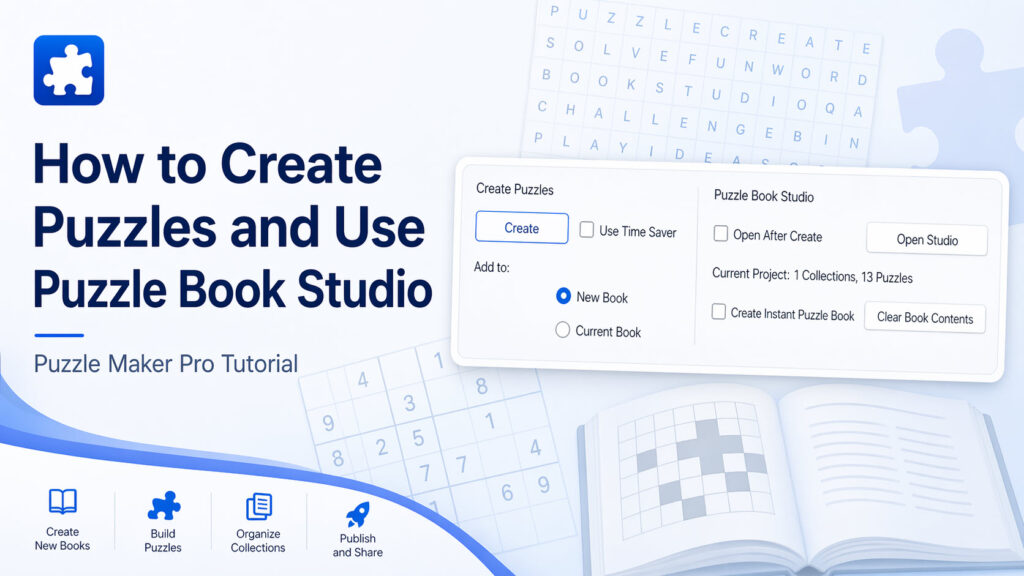
How to Create Puzzles and Use Puzzle Book Studio in Puzzle Maker Pro

🧩 How to Create Puzzles and Use Puzzle Book Studio in Puzzle Maker Pro 📘 Overview This tutorial explains how to generate puzzles and turn them into complete puzzle books using Puzzle Book Studio in Puzzle Maker Pro. You’ll learn: This is the core workflow that takes you from individual puzzles → finished puzzle products.

How to Create Puzzles and Use Puzzle Book Studio in Puzzle Maker Pro Read More »

Shopping Cart