Time Saver

Creating Difficulty Levels and Puzzle Variations in Bridges

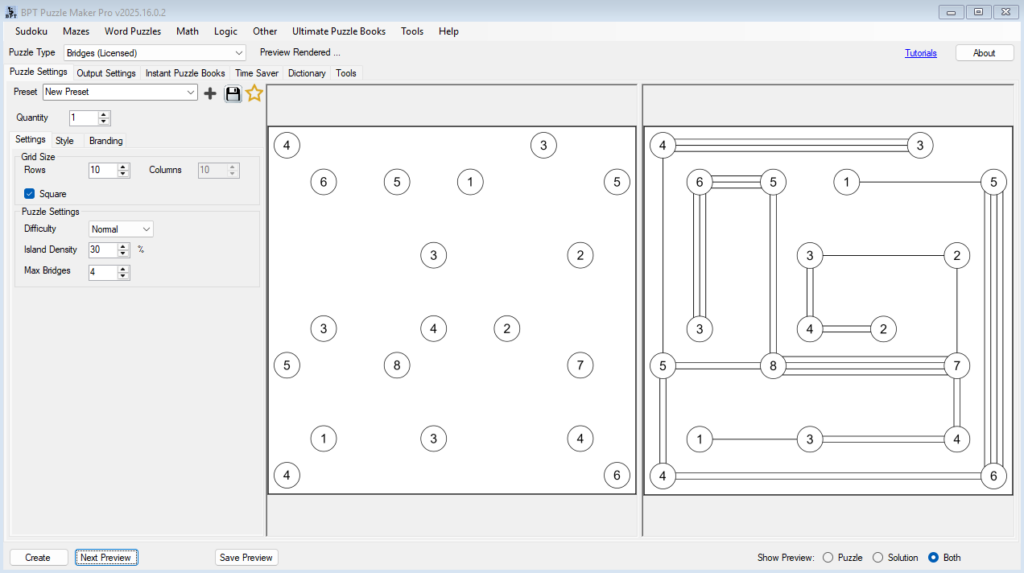
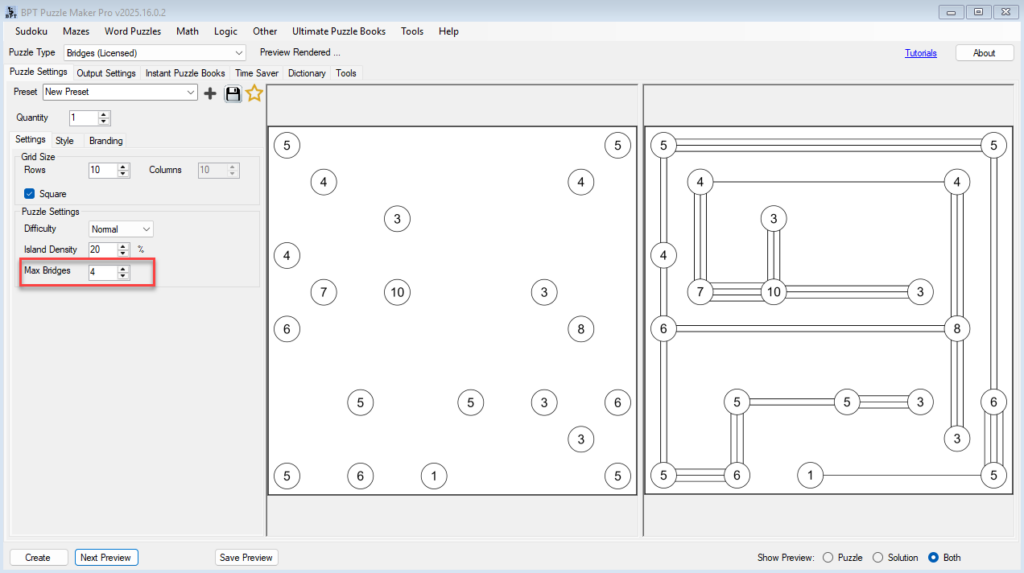
⚙️ Creating Difficulty Levels and Puzzle Variations in Bridges 🔍 Overview In this tutorial, you’ll learn how to control and fine-tune puzzle difficulty in the Bridges module of Puzzle Maker Pro.By adjusting a few simple parameters — grid size, density, difficulty, and maximum bridges — you can create an entire range of puzzles from relaxing

Creating Difficulty Levels and Puzzle Variations in Bridges Read More »

Bridges Puzzle Tutorials — Master the Bridges Module in Puzzle Maker Pro

🧩 Bridges Puzzle Tutorials — Master the Bridges Module in Puzzle Maker Pro 🔍 Overview Learn everything you need to know about creating professional Bridges puzzles in Puzzle Maker Pro.This five-part tutorial series guides you from your first puzzle to full puzzle book automation — including styling, difficulty levels, and creative hand-drawn effects. Each tutorial

Bridges Puzzle Tutorials — Master the Bridges Module in Puzzle Maker Pro Read More »

Using the Time Saver to Build Puzzle Collections Fast

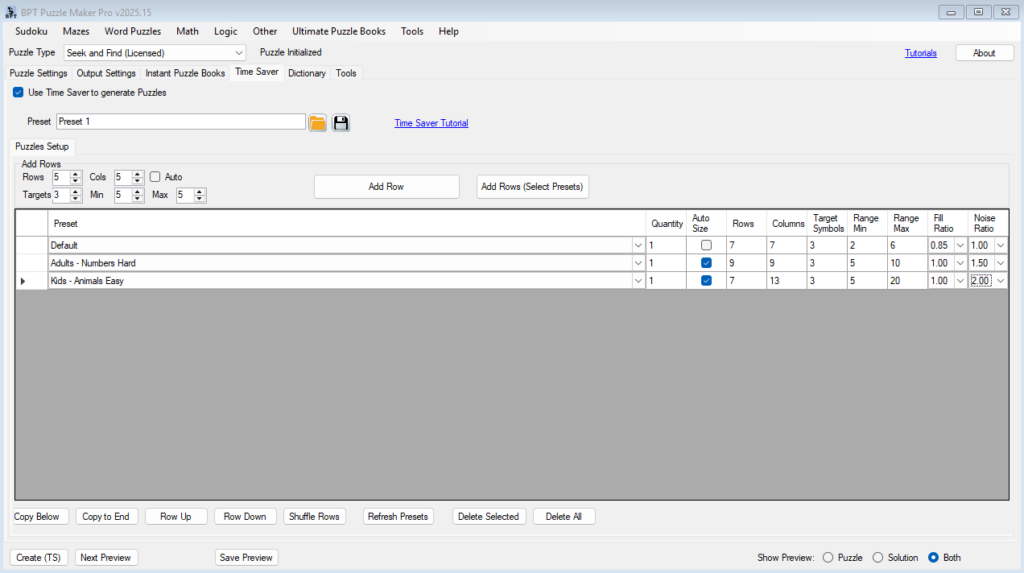
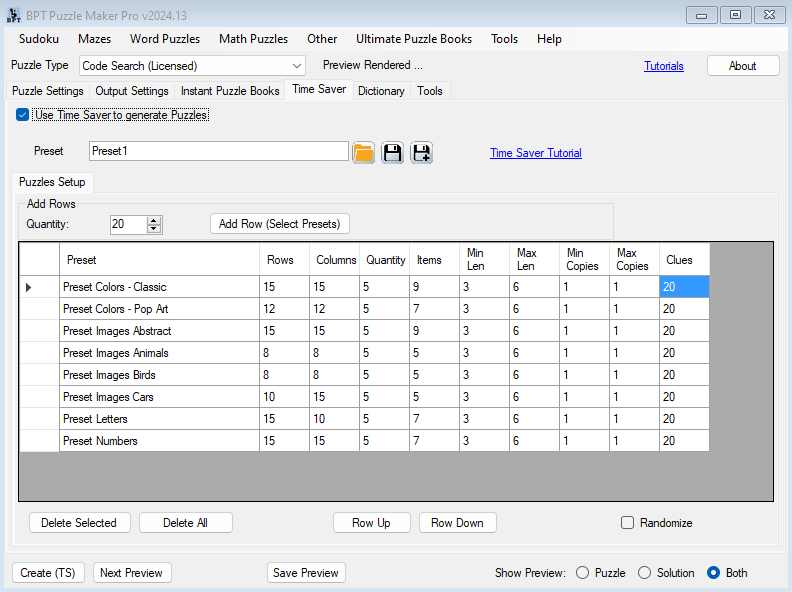
⚙️ Using the Time Saver to Build Puzzle Collections Fast Overview The Time Saver in Puzzle Maker Pro – Seek and Find helps you create complete puzzle collections automatically — perfect for KDP publishers, educators, and anyone producing multiple puzzles in a single session. Instead of generating puzzles one by one, you can define an

Using the Time Saver to Build Puzzle Collections Fast Read More »

Styling and Branding for Skyscraper Puzzles

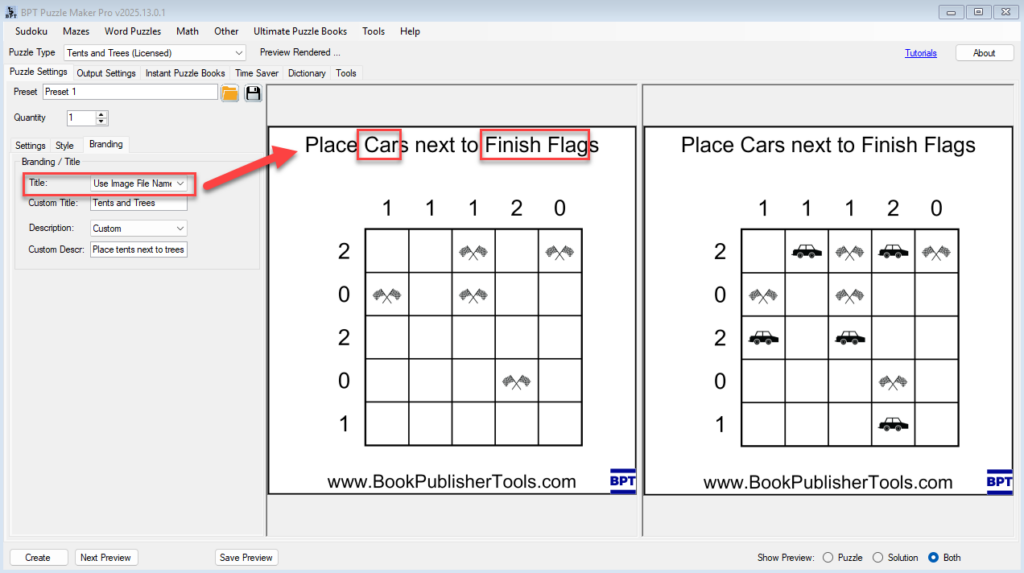
🖋️ Styling and Branding for Skyscraper Puzzles Make your numeric logic puzzles look polished and professional — with titles, borders, logos, and more. 🔗 URL:https://www.bookpublishertools.com/tutorials/skyscraper-styling-branding 🗂️ Required Module 🛠️ Preparation Before you begin: 🔢 Step-by-Step Instructions 1. Adjust Grid Style and Font Use Next Preview to instantly see your changes. 2. Enable Branding 3. Customize

Styling and Branding for Skyscraper Puzzles Read More »

Getting Started with Skyscraper Puzzles

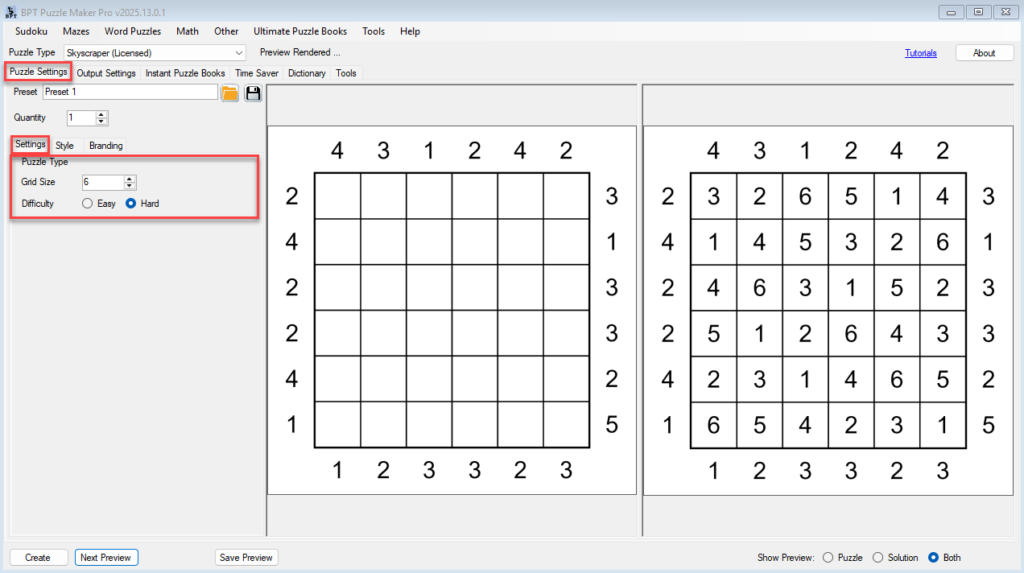
🧱 Getting Started with Skyscraper Puzzles Create your first numeric logic puzzle with clean layout and professional output. 🗂️ Required Module 🛠️ Preparation Before you begin: 🔢 Step-by-Step Instructions 1. Select the Skyscraper Module 2. Configure Puzzle Settings Go to the Puzzle Settings tab: 3. Adjust Output Settings Switch to the Output Settings tab: 4.

Getting Started with Skyscraper Puzzles Read More »

Tents and Trees – Batch Creation (Creator Edition)

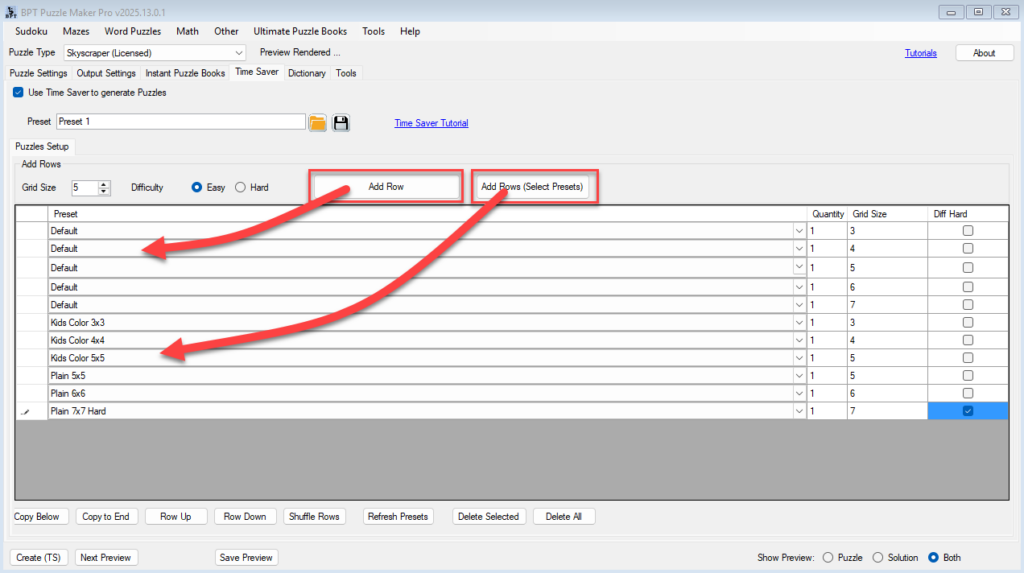
⚡ Time Saver & Batch Creation (Creator Edition) Quickly generate multiple themed puzzles with different settings — all in one go. 🗂️ Required Module 🛠️ Preparation Before using Time Saver: 🔢 Step-by-Step Instructions 1. Enable Time Saver Mode 2. Add Puzzles to the Batch Table ➤ Option A: Add Default Row ➤ Option B: Add

Tents and Trees – Batch Creation (Creator Edition) Read More »

Tents and Trees Styling and Branding for Print or Digital

🎨 Styling & Branding for Print or Digital Make your Tents and Trees puzzles match your brand, theme, or publishing style. 🗂️ Required Module 🛠️ Preparation Before you begin: 🔢 Step-by-Step Instructions 1. Open the Tents and Trees Module 2. Set Your Font and Grid Styling Go to the Style tab: Use Next Preview to

Tents and Trees Styling and Branding for Print or Digital Read More »

Shopping Cart