




Hide Cells on Your Picture. They Copy the Blanks, Then Color.
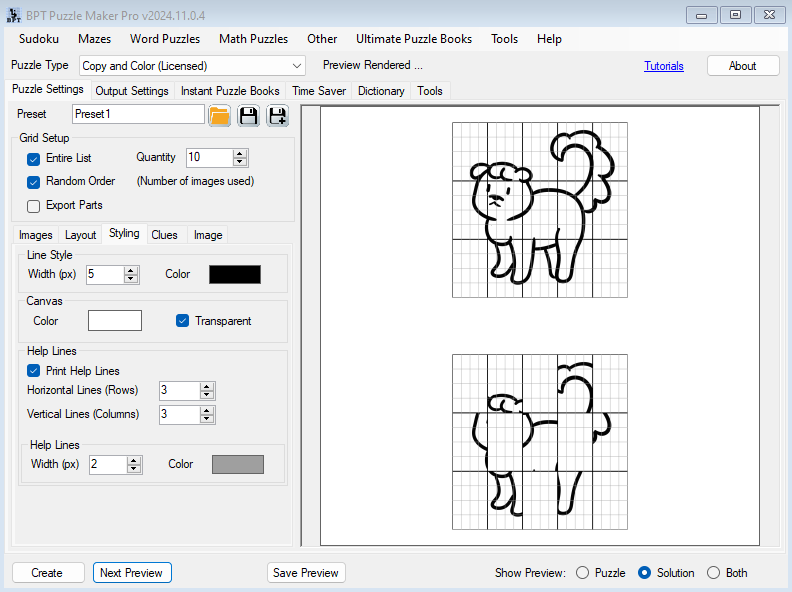
Drop your picture. Puzzle Maker Pro splits it into a grid, prints some cells as clues, and leaves the rest blank. They copy the missing cells. Then they color.
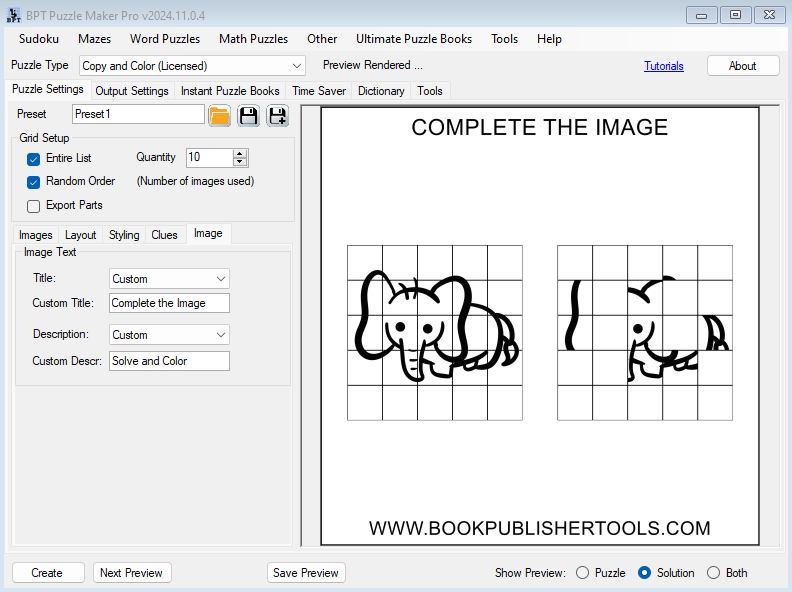
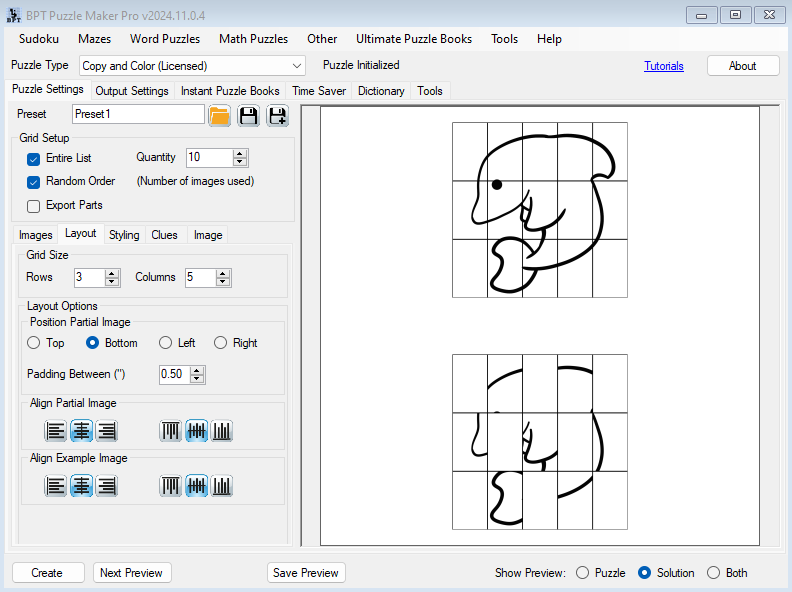
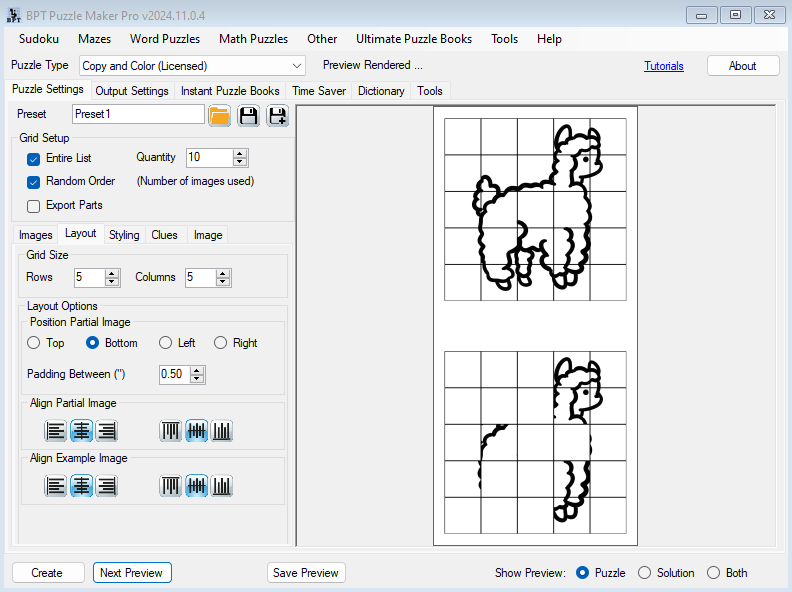
Puzzle and Example prints the full picture and the partial grid on one page. The picture they copy is already there.

Try the free demo. Demo output is watermarked. Paid files are watermark-free.
A Drawing-Practice Sheet They Can Finish with a Crayon
Drop one picture on a 3-by-5 grid and they have a page they can actually finish. You pick a hide pattern. They draw every blank.
A younger kid gets a page they can finish with a pencil and a crayon. A holiday listing gets a themed interior the shopper can point at in Look Inside. Compile the sheets in Instant Puzzle Books at the trim you already keep.

Your Image Is the Theme. Swap the Pictures, New Listing.
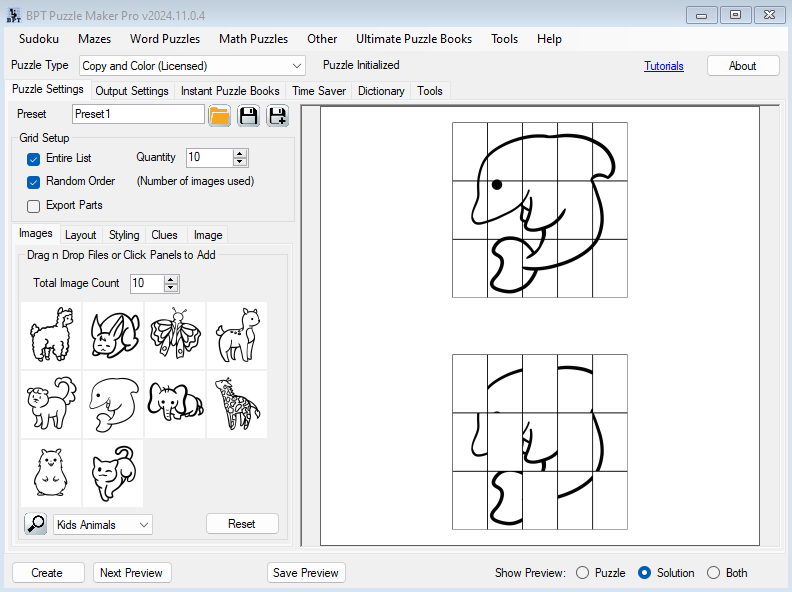
Bring your own pictures. Drag them onto the Images tab, or start with the built-in Kids Animals pack and judge the sheet before you hunt for art.
Drop in pumpkin pictures and you have a Halloween listing. Swap classroom objects and you have a back-to-school pack. Swap a mascot outline and the sheet is yours. Replace the image and the sheet is a new theme.
Name the sheet from the image file, or type a custom title.
Choose Which Cells Print. They Draw the Rest.
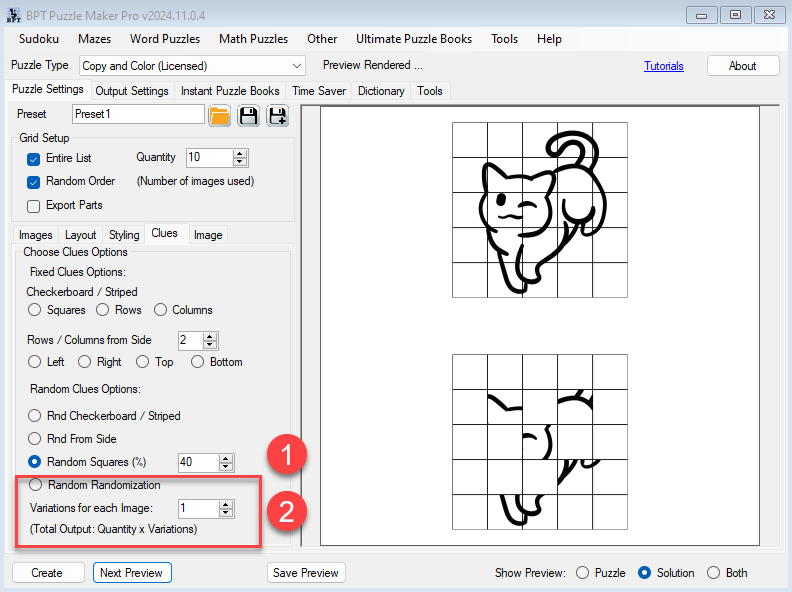
Hide a checkerboard of cells and half the picture is theirs. Hide every other row when you want a stripe to copy along. Show columns from the left when a younger hand needs a strip of the picture to hold onto. You set how many rows or columns show from that edge (default two). Random Squares shows a percent of cells (10 to 75, default 25). Or let Create pick a hide pattern at random.
Need more than one missing-cell pattern from the same picture? Set Variations (1 to 10) and Create writes each mask as its own sheet. Entire List walks the whole picture list. When Entire List is off, Quantity (1 to 1000) is how many pictures Create uses. Variations still multiply the sheets.

Puzzle and Example on One Page, or Puzzle Only
Puzzle and Example is the default. Put the partial on the top, bottom, left, or right (default bottom). Set the gap between them (0 to 2 inches).
Puzzle Only prints just the partial grid. Need the full picture off the activity page? Puzzle Only for the sheets. Export Parts writes the partial grid and the full-picture files you drop in the back as the key.
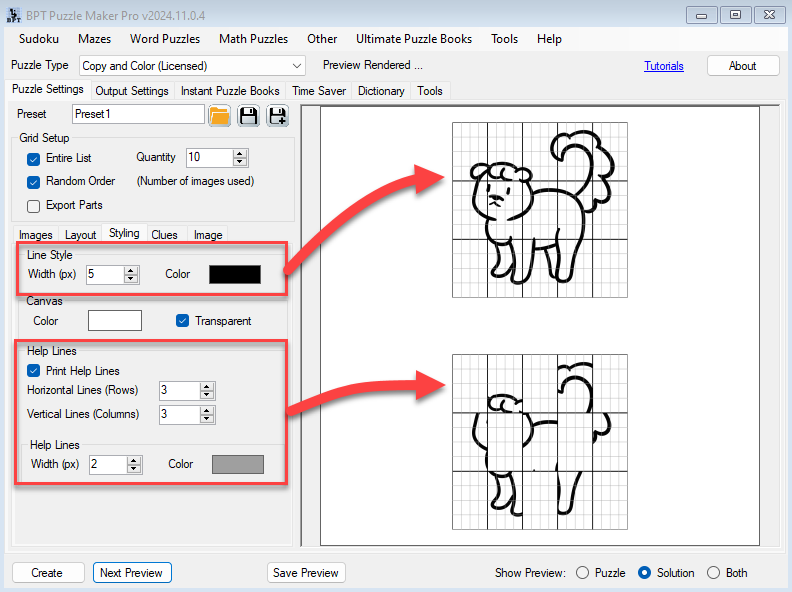
Optional help lines draw extra lines inside each clue cell. Leave them off for a cleaner page.
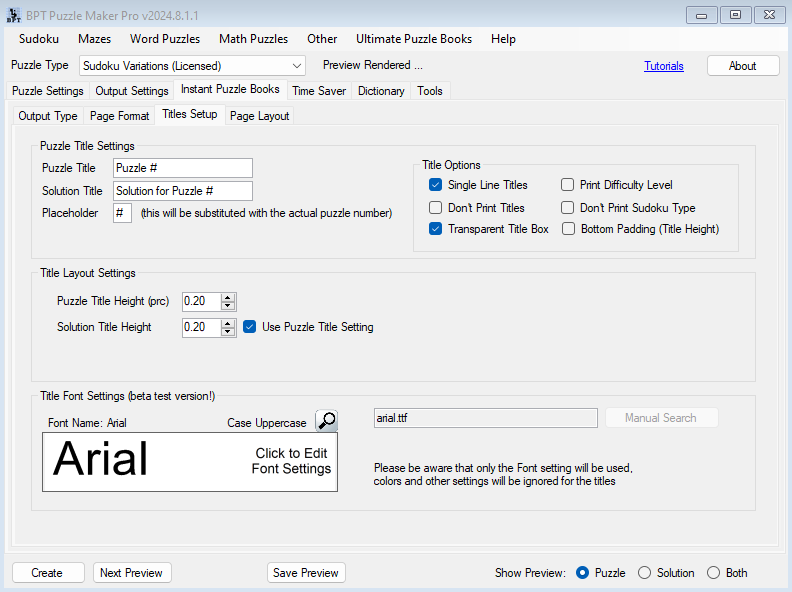
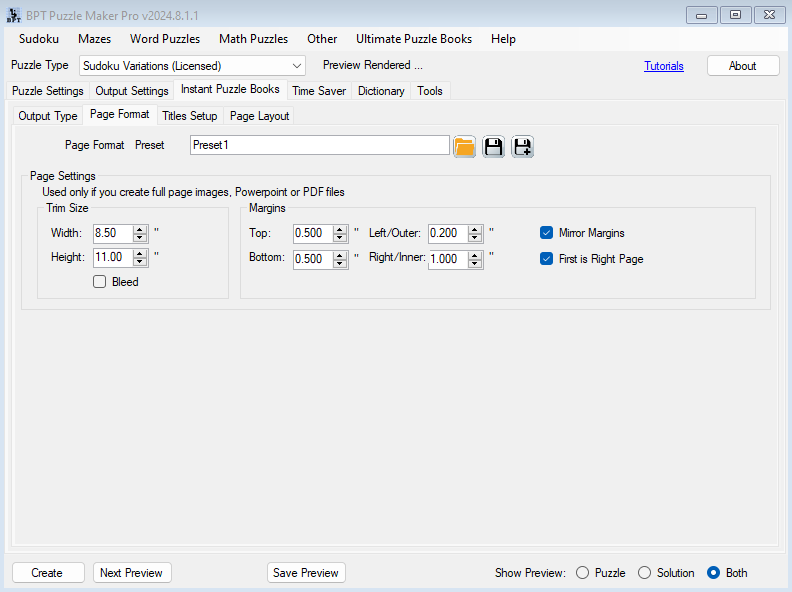
Instant Puzzle Books writes the title page and contents at your trim. Export that book as an interactive PDF book from Instant Puzzle Books or Puzzle Book Studio, and those links click. Puzzle Book Studio edits this one collection.
You can add other Puzzle Maker Pro products later.
Try the free demo, then use Add to Cart at the top of this page.
| Copy and Color | |
|---|---|
| Setups per run | One picture list, one grid, one clue look |
| Instant Puzzle Books | Yes |
| Puzzle Book Studio | This one collection |
| Interactive PDF books | Yes, from Instant Puzzle Books or Puzzle Book Studio |
| Licence to sell finished books, worksheets, and packs to your own readers | Yes |
Who This Is For
You already publish with Puzzle Maker Pro. Use the pictures you already keep, then drop the sheets into the Instant Puzzle Books compile you already run.
Kids activity and KDP / Etsy publishers. Your pictures, a grid, a clue mask, a page they can finish with a crayon.
Teachers Pay Teachers and classroom packs. Print a 3-by-5 checkerboard for the room, then a from-the-side sheet that prints a strip of cells from one edge. Same picture list, two clue patterns.
Licensing and Commercial Use
Copy and Color lets you sell the finished books, worksheets, and printable packs you make to your own readers and customers, on KDP, Etsy, Teachers Pay Teachers, or your own store. One-time commercial-use license. Watermark-free files.
The licence covers the finished books, worksheets, and packs you make. If you add your own pictures, they need to be yours, or licensed for the store you sell on.
Product Details
| Product | Puzzle Maker Pro – Copy and Color |
| Shop editions | Copy and Color (one product) |
| Platform | Windows desktop |
| Internet required | No |
| The activity | A source picture split into a grid. Selected cells print as clues. They copy the missing cells, then color. |
| Grid | Rows 1 to 20, columns 1 to 20. Default 3 by 5. |
| Layout | Puzzle and Example (default) or Puzzle Only. Partial top, bottom, left, or right. |
| Clue options | Squares, striped rows or columns, from one side, random squares, or Create picks one of those patterns. Variations 1 to 10 per image. |
| Pictures | Your images, or the built-in Kids Animals pack. |
| Help lines | Optional extra lines inside each cell. |
| Quantity | 1 to 1000 pictures when Entire List is off. Variations (1 to 10) still multiply the sheets. Random Order. |
| Output formats | JPG, PNG, transparent PNG |
| Example on the page | Puzzle and Example prints the full picture on the same page. Puzzle Only plus Export Parts writes the partial grid and the full picture as their own files for a key. |
| Puzzle books | Instant Puzzle Books plus Puzzle Book Studio for this one collection; title page and table of contents; interactive PDF books from Instant Puzzle Books or Puzzle Book Studio |
| Upgrades | You can add other Puzzle Maker Pro products later |
| Commercial license | Sell the finished books, worksheets, and printable packs you make to your own readers and customers |
| Free demo | Yes |
| Delivery | Immediate, in your member area |
Questions Before You Buy
Is there a free demo?
Yes. Puzzle Maker Pro has a free demo. Demo output is watermarked. Paid files are watermark-free.
Can I upgrade later?
Yes. You can add other Puzzle Maker Pro products later. Start with Copy and Color if that fits the sheets you are making today.
How does Copy and Color work?
One picture is split into a Rows by Columns grid. A clue option prints some cells. They copy the missing cells, then color. Puzzle and Example puts the full picture on the same page.
Can I use my own pictures?
Yes. Drop your images on the Images tab. The built-in Kids Animals pack is there when you want to try a sheet first.
Can I sell the finished books and worksheets I create?
Yes. Copy and Color lets you sell the finished books, worksheets, and printables you make to your own readers and customers.
What files do I get?
Create writes a JPG or PNG per sheet. Puzzle and Example already prints the full picture on the page. Instant Puzzle Books compiles those sheets into the print-ready interior at your trim. Puzzle Book Studio can change settings and re-assemble that one collection. Export Parts adds the partial grid and the full example as their own files when you want a picture key in the back.
How do I make a book?
Create the sheets, then compile them in Instant Puzzle Books at your trim. Puzzle Book Studio can change settings and re-assemble that one collection. Getting Started with Copy and Color walks the Creator. The tutorial hub lists that guide.
Do I need the internet to generate?
No. Generation runs on your Windows PC.
This week drop in the pictures, lock the grid and the clue option, and print a class set, or compile the same sheets as a seasonal packet. Try the free demo. Then use Add to Cart at the top of this page.
Hide cells on your picture, print the page, and they copy the blanks, then color. Puzzle and Example puts the full picture on the same page. Try the free demo.


