












🧩 Puzzle Maker Pro – Bridges
Create elegant logic puzzles for print, books, and digital projects — in minutes.
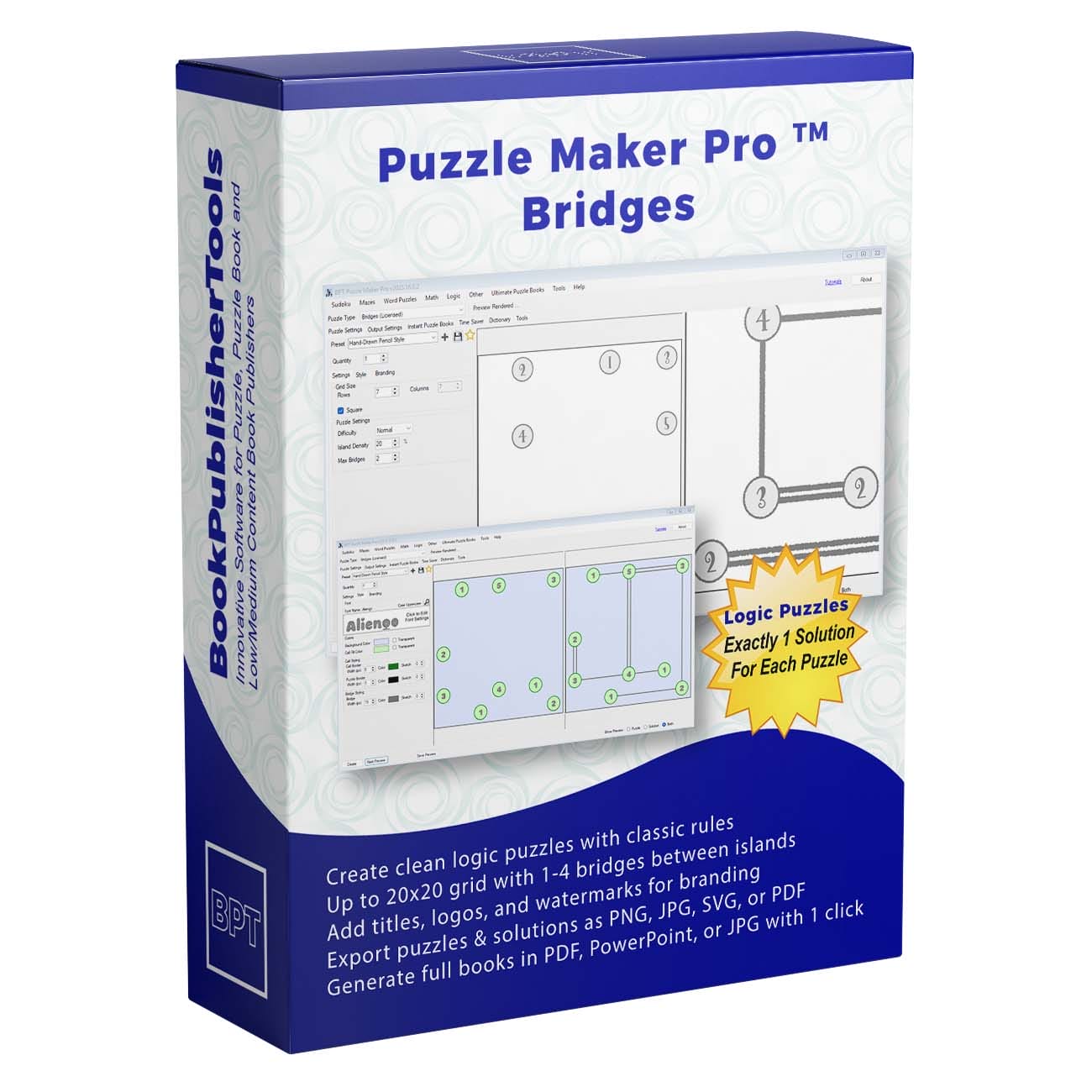
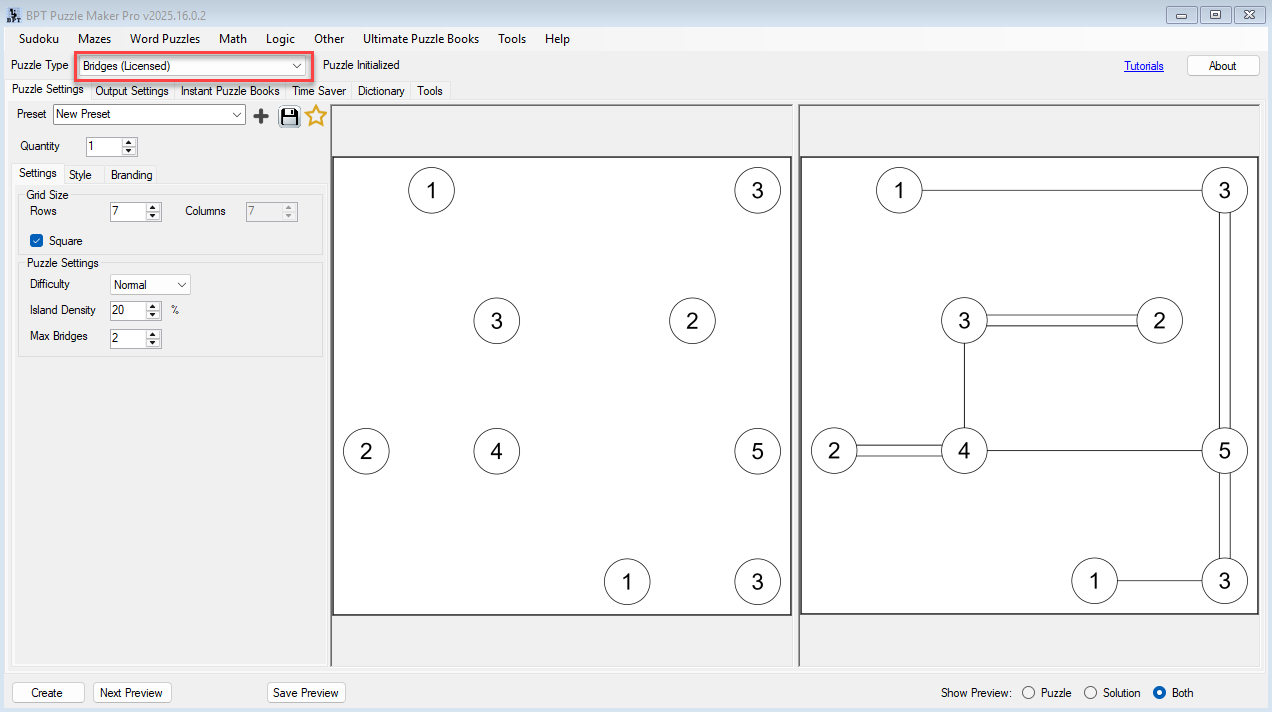
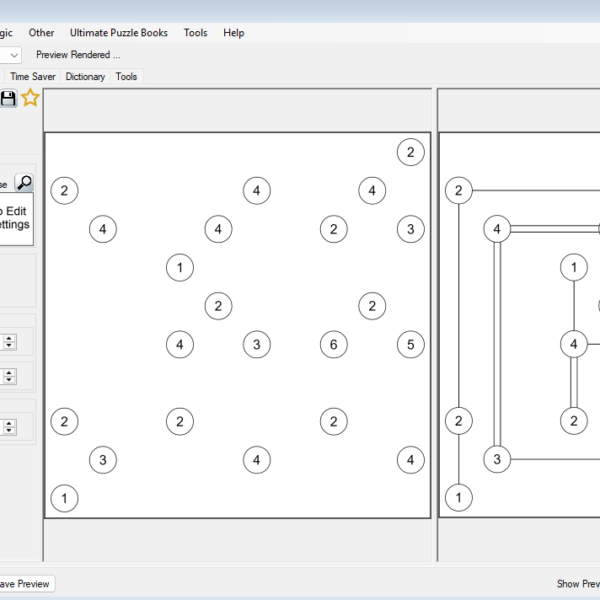
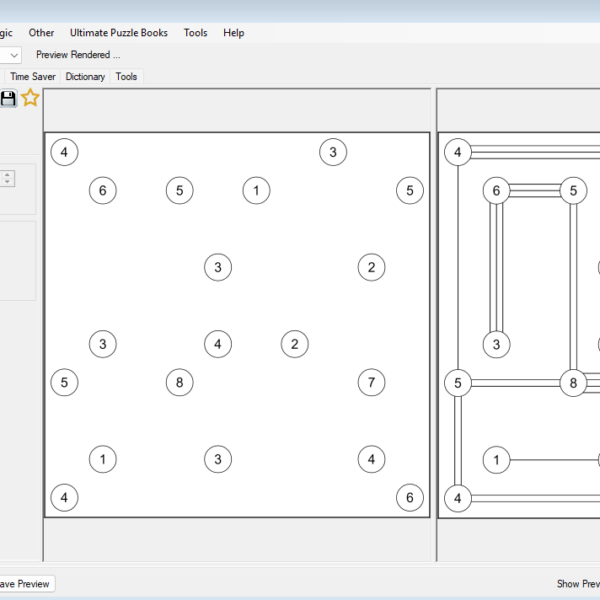
Build classic Bridges (Hashiwokakero) puzzles effortlessly, with full control over grid size, layout, difficulty, and style.
Generate unique puzzles that look professional, print beautifully, and match your brand or puzzle book theme.
💡 Turn your ideas into polished puzzles — without spending hours designing by hand.
Designing logic puzzles manually can be slow, repetitive, and error-prone.
With Puzzle Maker Pro – Bridges, you can create puzzles that look professional, solve correctly, and are ready for print or publication — all in just a few clicks.
Whether you’re creating:
- Puzzle books for Amazon KDP or Etsy printables
- Classroom materials for logic and spatial reasoning
- Branded puzzles for magazines or marketing
…this module gives you precision and creative freedom.
Style and Brand Every Puzzle
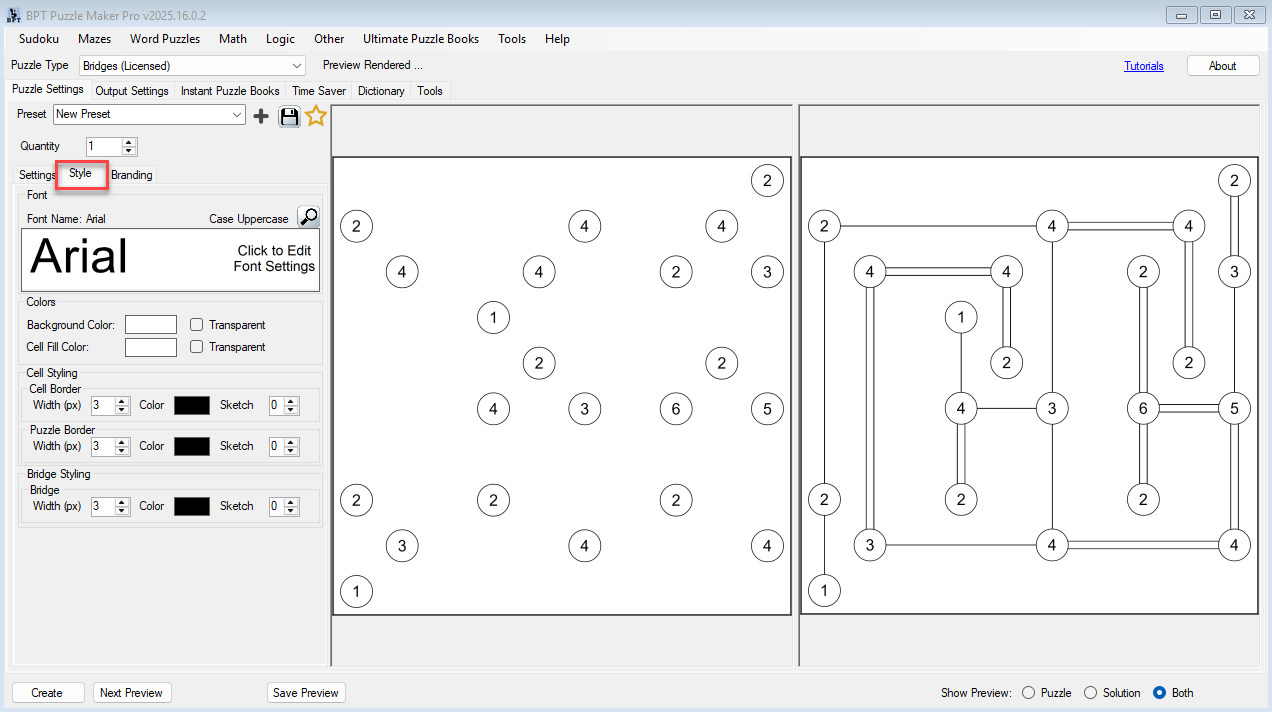
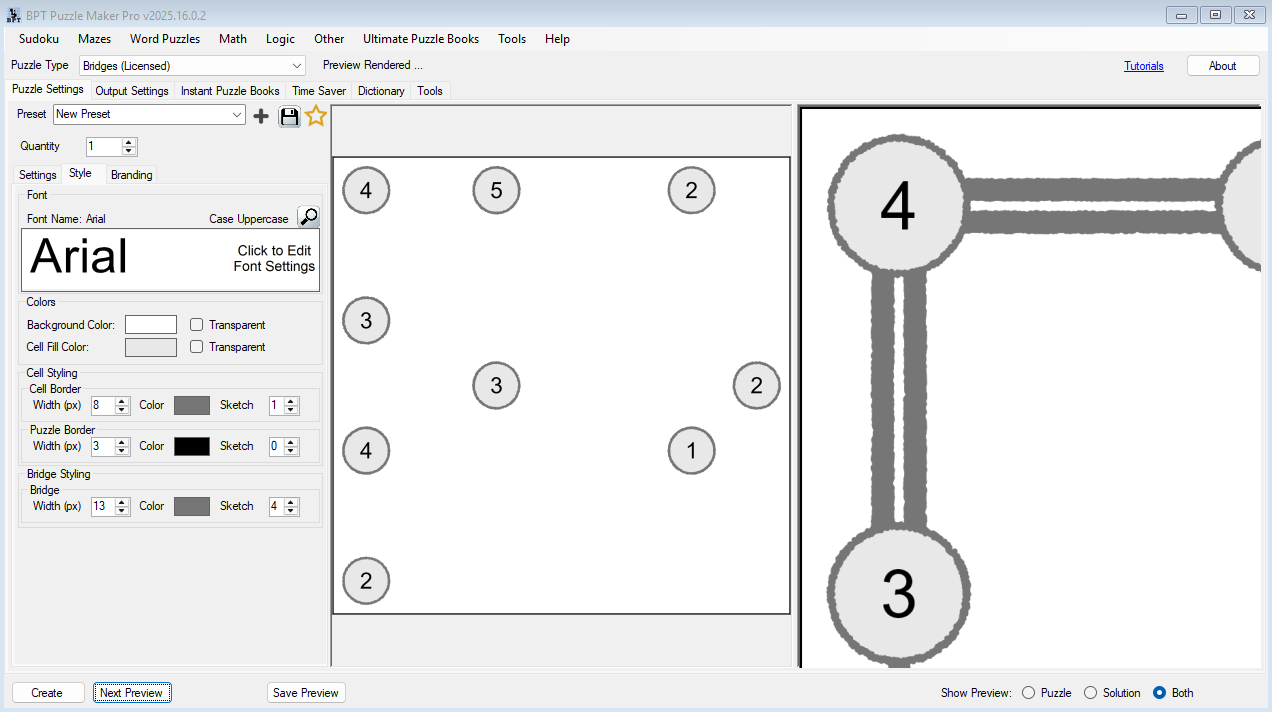
- Customize bridge line style, color, and thickness.
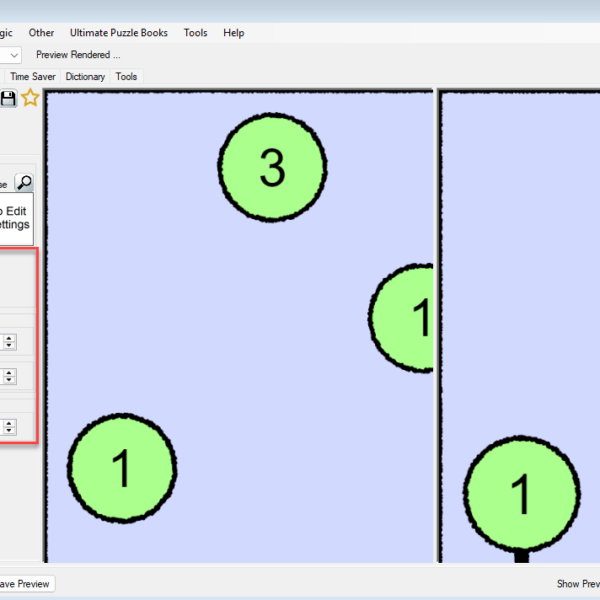
- Define island fill color and border style.
- Add your logo, footer, and custom fonts to align puzzles with your publishing brand.
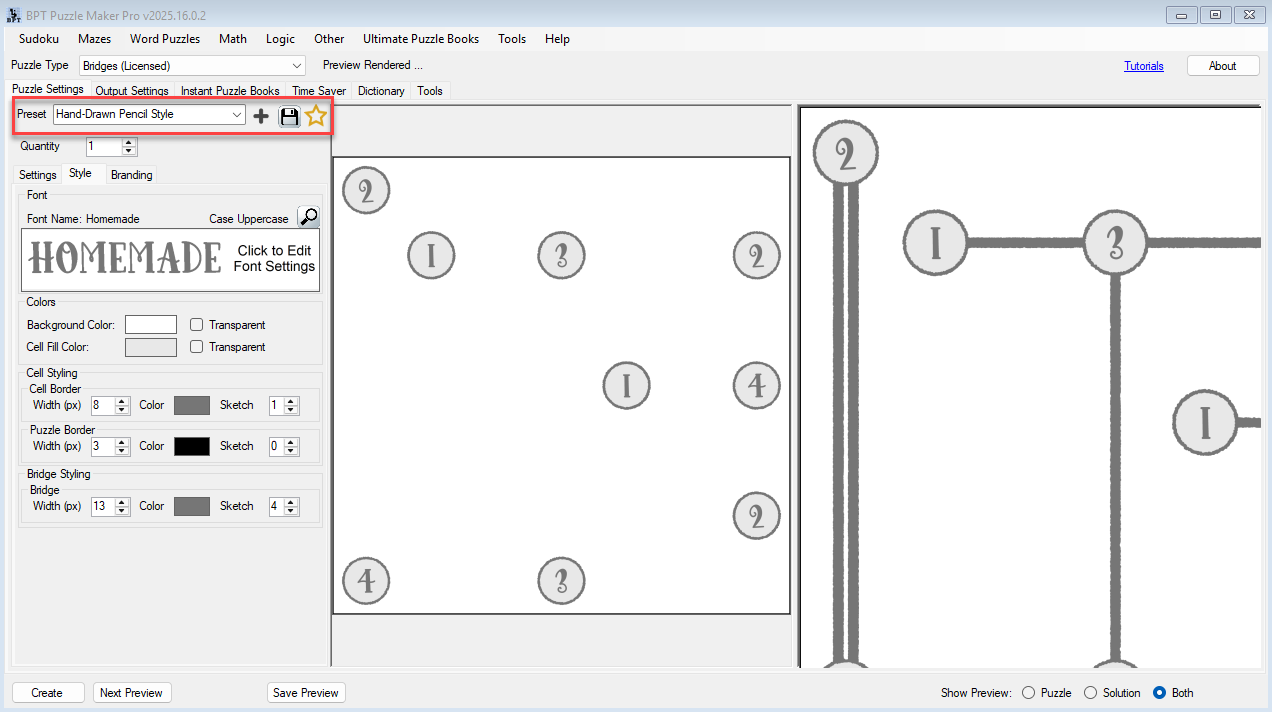
- Save your styling as presets for consistency across your books.
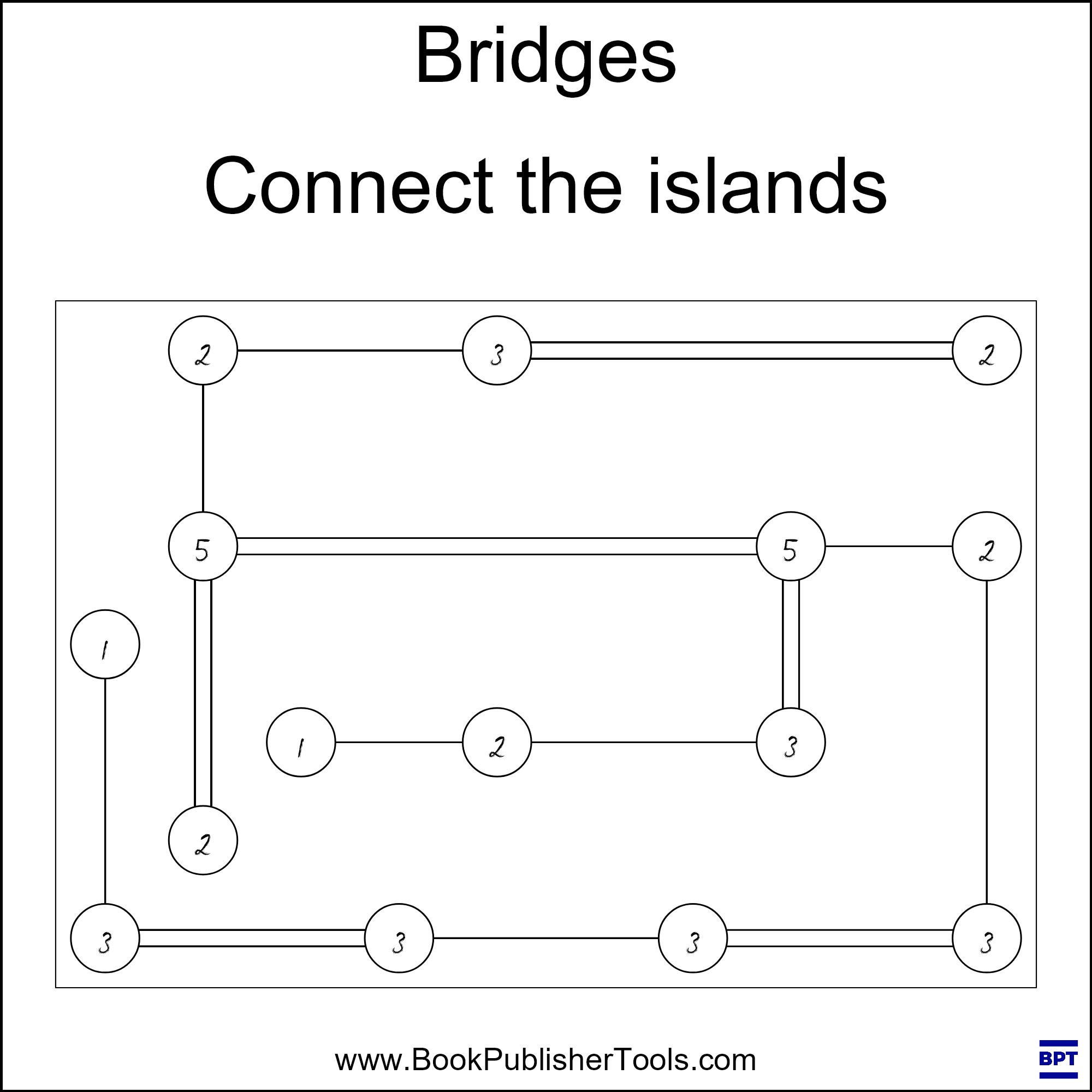
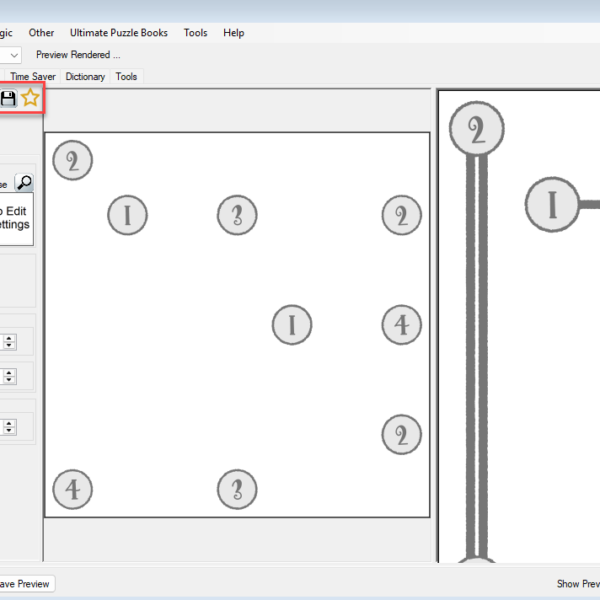
🎨 Want a personal touch? Choose the Sketch style and create puzzles that look like they were drawn with a pencil and ruler — a charming, handcrafted aesthetic your solvers will love.
Control Difficulty and Variety
- Combine grid size, density, max bridges, and difficulty to create endless variations.
- Save your favorite combinations as presets (Easy, Medium, Hard, Expert).
- Generate entire difficulty progressions for puzzle books in one workflow.
📘 Perfect for logic books, school collections, or mixed-level puzzle anthologies.
Automate Book Creation with Time Saver (Creator Edition)
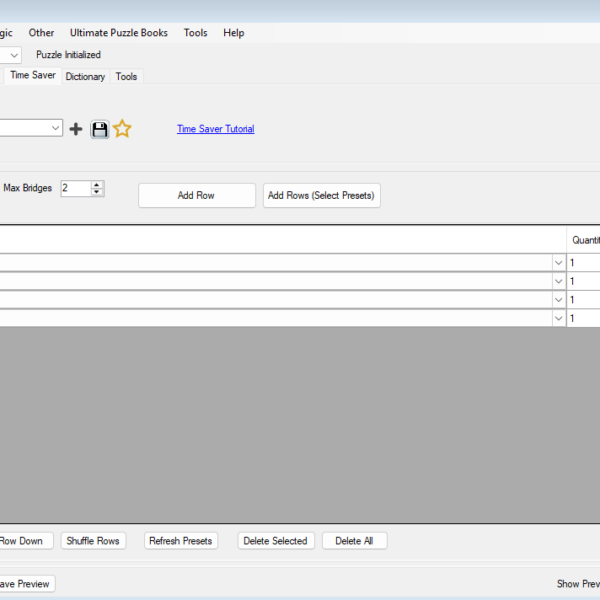
Included in the Bridges Creator Edition, the Time Saver tool lets you:
- Add multiple rows to a batch table
- Assign different presets or settings to each row
- Reorder, copy, or shuffle rows for random variety
- Generate dozens or hundreds of puzzles in one click
⚡ Create an entire puzzle book in minutes — each puzzle unique, perfectly styled, and automatically saved to your output folder.
Export for Print or Interactive Use
- Print formats: PNG, JPG, PDF, and PowerPoint (300 DPI).
- Digital formats (Creator Edition): Interactive PDF and HTML output (for web or app integration).
- Works seamlessly with your other Puzzle Maker Pro modules — no special setup required.
✨ Two Editions to Fit Your Workflow
| Feature | Bridges | Bridges Creator Edition |
|---|---|---|
| Create Bridges puzzles | ✅ | ✅ |
| Full styling controls | ✅ | ✅ |
| Save and load presets | ✅ | ✅ |
| Adjustable difficulty | ✅ | ✅ |
| Batch creation with Time Saver | ❌ | ✅ |
| Interactive PDF & HTML output | ❌ | ✅ |
| Extended puzzle book layout options | ❌ | ✅ |
| Commercial rights for puzzle book publishing | ❌ | ✅ |
| Lifetime updates | ✅ | ✅ |
💡 Upgrade anytime — you can start with Bridges and unlock the Creator Edition later.
🧩 Real Results, Real Productivity
Creators tell us they’re saving hours per project — and producing puzzles that look cleaner and more professional than anything they could build manually.
Educators love it for structured logic exercises. Publishers love it for consistent, high-quality output.
You’ll love it because it just works.
🕒 Your Time-Saving Guarantee
You’ll create your first puzzle within minutes of installing the software — no learning curve, no frustration.
And because you get lifetime updates and new features, your investment keeps growing over time.
No subscriptions. No hidden fees. Just fast, reliable puzzle creation that works as hard as you do.
📚 Learn, Create, and Grow
Our tutorials show you everything step-by-step:
- Getting Started with Bridges
- Styling and Branding Your Bridges Puzzles
- Create Bridges Puzzles with a Hand-Drawn Look
- Creating Difficulty Levels and Variations
- Using Time Saver for Batch Puzzle Creation
📘 Everything you need to go from your first puzzle to full puzzle books.
💬 Common Questions
Q: Can I use the puzzles commercially?
✅ Yes — the Creator Edition includes full commercial rights.
Q: Can I upgrade later?
✅ Absolutely. You can start with the standard Bridges module and upgrade anytime to the Creator Edition.
Q: Do I need other modules to use this?
❌ No. Bridges runs independently inside Puzzle Maker Pro, but it integrates beautifully with your other modules.
Q: Are updates included?
✅ Yes — all licenses include lifetime updates and new features.
🚀 Start Creating Beautiful Bridges Puzzles Today
Choose your edition below and start building puzzles that look as good as they solve.
👉 Puzzle Maker Pro – Bridges
🧩 Create elegant Bridges puzzles fast.
👉 Bridges Creator Edition
⚡ Add batch creation, interactive formats, and commercial rights for professional publishing.
You’ll have your first puzzle ready within minutes — and the freedom to create as many as you want.