Bridges Tutorials

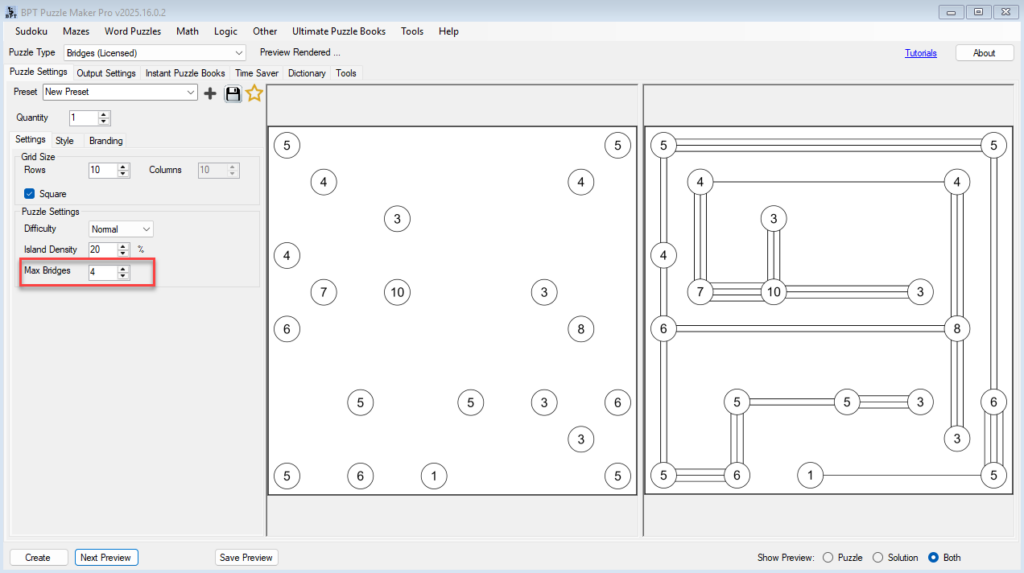
Creating Difficulty Levels and Puzzle Variations in Bridges

⚙️ Creating Difficulty Levels and Puzzle Variations in Bridges 🔍 Overview In this tutorial, you’ll learn how to control and fine-tune puzzle difficulty in the Bridges module of Puzzle Maker Pro.By adjusting a few simple parameters — grid size, density, difficulty, and maximum bridges — you can create an entire range of puzzles from relaxing

Creating Difficulty Levels and Puzzle Variations in Bridges Read More »

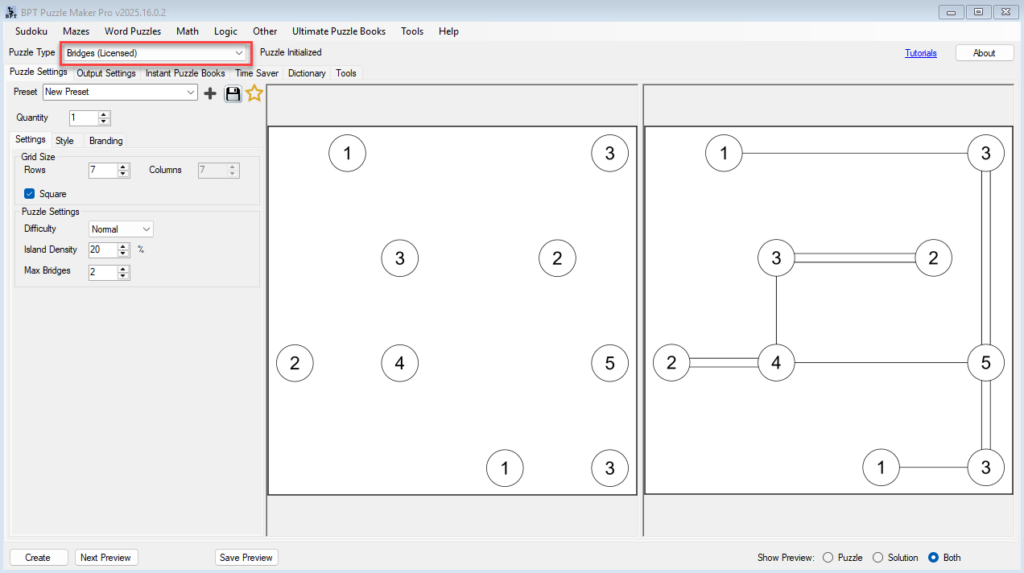
Bridges Puzzle Tutorials — Master the Bridges Module in Puzzle Maker Pro

🧩 Bridges Puzzle Tutorials — Master the Bridges Module in Puzzle Maker Pro 🔍 Overview Learn everything you need to know about creating professional Bridges puzzles in Puzzle Maker Pro.This five-part tutorial series guides you from your first puzzle to full puzzle book automation — including styling, difficulty levels, and creative hand-drawn effects. Each tutorial

Bridges Puzzle Tutorials — Master the Bridges Module in Puzzle Maker Pro Read More »

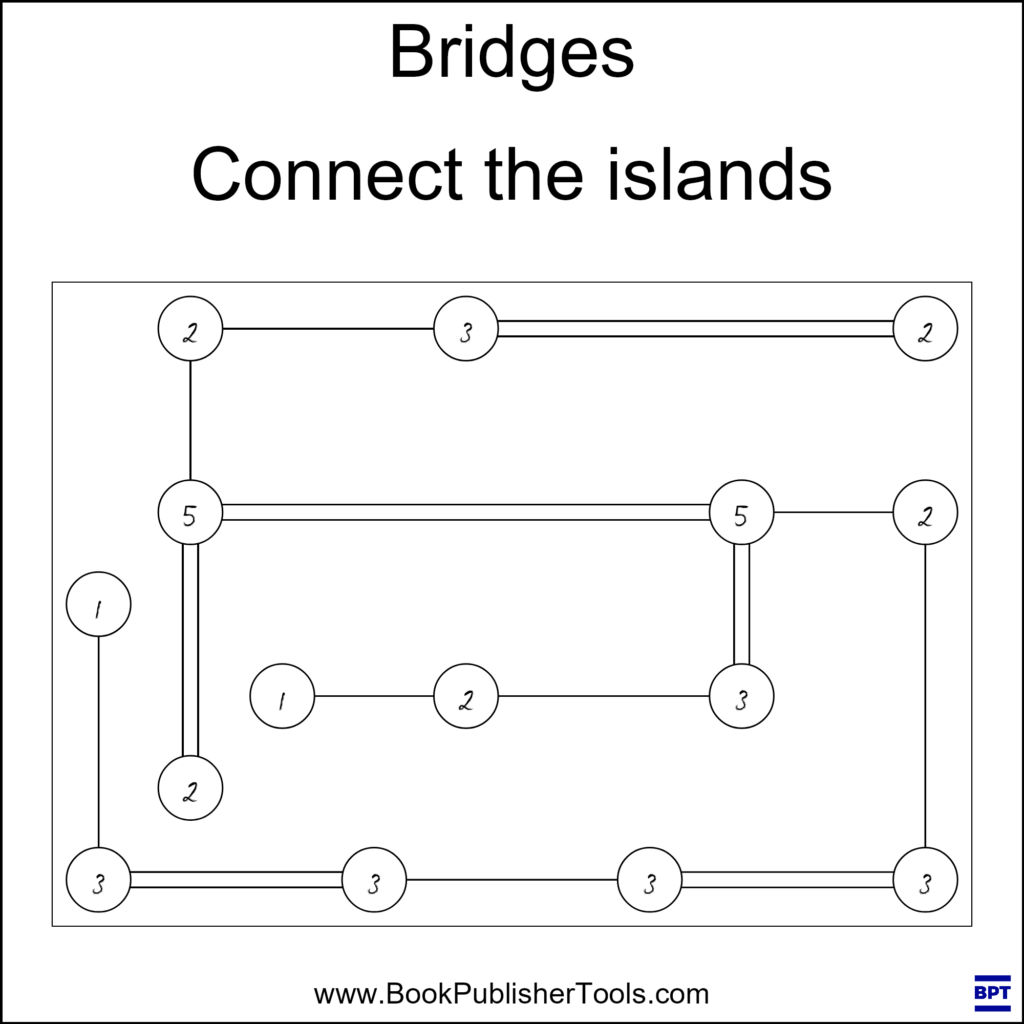
Styling and Branding Your Bridges Puzzles

🎨 Styling and Branding Your Bridges Puzzles URL: /bridges-puzzle-styling-and-brandingPrimary Keyword: Bridges puzzle stylingSecondary Keywords: puzzle branding, custom puzzle design, Puzzle Maker Pro Bridges 🔍 Overview Your puzzle’s appearance matters just as much as its logic. In this tutorial, you’ll learn how to customize the look and feel of your Bridges puzzles — including fonts, colors,

Styling and Branding Your Bridges Puzzles Read More »

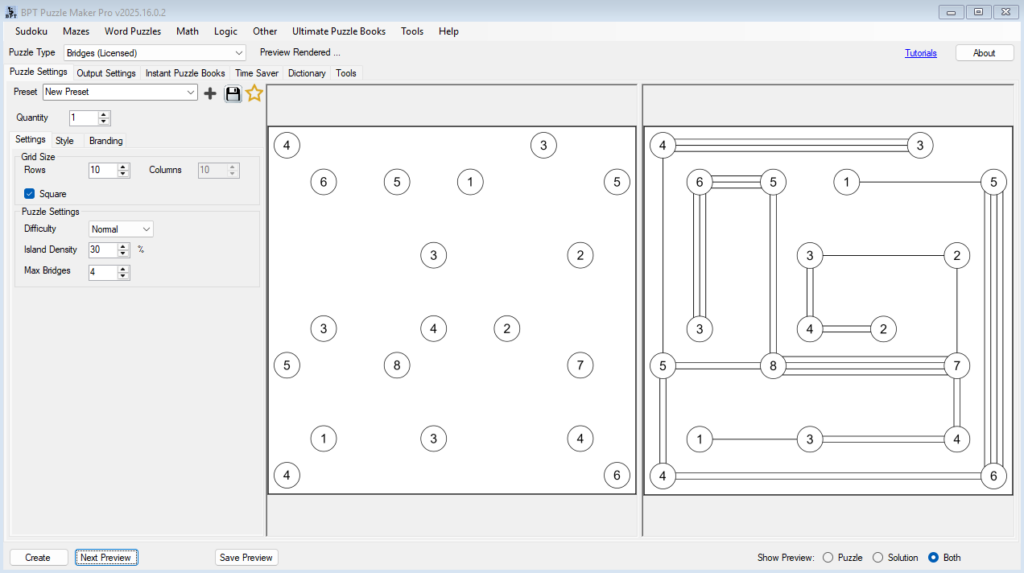
Getting Started with Puzzle Maker Pro – Bridges

Getting Started with Puzzle Maker Pro – Bridges 🔍 Overview Learn how to create your first Bridges puzzles in Puzzle Maker Pro.In this tutorial, you’ll set up your grid, adjust island density, define bridge limits, and generate your first printable puzzle — ready for puzzle books, printables, or classroom activities. Who this is for:Perfect for

Getting Started with Puzzle Maker Pro – Bridges Read More »

Shopping Cart