Powerpoint Plugins Video Tutorials
A list of all (older) Youtube video tutorials for the different Powerpoint Plugins.
Powerpoint Plugins Video Tutorials Read More »

A list of all (older) Youtube video tutorials for the different Powerpoint Plugins.
Powerpoint Plugins Video Tutorials Read More »
This video tutorial shows how to use the Time Saver for Puzzle Maker Pro – Word Puzzles
How to use the Time Saver for Puzzle Maker Pro – Word Puzzles Read More »
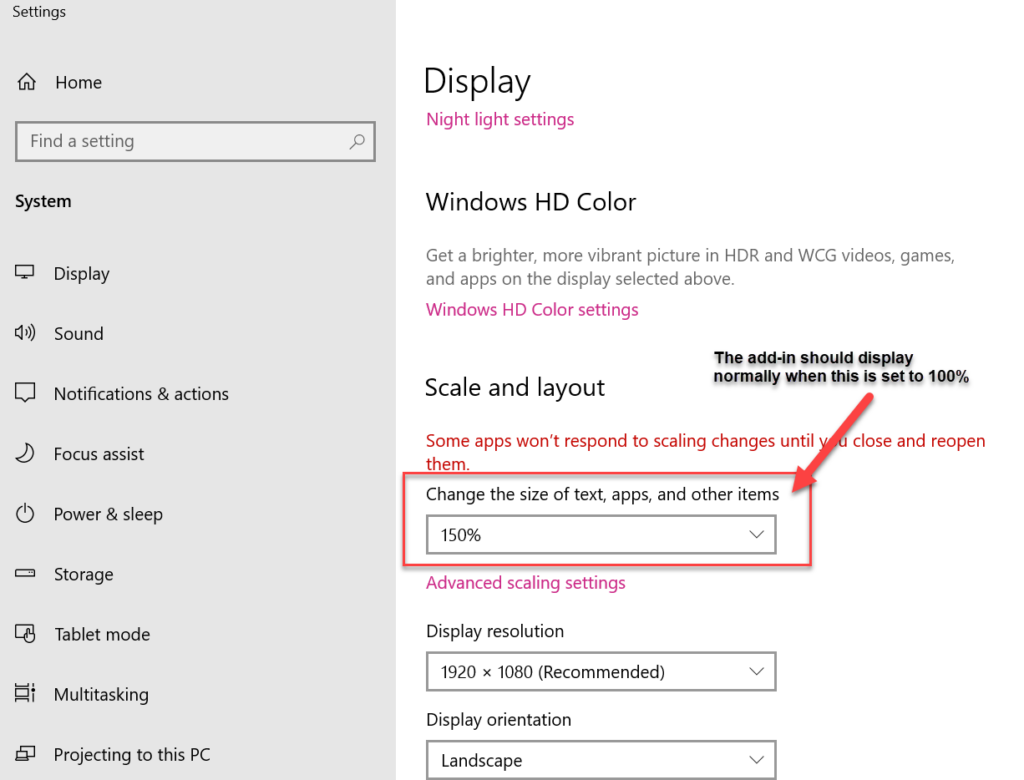
Our plugins for Powerpoint have been designed to display properly on your computer. However, since there are many different computers, and especially monitors and laptops, and some Windows settings that may affect the display, there are some things you can do to fix things yourself: Scrunched display For older plugins (or plugins by other developers)
How to fix display issues for Powerpoint plugins Read More »

Getting Started This tutorial explains the steps to create puzzle books using Mixed Puzzle Books (plugin for Powerpoint). If you are using Puzzle Maker Pro, you can quickly create puzzles and puzzle books with a single mouse-click. However, there is a lot of puzzle-software available – free and commercial – that only creates the puzzles,
How Can I Create Books with Mixed Puzzle Books (plugin for Powerpoint)? Read More »
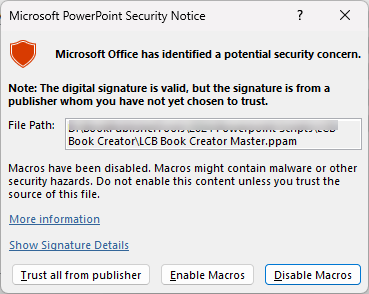
This tutorial describes how to Enable Macros and Install Add-In’s in Powerpoint. It applies to: Whenever you use a Powerpoint file that contains macros, you’ll receive a warning in Powerpoint. There are two steps to take (just once) to allow the macros to work: Security Step 1 – Windows To let Windows know that you
How to Enable Macros and Install Add-In’s in Powerpoint Read More »
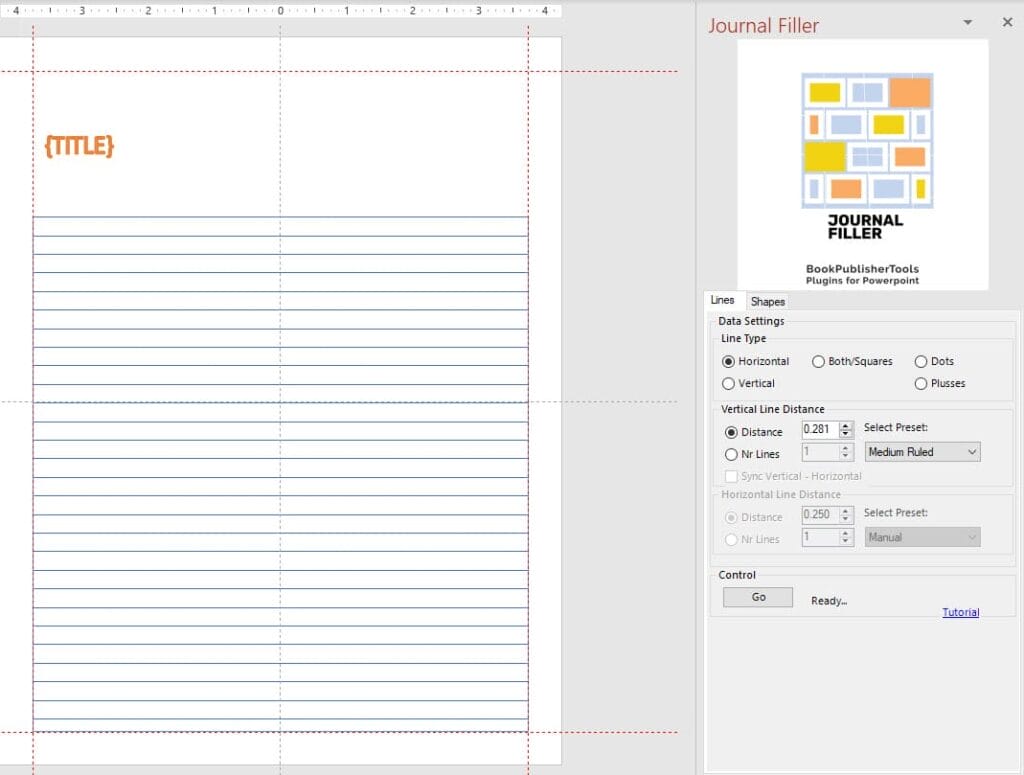
This tutorial will show you how to quickly fill a shape in Powerpoint with lines, dots or squares. As you know, each ‘page’ in Powerpoint is called a slide. That’s the terminology we will use in this tutorial. Overview The Journal Filler Plugin for Powerpoint will save you time with two different options: To use
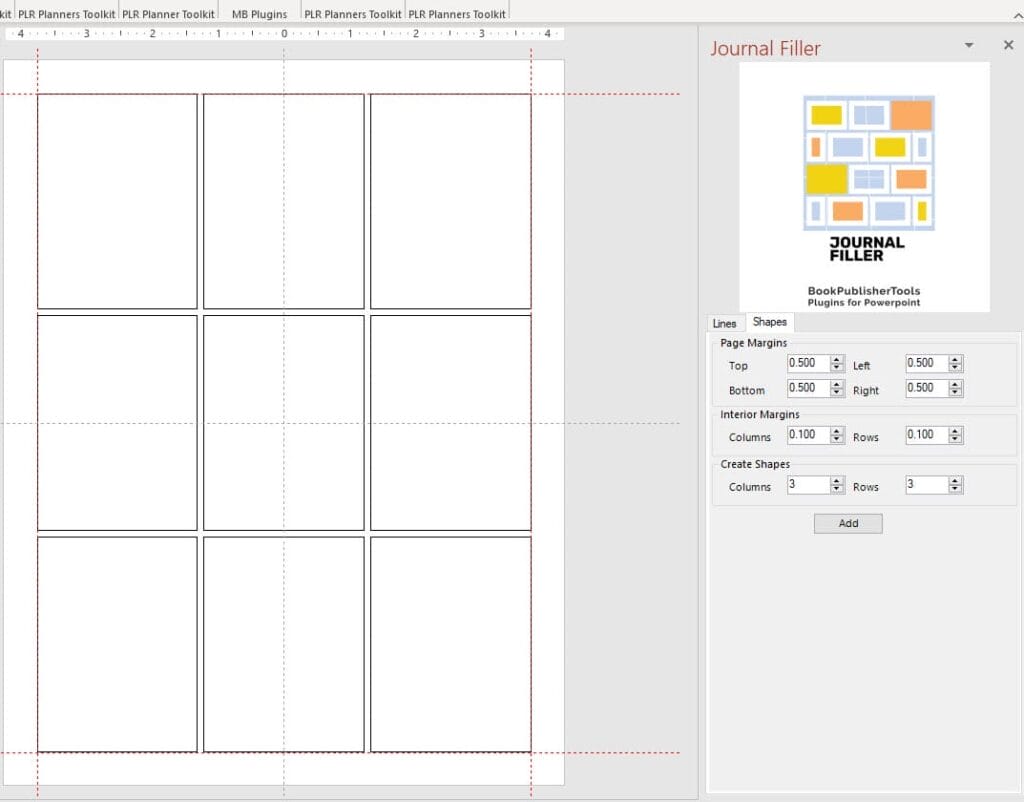
This tutorial shows you how to quickly create a tight layout in Powerpoint using the Journal Filler Plugin for Powerpoint. As you know, each ‘page’ in Powerpoint is called a slide. That’s the terminology we will use in this tutorial. Overview The Journal Filler Plugin for Powerpoint will save you time with two different options:
How can I quickly set up a layout with the Journal Filler Plugin for Powerpoint? Read More »

This tutorial describes how to Use LCB Book Creator (Powerpoint product). It applies to: For the Reseller / White Label product, the screenshots may look slightly different because of product customisation. for the Source Code product, this tutorial shows how the scripts and macros work after delivery. First Things First – Handling Security Issues If
How to Use LCB Book Creator (Powerpoint product) Read More »

This tutorial explains the Manual mode in Mixed Puzzle Books (plugin for Powerpoint) Overview of the Manual process Using Mixed Puzzle Books with Manual Layout adds a few steps to the Automatic process: Some of the steps are identical to the “Auto” approach, some are different: In addition to that, you have to click the
How to use the Manual mode in Mixed Puzzle Books (plugin for Powerpoint) Read More »
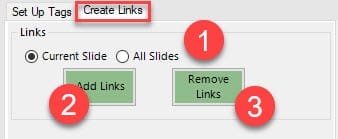
Getting Started with Planner Links (Plugin for Powerpoint) This plugin for Powerpoint offers an easy way to add links to your Digital Planners. Digital Planners, planners that are shared as PDF’s, usually have a table of contents or another way to navigate inside the document, that relies on links. For each shape or text in
Getting Started with Planner Links (Plugin for Powerpoint) Read More »