Powerpoint Plugin Tutorials

How to set up the Page Format in Easy Journals or Easy Puzzle Books

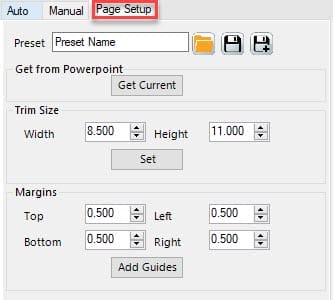
This tutorial explains the Page Setup options for Easy Journals and Easy Puzzle Books (plugins for Powerpoint). Overview Trim Size is the official term for the size of your book. When you create books for Amazon / KDP, you can use a fixed number of trim sizes, when you create printables, it’s best to stick

How to set up the Page Format in Easy Journals or Easy Puzzle Books Read More »

How to Set Up Your Grid for Easy Puzzle Books (plugin for Powerpoint)

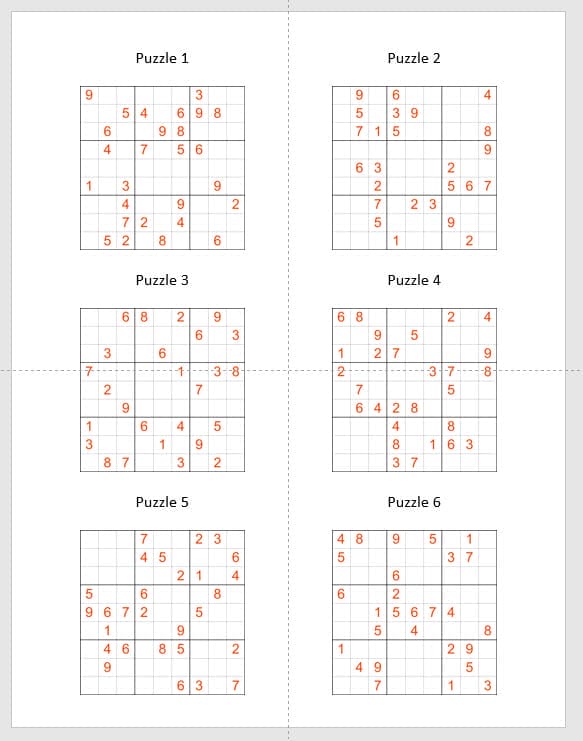
This tutorial shows how to set up grids for Easy Puzzle Books. Overview With the Grid Editor you can set the number of columns and rows, in the red square in the screenshot below. Columns sets the number of puzzles next to each other (horizontally). Rows sets the number of puzzles below each other (vertically).

How to Set Up Your Grid for Easy Puzzle Books (plugin for Powerpoint) Read More »

How Can I Create Books with Easy Puzzle Books (plugin for Powerpoint)?

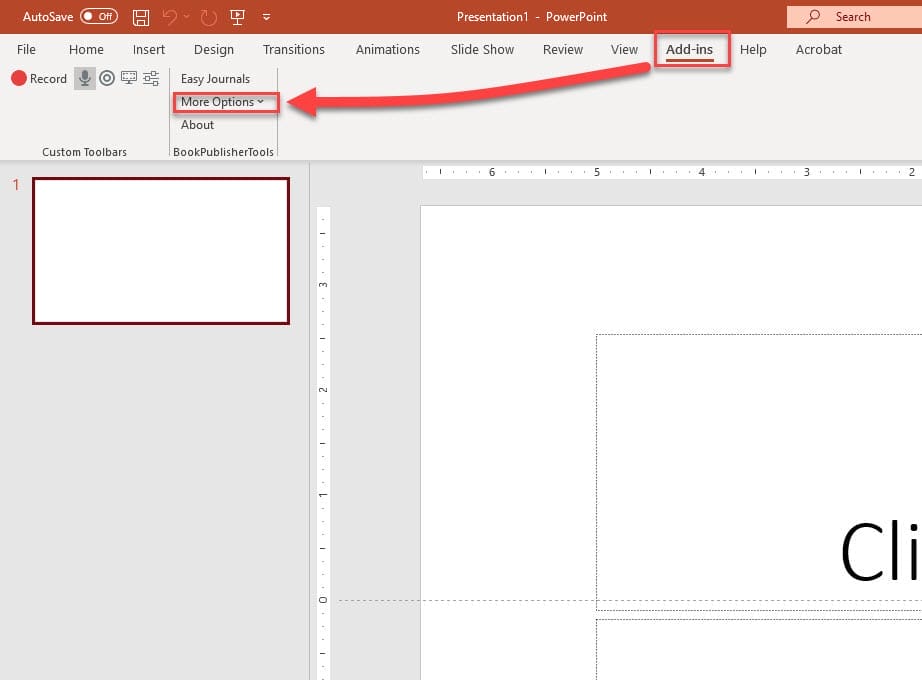
Getting Started This tutorial explains the steps to create puzzle books using Easy Puzzle Books (plugin for Powerpoint). If you are using Puzzle Maker Pro, you can quickly create puzzles and puzzle books with a single mouse-click. However, there is a lot of puzzle-software available – free and commercial – that only creates the puzzles,

How Can I Create Books with Easy Puzzle Books (plugin for Powerpoint)? Read More »

How to Fix Certificate Not Trusted Error

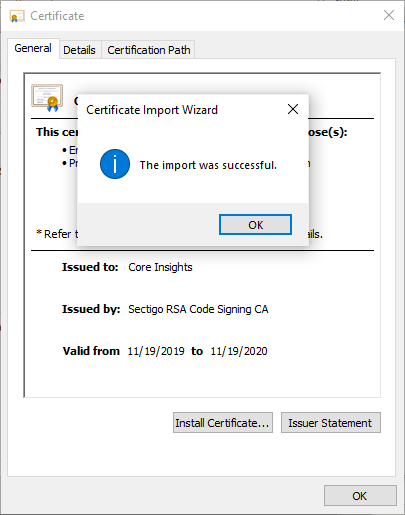
This tutorial describes the steps to ‘trust’ our certificate, so you can use the BookPublisherTools software. When you’re installing our Powerpoint plugins, you may sometimes get an error stating that the certificate is not trusted. Note: This works for many other MS Office plugins as well, so even if you’re not using BookPublisherTools software, this

How to Fix Certificate Not Trusted Error Read More »

How to use the Manual mode in Easy Puzzle Books (plugin for Powerpoint)

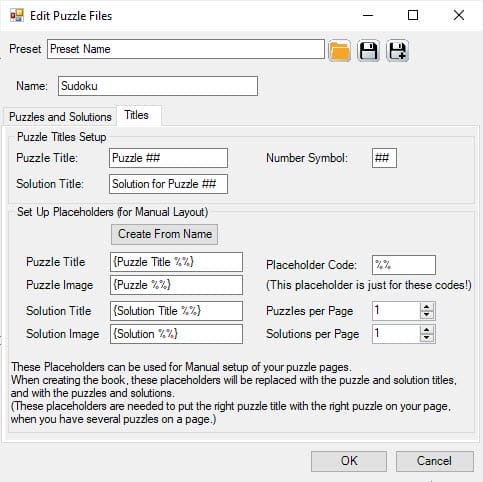
This tutorial explains the Manual mode in Easy Puzzle Books (plugin for Powerpoint) Overview of the Manual process The “Manual” way of creating puzzle books consists of a number of steps: Some of the steps are identical to the “Auto” approach, some are different: Step 2 and 3 include creation of the template slides, and

How to use the Manual mode in Easy Puzzle Books (plugin for Powerpoint) Read More »

How to Set Up Puzzles and Solutions for Easy Puzzle Books (plugin for Powerpoint)

This tutorial shows how to set up your puzzles and solutions to create a puzzle book with Easy Puzzle Books. Puzzles and Solutions The screenshot shows the empty Puzzle Files window. This is what it will usually look like when you start, unless you have used a preset already. You can click “Add Puzzles” to

How to Set Up Puzzles and Solutions for Easy Puzzle Books (plugin for Powerpoint) Read More »

How to Set Up Puzzles and Solutions for Mixed Puzzle Books (plugin for Powerpoint)

This tutorial shows how to set up your puzzles and solutions to create a puzzle book with Mixed Puzzle Books Plugin for Powerpoint. Puzzle Sets For the Mixed Puzzle Books plugin for Powerpoint, we use the term Puzzle Set to indicate a set of puzzles and solutions that can be used to fill a single

How to Set Up Puzzles and Solutions for Mixed Puzzle Books (plugin for Powerpoint) Read More »

Shopping Cart