Tutorials Archive

How to Set Up Puzzles and Solutions for Mixed Puzzle Books (plugin for Powerpoint)

This tutorial shows how to set up your puzzles and solutions to create a puzzle book with Mixed Puzzle Books Plugin for Powerpoint. Puzzle Sets For the Mixed Puzzle Books plugin for Powerpoint, we use the term Puzzle Set to indicate a set of puzzles and solutions that can be used to fill a single […]

How to Set Up Puzzles and Solutions for Mixed Puzzle Books (plugin for Powerpoint) Read More »

How do I fix my Powerpoint Add-In problem?

How to fix your Powerpoint Add-In problem Installation Installing the plugins There’s a separate tutorial to install our plugins for Powerpoint: Click here. Installation Issues When using our Powerpoint Add-ins, there have been a few occurrences where the installer seemed to work properly, but the Add-in was not visible in the Add-in’s menu. First of

How do I fix my Powerpoint Add-In problem? Read More »

Overview of the Geometric String Art Designer Software

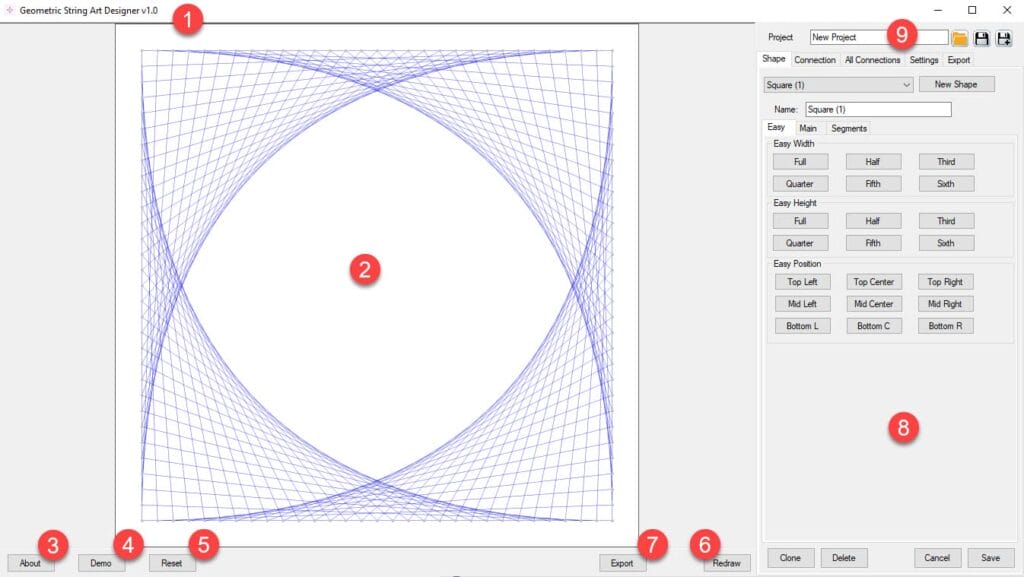
Geometric String Art Designer Software The basic workflow for Geometric String Art Designer is as follows: This tutorial shows the general layout and options of the software. Main Window Layout and Options If you are using other software from BookPublisherTools, the layout and generic functions will be familiar to you. Further Reading

Overview of the Geometric String Art Designer Software Read More »

How to add Connections to your design in Geometric String Art Designer

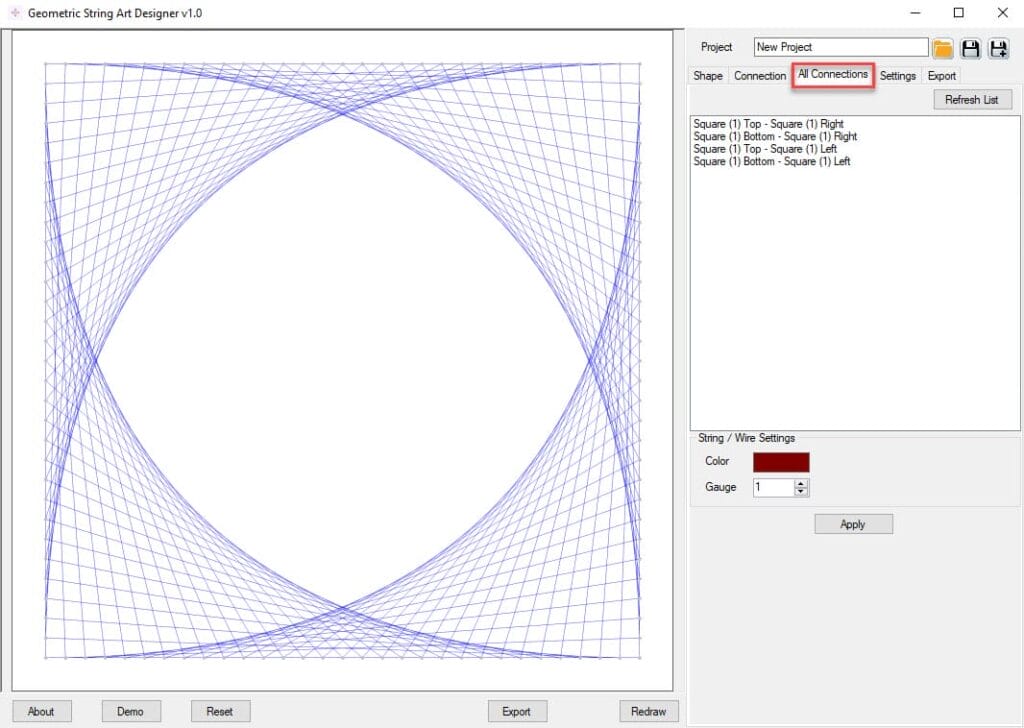
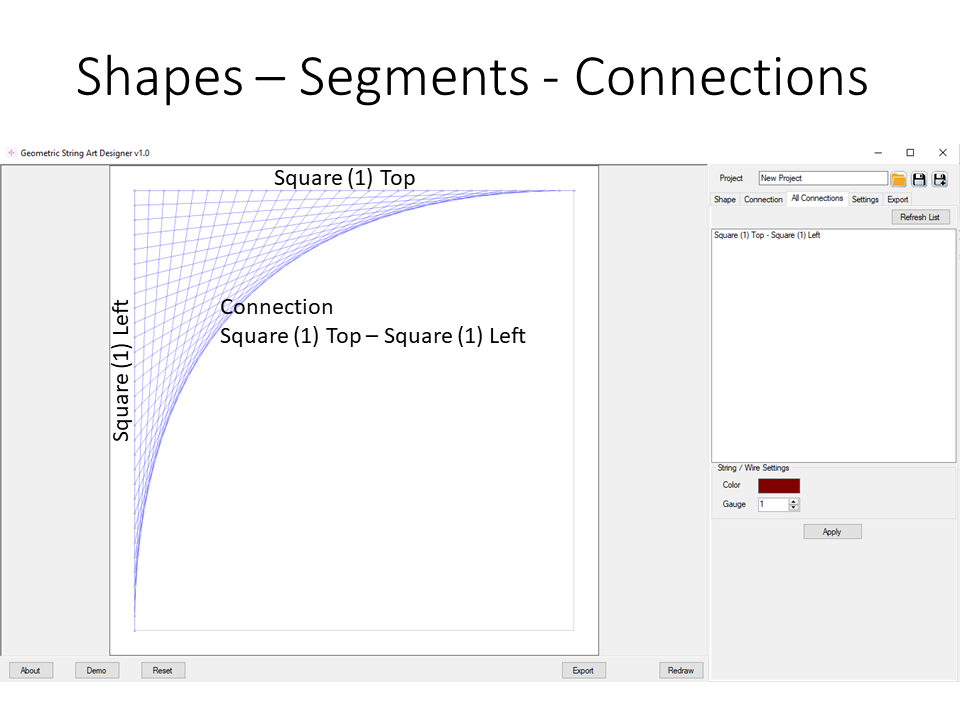
Connections This tutorial will show you how to add connections (the strings/wires) between shapes in Geometric String Art Designer Introduction Please check the Glossary of Shapes and Segments to learn more about the use of ‘Segments’ in Geometric String Art Designer. A “Connection” connects two different segments, and will draw the strings between both segments.

How to add Connections to your design in Geometric String Art Designer Read More »

Geometric String Art Designer – Glossary of Shapes and Segments

Glossary of Shapes and Segments Currently there are five different types of shapes in Geometric String Art Designer: Squares For a square (or rectangle) shape, there are several options to define segments: Circles For Circles we use the same naming style as for squares: Lines For Lines, we also use “Top” and “Bottom”, even when

Geometric String Art Designer – Glossary of Shapes and Segments Read More »

How to get started with Geometric String Art Designer

Geometric String Art Designer Introduction Geometric String Art Designer (GSAD) is a tool to help you design string art creations. You can use this to: Tutorial Overview The tutorials for GSAD have been split into different topics: Overview and Design Approach For Geometric String Art Designer, or GSAD, we developed a specific approach that will

How to get started with Geometric String Art Designer Read More »

Shopping Cart