Tutorials

Unlock the full potential of puzzle creation with our comprehensive guides. Whether you’re a beginner wondering where to start or an experienced creator looking to refine your skills, these tutorials simplify every step. Learn how to use Puzzle Maker Pro to craft professional-quality puzzles that captivate your audience. Each guide is tailored to help you save time, unleash your creativity, and confidently produce puzzles that stand out in any context.

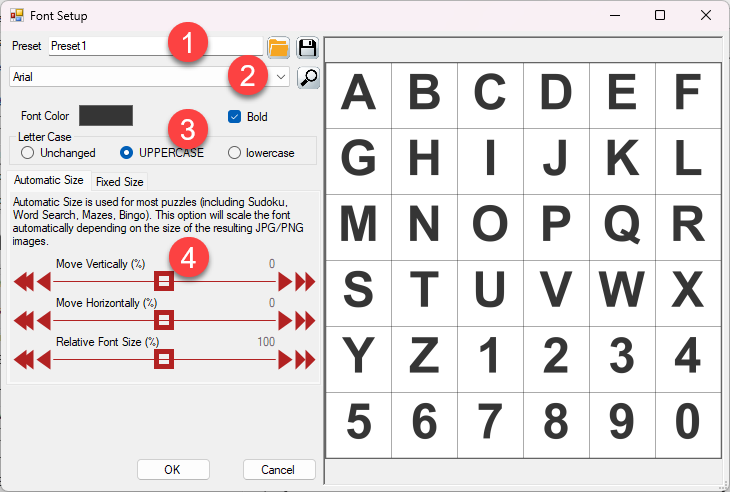
How to Choose and Customize Fonts in Puzzle Maker Pro

1. Overview Fonts play a critical role in the appearance and readability of your puzzles. With Puzzle Maker Pro, you can select and customize fonts to align with your audience, theme, or brand, ensuring your puzzles are both functional and visually appealing. 2. Required Modules This tutorial applies to all modules in Puzzle Maker Pro

How to Choose and Customize Fonts in Puzzle Maker Pro Read More »

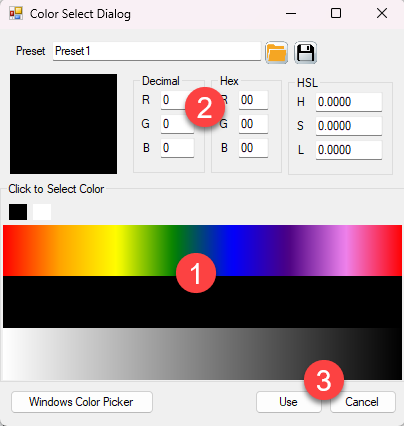
How to Customize Colors in Puzzle Maker Pro

1. Overview Colors can transform the look and feel of your puzzles, making them more engaging or aligned with specific themes. Puzzle Maker Pro provides flexible tools to customize colors for grids, fonts, and backgrounds, ensuring your puzzles are visually appealing and professional. 2. Required Modules This tutorial applies to all modules in Puzzle Maker

How to Customize Colors in Puzzle Maker Pro Read More »

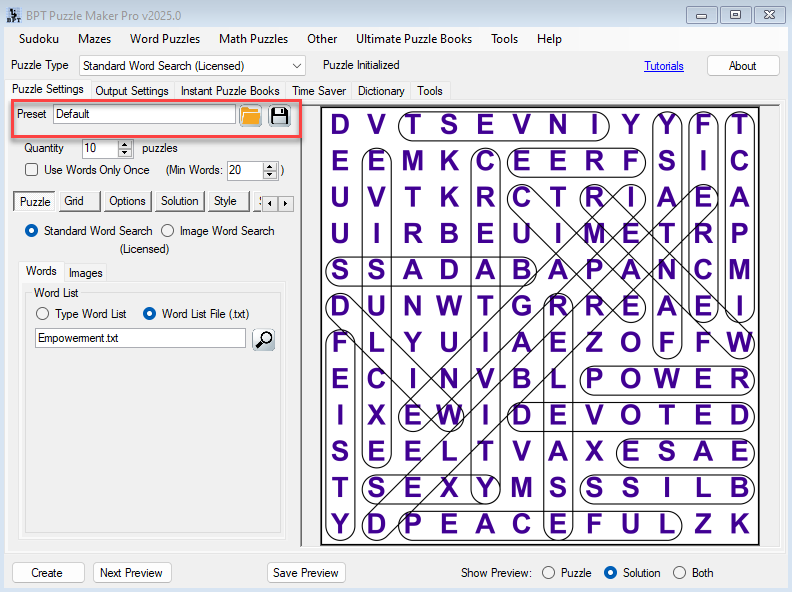
Puzzle Maker Pro Features - Presets

How to Use Presets in Puzzle Maker Pro: Save Time and Create Consistent Puzzles

How to Use Presets in Puzzle Maker Pro Overview Presets let you save and reuse all your puzzle settings — from fonts and colors to grid sizes and styling — ensuring a consistent look and efficient workflow.They’re especially useful when you want to maintain a uniform appearance across multiple sessions or projects. Typical Use Cases:

How to Use Presets in Puzzle Maker Pro: Save Time and Create Consistent Puzzles Read More »

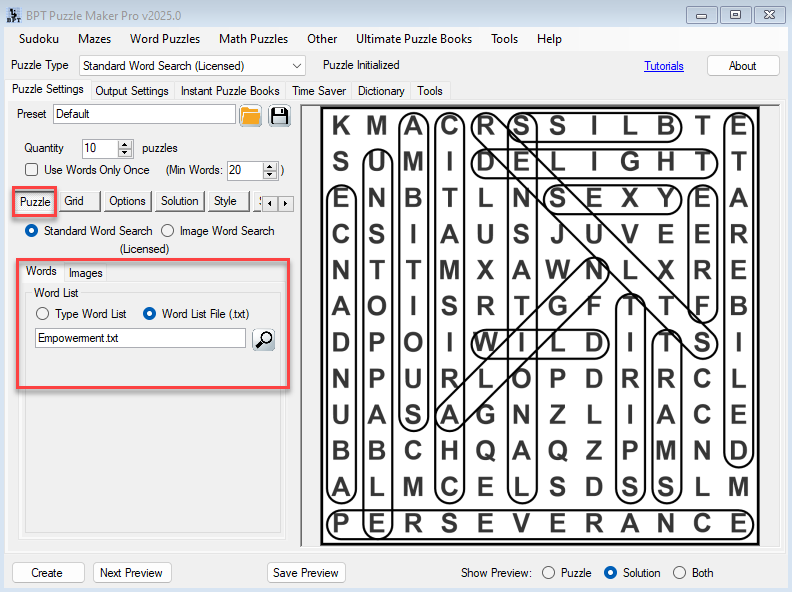
How to Create Custom Word Puzzles for Books and Printables

Introduction Creating word puzzles that stand out is no easy task. Whether you’re designing activity books for Amazon KDP, printables for Etsy, or engaging classroom materials, customization is the key to success. With Word Star, you can create fully customized word puzzles tailored to your audience’s needs. This guide will walk you through the process,

How to Create Custom Word Puzzles for Books and Printables Read More »

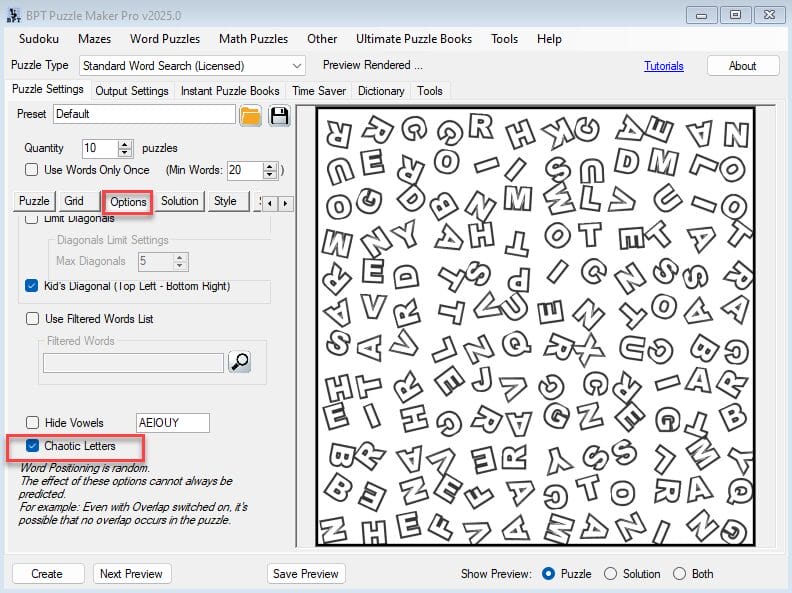
Revolutionizing Word Puzzles with Word Star: What Makes It Unique?

Introduction Puzzles have been a staple in entertainment and education for decades, but staying relevant in today’s market means offering something truly distinctive. Enter Word Star, a groundbreaking puzzle generator that brings innovation to the world of word puzzles. From its exclusive Knight Move and Star Shape puzzles to its advanced customization features, Word Star

Revolutionizing Word Puzzles with Word Star: What Makes It Unique? Read More »

Shopping Cart