How to use Shortcut Keys with Connect the Dots
This video tutorial demonstrates the use of Shortcut Keys for Puzzle Maker Pro – Connect the Dots
How to use Shortcut Keys with Connect the Dots Read More »

Unlock the full potential of puzzle creation with our comprehensive guides. Whether you’re a beginner wondering where to start or an experienced creator looking to refine your skills, these tutorials simplify every step. Learn how to use Puzzle Maker Pro to craft professional-quality puzzles that captivate your audience. Each guide is tailored to help you save time, unleash your creativity, and confidently produce puzzles that stand out in any context.
This video tutorial demonstrates the use of Shortcut Keys for Puzzle Maker Pro – Connect the Dots
How to use Shortcut Keys with Connect the Dots Read More »
This video tutorial demonstrates the first steps to learn Puzzle Maker Pro – Connect the Dots
Getting started with Puzzle Maker Pro – Connect the Dots Read More »
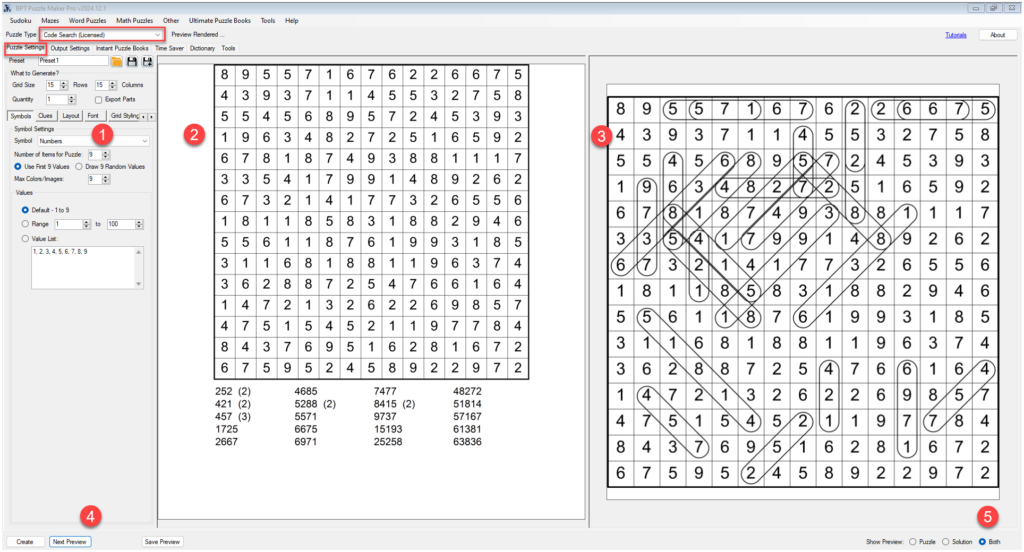
This tutorial explains how to create Code Search puzzles with Puzzle Maker Pro. The tutorial applies to: Introduction Code Search Code Search is a puzzle where you have to find a list of codes in a randomly filled grid. The codes can be numbers, letters, a combination of numbers, letters and other characters, Roman numerals,
How to create Code Search puzzles with Puzzle Maker Pro? Read More »
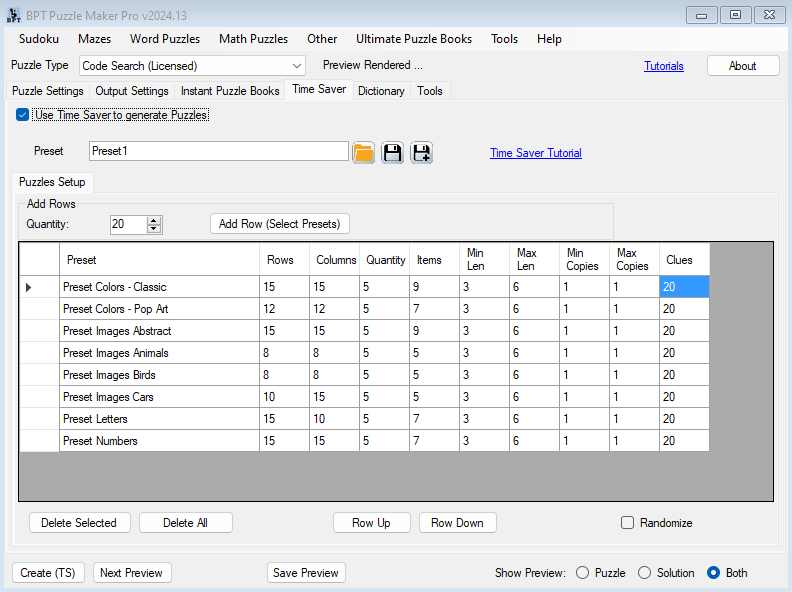
This tutorial explains how to use the Time Saver for Code Search. This tutorial applies to Puzzle Maker Pro – Time Saver for Word Search, in combination with: Introduction to the Time Saver Add-On Time Saver Add-on’s in Puzzle Maker Pro serve two main purposes: Layout Options The Page Layout options will be shown in
How to use the Time Saver for Code Search Read More »
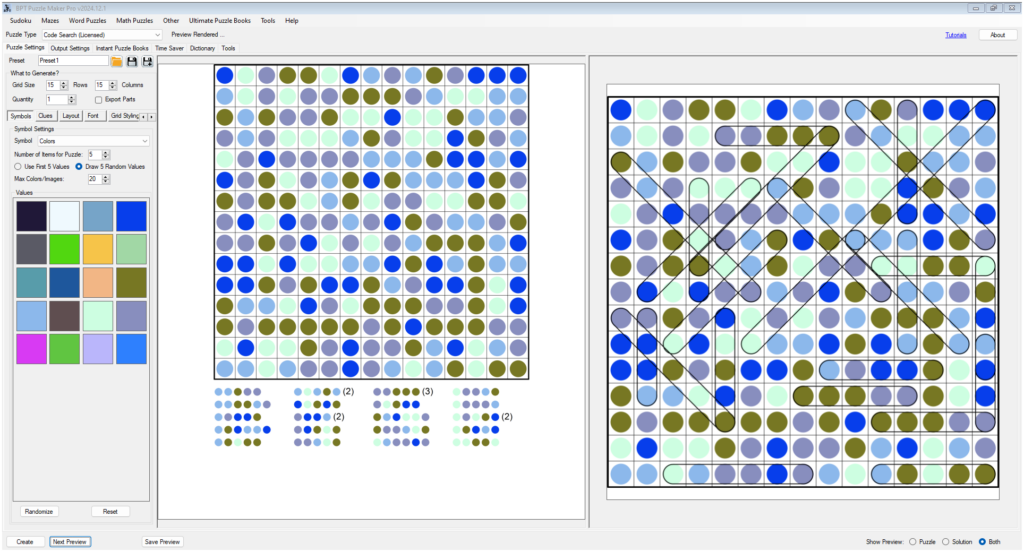
This tutorial shows how to get the most out of Puzzle Maker Pro – Color Code Search. This tutorial applies to: All generic information for the Code Search products can be found in the main Code Search tutorial. Introduction The Color Code Search option allows you to play with colors. You can set your own
How to get the most out of Puzzle Maker Pro – Color Code Search Read More »
⚡ Using Time Saver for Batch Bridges Puzzle Creation 🔍 Overview The Time Saver feature in Puzzle Maker Pro – Bridges Creator Edition lets you create multiple puzzles in one go, each with its own settings or style.Instead of generating one puzzle at a time, you can fill a table with different configurations — or
Using Time Saver for Batch Bridges Puzzle Creation Read More »
✏️ Create Bridges Puzzles with a Hand-Drawn Look and Feel 🔍 Overview Want your puzzles to look like they were drawn by hand with a pencil and ruler?In this tutorial, you’ll learn how to use Sketch mode in Puzzle Maker Pro – Bridges to give your puzzles a warm, handcrafted appearance — ideal for creative
Create Bridges Puzzles with a Hand-Drawn Look and Feel Read More »
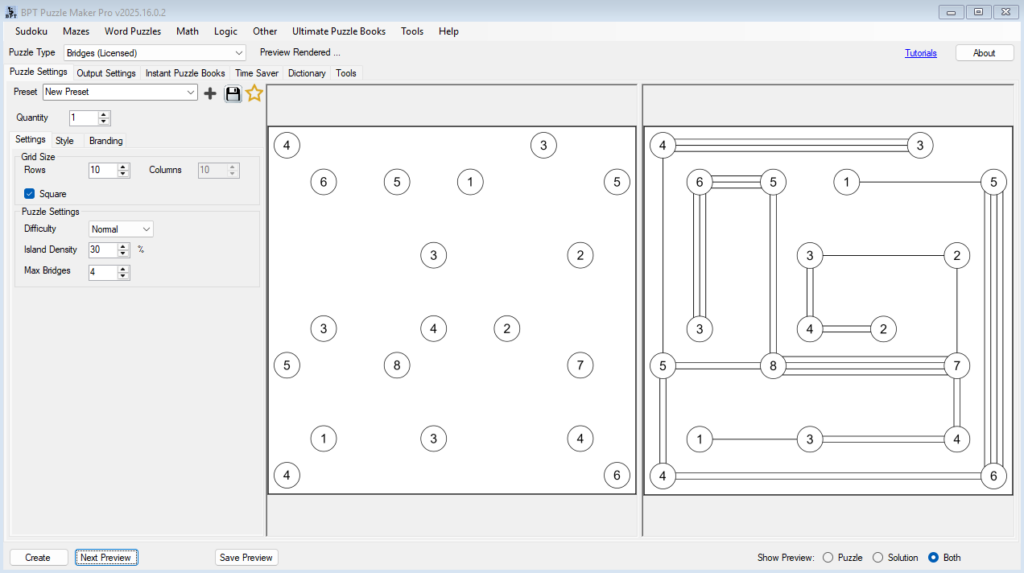
⚙️ Creating Difficulty Levels and Puzzle Variations in Bridges 🔍 Overview In this tutorial, you’ll learn how to control and fine-tune puzzle difficulty in the Bridges module of Puzzle Maker Pro.By adjusting a few simple parameters — grid size, density, difficulty, and maximum bridges — you can create an entire range of puzzles from relaxing
Creating Difficulty Levels and Puzzle Variations in Bridges Read More »
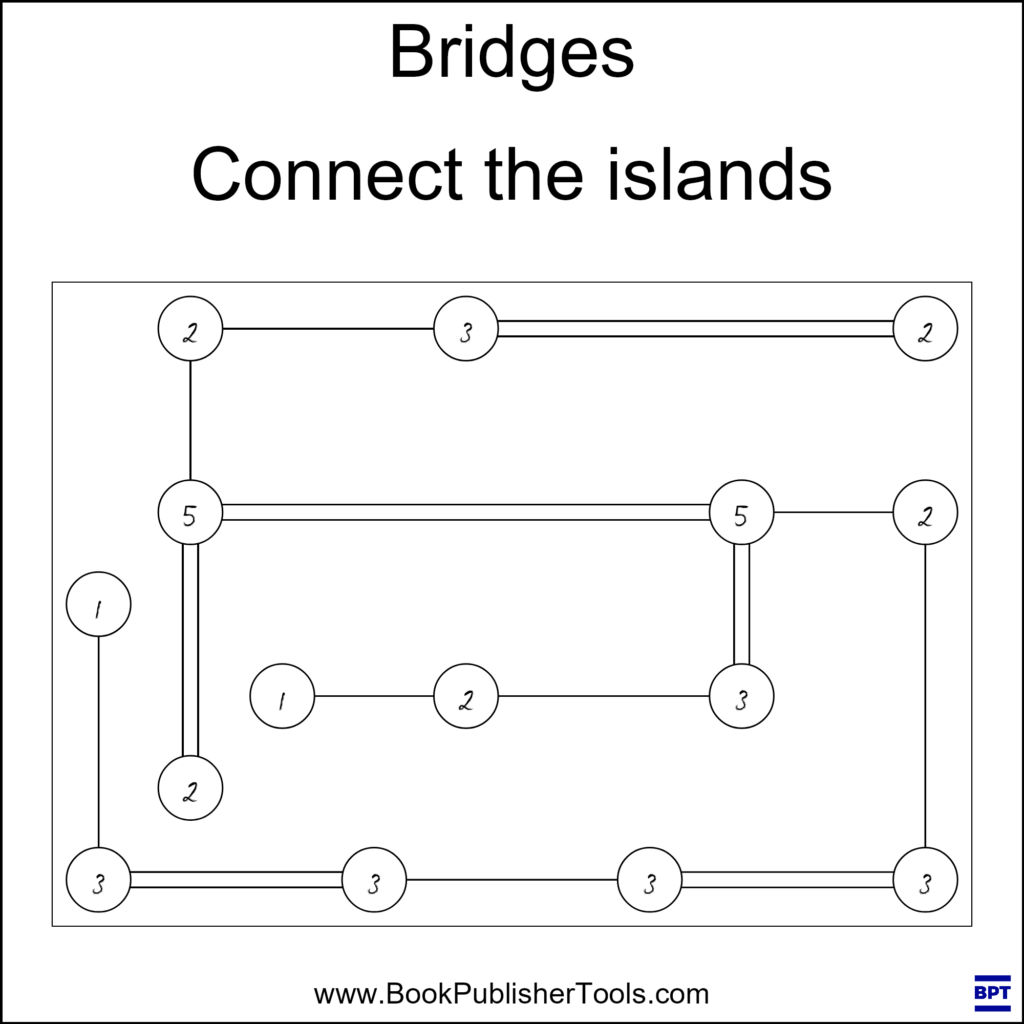
Getting Started with Bridges Puzzles What Are Bridges Puzzles? Bridges, also known as Hashiwokakero, are elegant logic puzzles where islands must be connected by bridges according to simple numerical clues.Each island shows a number that tells you exactly how many bridges must connect to it. The challenge? Building a network where every island connects perfectly
Getting Started with Bridges Puzzles Read More »
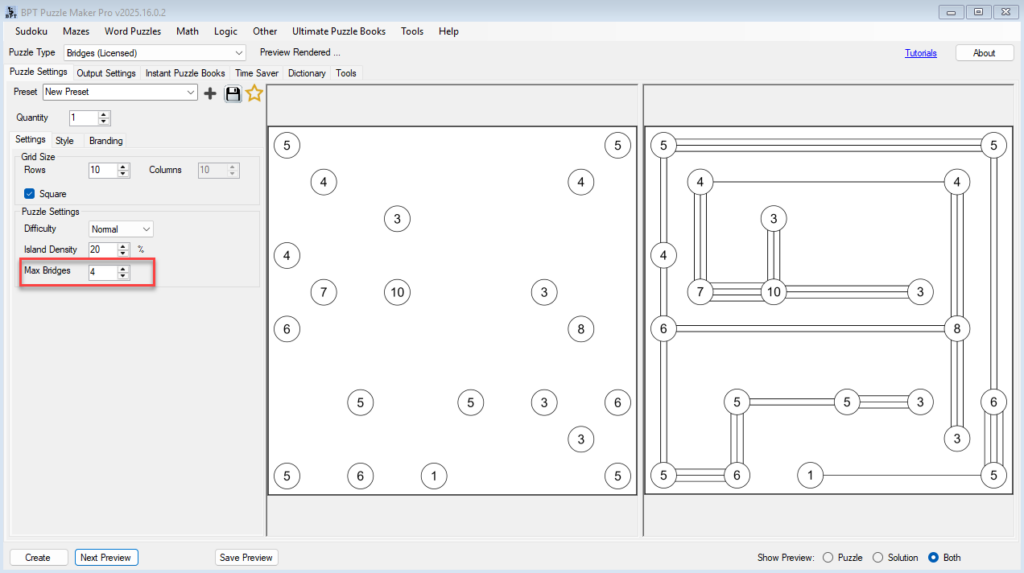
🧩 Bridges Puzzle Tutorials — Master the Bridges Module in Puzzle Maker Pro 🔍 Overview Learn everything you need to know about creating professional Bridges puzzles in Puzzle Maker Pro.This five-part tutorial series guides you from your first puzzle to full puzzle book automation — including styling, difficulty levels, and creative hand-drawn effects. Each tutorial
Bridges Puzzle Tutorials — Master the Bridges Module in Puzzle Maker Pro Read More »