Tutorials

Unlock the full potential of puzzle creation with our comprehensive guides. Whether you’re a beginner wondering where to start or an experienced creator looking to refine your skills, these tutorials simplify every step. Learn how to use Puzzle Maker Pro to craft professional-quality puzzles that captivate your audience. Each guide is tailored to help you save time, unleash your creativity, and confidently produce puzzles that stand out in any context.

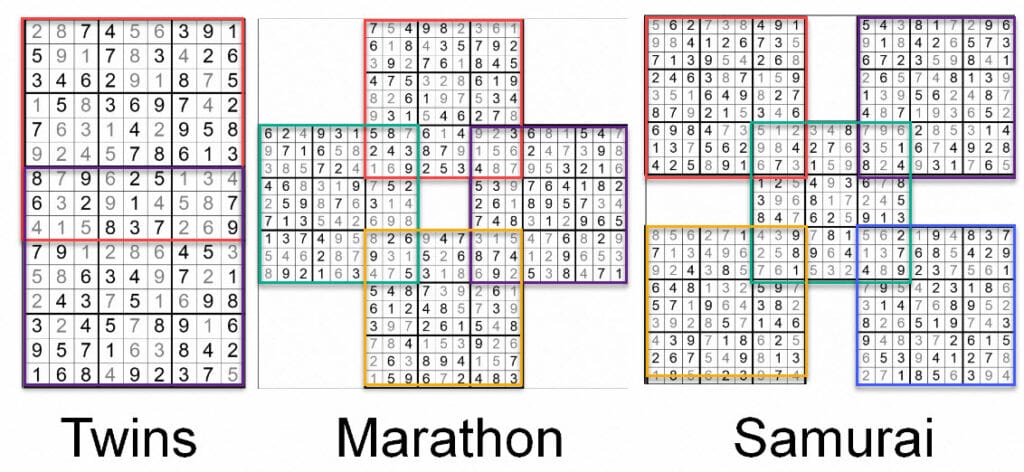
How do the difficulty levels for Sudoku and Wordoku work?

Grading and Difficulty Levels There are several different Sudoku puzzle variations available in Puzzle Maker Pro: Our Wordoku puzzles are graded with the same rules: One of the important things when solving, publishing and creating sudoku puzzles, is to set the difficulty level. In other words: Grading the puzzle. When you look at sudoku puzzles […]

How do the difficulty levels for Sudoku and Wordoku work? Read More »

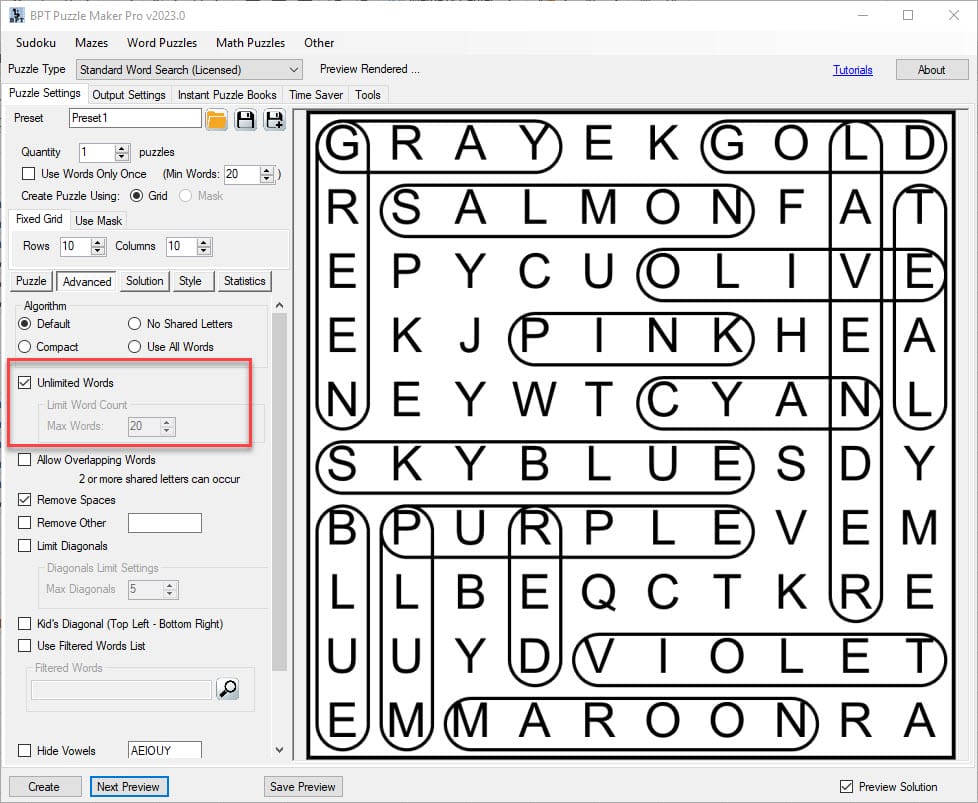
How to use the Time Saver for Word Search (v2023.3.3 and newer)

This tutorial shows how to use the Time Saver for Word Search (v2023.3.3 and newer) The tutorial applies to (both are required): Introduction With Puzzle Maker Pro version v2023.3.3, the Time Saver for Word Search has undergone significant changes. It now lets you combine multiple puzzle types in one single table (more about that later).

How to use the Time Saver for Word Search (v2023.3.3 and newer) Read More »

Shopping Cart