2025 update

What exactly is the Time Saver in Puzzle Maker Pro?

Puzzle Maker Pro started as a puzzle generator, with limited flexibility to create puzzle books. Early users requested functionality that offered more flexible creation of puzzles and puzzle books. The name “Time Saver” was suggested by those early users, because the add-ons can save a lot of time. Time Saver Explained Each Time Saver (add-on)

What exactly is the Time Saver in Puzzle Maker Pro? Read More »

How to fix display issues for Powerpoint plugins

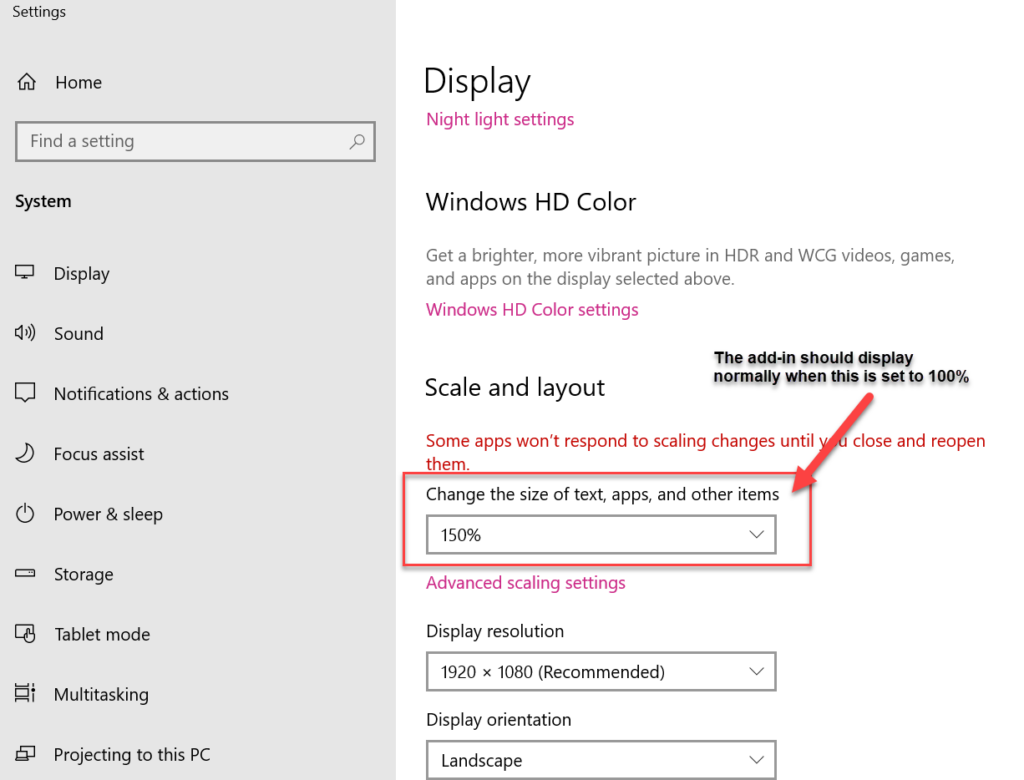
Our plugins for Powerpoint have been designed to display properly on your computer. However, since there are many different computers, and especially monitors and laptops, and some Windows settings that may affect the display, there are some things you can do to fix things yourself: Scrunched display For older plugins (or plugins by other developers)

How to fix display issues for Powerpoint plugins Read More »

How to create Mixed Puzzle Books with the Ultimate Puzzle Books module in Puzzle Maker Pro

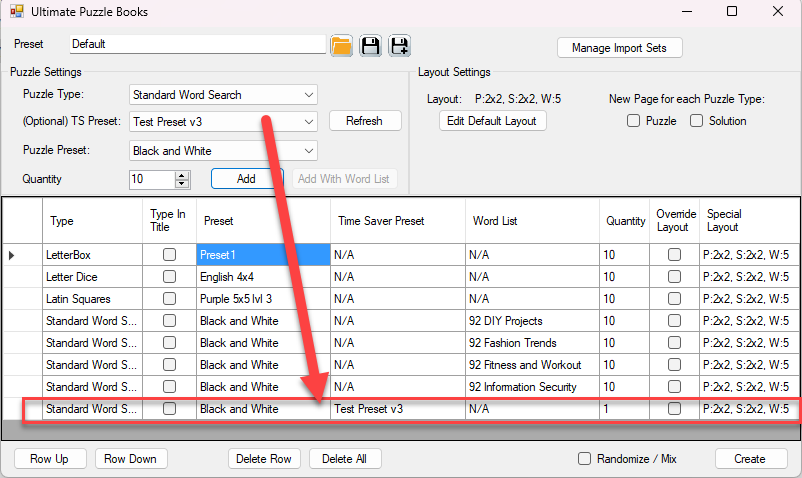
How to create Mixed Puzzle Books with the Ultimate Puzzle Books module in Puzzle Maker Pro. This tutorial applies to the Ultimate Puzzle Books module in Puzzle Maker Pro, which is part of: Introduction Ultimate Puzzle Books is a separate module, integrated in Puzzle Maker Pro, to create puzzle books or activity books with different

How to create Mixed Puzzle Books with the Ultimate Puzzle Books module in Puzzle Maker Pro Read More »

How Can I Create Books with Mixed Puzzle Books (plugin for Powerpoint)?

Getting Started This tutorial explains the steps to create puzzle books using Mixed Puzzle Books (plugin for Powerpoint). If you are using Puzzle Maker Pro, you can quickly create puzzles and puzzle books with a single mouse-click. However, there is a lot of puzzle-software available – free and commercial – that only creates the puzzles,

How Can I Create Books with Mixed Puzzle Books (plugin for Powerpoint)? Read More »

How to Enable Macros and Install Add-In’s in Powerpoint

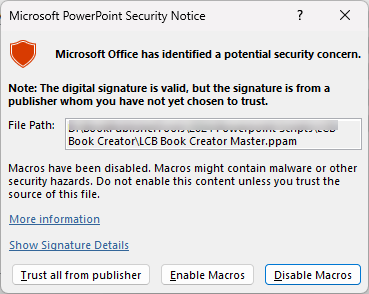
This tutorial describes how to Enable Macros and Install Add-In’s in Powerpoint. It applies to: Whenever you use a Powerpoint file that contains macros, you’ll receive a warning in Powerpoint. There are two steps to take (just once) to allow the macros to work: Security Step 1 – Windows To let Windows know that you

How to Enable Macros and Install Add-In’s in Powerpoint Read More »

How can I quickly set up lines, squares or dots for my journal using Journal Filler Plugin for Powerpoint?

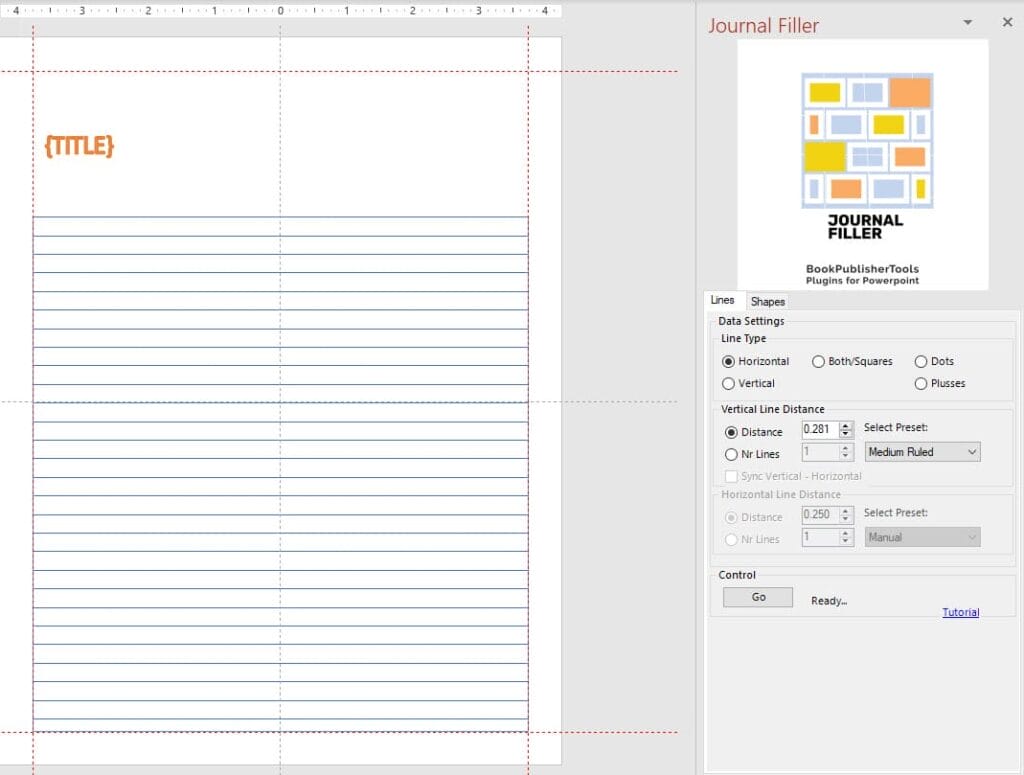
This tutorial will show you how to quickly fill a shape in Powerpoint with lines, dots or squares. As you know, each ‘page’ in Powerpoint is called a slide. That’s the terminology we will use in this tutorial. Overview The Journal Filler Plugin for Powerpoint will save you time with two different options: To use

How can I quickly set up lines, squares or dots for my journal using Journal Filler Plugin for Powerpoint? Read More »

How can I quickly set up a layout with the Journal Filler Plugin for Powerpoint?

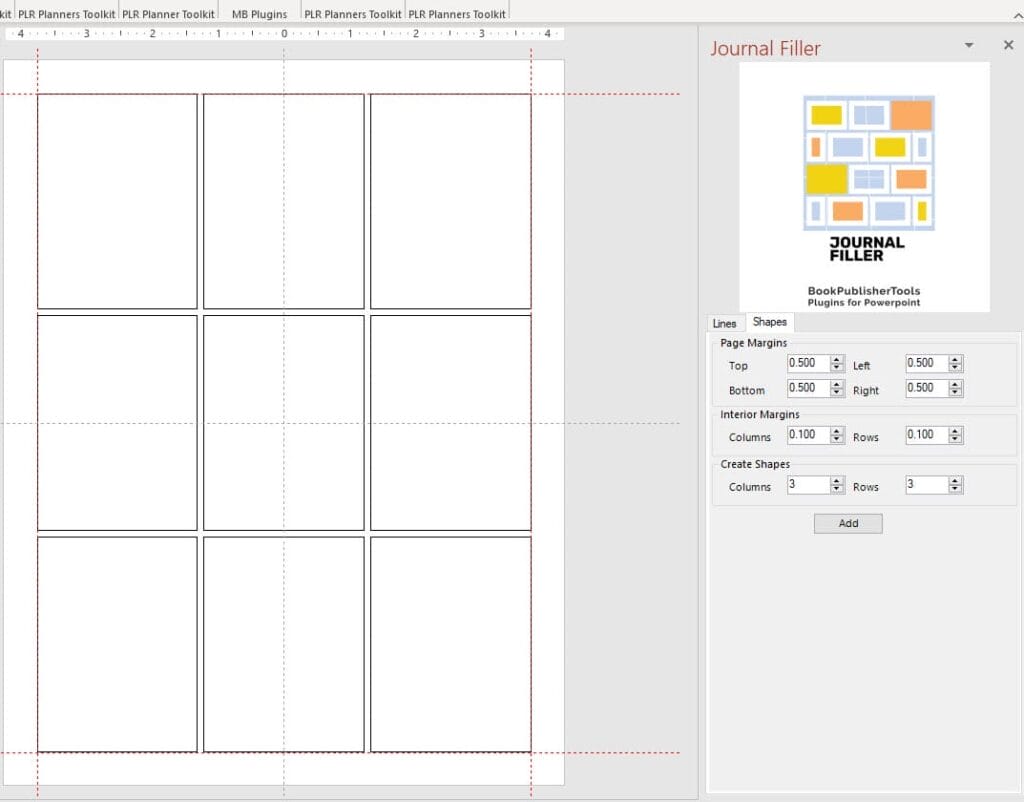
This tutorial shows you how to quickly create a tight layout in Powerpoint using the Journal Filler Plugin for Powerpoint. As you know, each ‘page’ in Powerpoint is called a slide. That’s the terminology we will use in this tutorial. Overview The Journal Filler Plugin for Powerpoint will save you time with two different options:

How can I quickly set up a layout with the Journal Filler Plugin for Powerpoint? Read More »

Shopping Cart