Puzzle Maker Pro Feature Guides

Unlock the full potential of Puzzle Maker Pro by mastering its core features and shared tools. These tutorials show you how to customize layouts, adjust fonts, and work with advanced settings that apply across multiple puzzle types. Perfect for creators who want to streamline their process and ensure professional results every time.

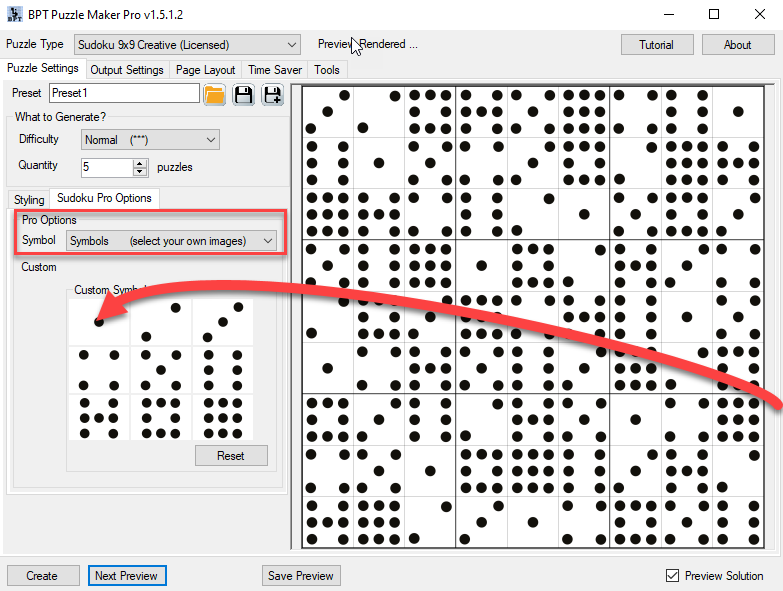
How to select images for your puzzles in Puzzle Maker Pro?

Several Puzzle Maker Pro modules, like Sudoku 9×9 Creative, Sudoku Kids Edition and Sudoku Variations, Bingo and Game Maker, allow you to use your own images (cliparts) as symbols in a puzzle. In this tutorial we will use Sudoku 9×9 Creative as an example. In other modules it works the same, although the option may […]

How to select images for your puzzles in Puzzle Maker Pro? Read More »
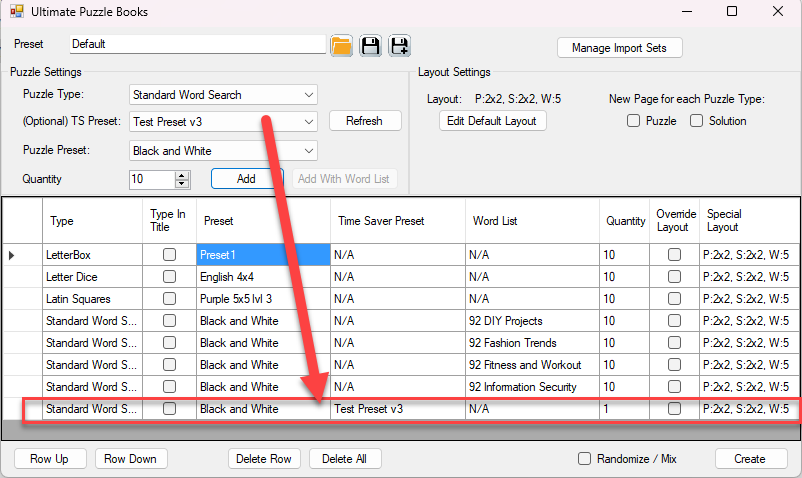
What exactly is the Time Saver in Puzzle Maker Pro?

Puzzle Maker Pro started as a puzzle generator, with limited flexibility to create puzzle books. Early users requested functionality that offered more flexible creation of puzzles and puzzle books. The name “Time Saver” was suggested by those early users, because the add-ons can save a lot of time. Time Saver Explained Each Time Saver (add-on)

What exactly is the Time Saver in Puzzle Maker Pro? Read More »

How to create Mixed Puzzle Books with the Ultimate Puzzle Books module in Puzzle Maker Pro

How to create Mixed Puzzle Books with the Ultimate Puzzle Books module in Puzzle Maker Pro. This tutorial applies to the Ultimate Puzzle Books module in Puzzle Maker Pro, which is part of: Introduction Ultimate Puzzle Books is a separate module, integrated in Puzzle Maker Pro, to create puzzle books or activity books with different

How to create Mixed Puzzle Books with the Ultimate Puzzle Books module in Puzzle Maker Pro Read More »

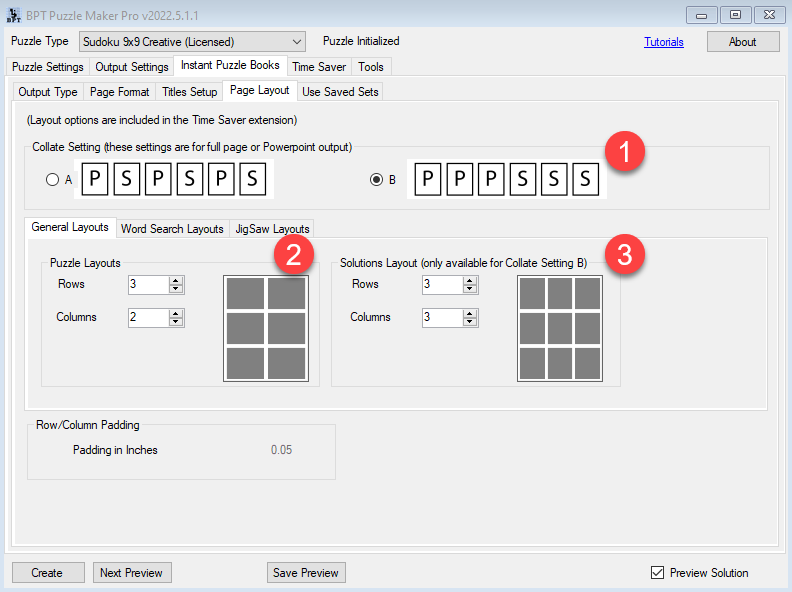
Instant Puzzle Books Overview

Instant Puzzle Books Overview The Instant Puzzle Books feature in Puzzle Maker Pro converts generated puzzles into print-ready book interiors. This guide introduces the main features, settings, and best practices for creating professional puzzle books efficiently. 1. Output Formats Instant Puzzle Books can be exported as PDF, PowerPoint (PPTX), or individual JPG images. PDF output

Instant Puzzle Books Overview Read More »

How to Create EPUB Files with Puzzle Maker Pro

Creating EPUB files with Puzzle Maker Pro is straightforward. This tutorial explains two methods to create high-quality EPUB files: directly exporting puzzles as JPG images or exporting to PowerPoint for additional editing before converting to JPG. Both approaches allow you to use Puzzle Maker Pro’s customizable features, ensuring your puzzles are ready for digital publishing.

How to Create EPUB Files with Puzzle Maker Pro Read More »

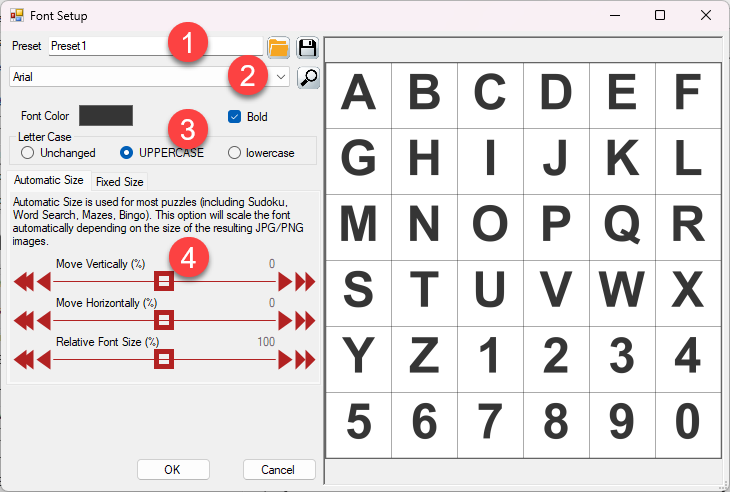
How to Choose and Customize Fonts in Puzzle Maker Pro

1. Overview Fonts play a critical role in the appearance and readability of your puzzles. With Puzzle Maker Pro, you can select and customize fonts to align with your audience, theme, or brand, ensuring your puzzles are both functional and visually appealing. 2. Required Modules This tutorial applies to all modules in Puzzle Maker Pro

How to Choose and Customize Fonts in Puzzle Maker Pro Read More »

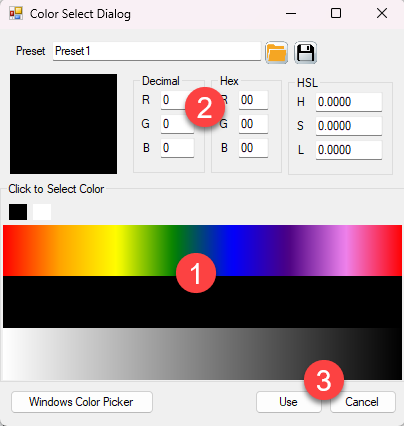
How to Customize Colors in Puzzle Maker Pro

1. Overview Colors can transform the look and feel of your puzzles, making them more engaging or aligned with specific themes. Puzzle Maker Pro provides flexible tools to customize colors for grids, fonts, and backgrounds, ensuring your puzzles are visually appealing and professional. 2. Required Modules This tutorial applies to all modules in Puzzle Maker

How to Customize Colors in Puzzle Maker Pro Read More »

Shopping Cart