Tutorials

Unlock the full potential of puzzle creation with our comprehensive guides. Whether you’re a beginner wondering where to start or an experienced creator looking to refine your skills, these tutorials simplify every step. Learn how to use Puzzle Maker Pro to craft professional-quality puzzles that captivate your audience. Each guide is tailored to help you save time, unleash your creativity, and confidently produce puzzles that stand out in any context.

WordPress Plugin – Build or Modify Puzzle Sets Manually

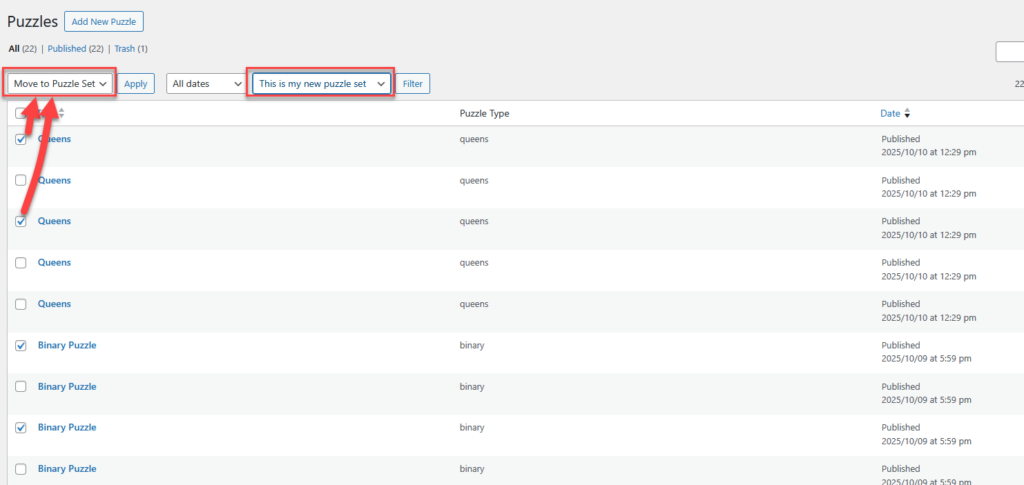
🧩 WordPress Plugin – Build or Modify Puzzle Sets Manually Demo: See the plugin in action – https://www.bookpublishertools.com/pmp_puzzle_set/queens-puzzles-demo/ Overview This guide explains how to manually create or edit a Puzzle Set in WordPress using the Puzzle Maker Pro WordPress Plugin.You’ll learn how to add existing puzzles, upload new ones, and organize them in a custom

WordPress Plugin – Build or Modify Puzzle Sets Manually Read More »

Getting Started with Puzzle Maker Pro WordPress Plugin

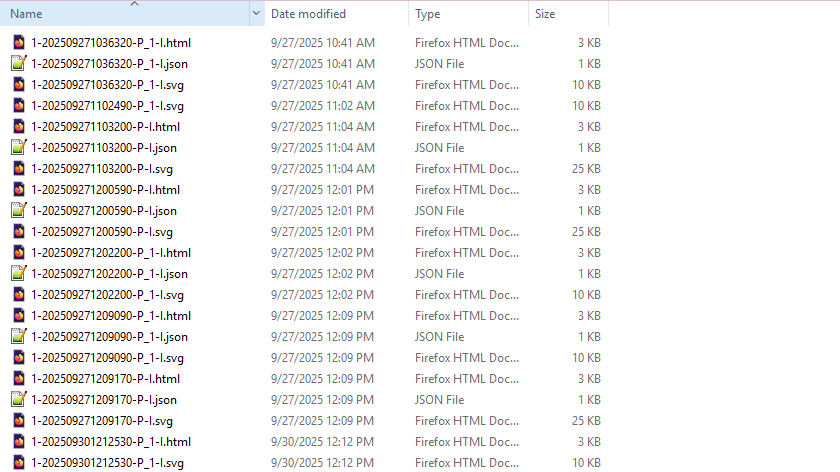
🧩 Getting Started with Puzzle Maker Pro WordPress Plugin Demo: See the plugin in action – https://www.bookpublishertools.com/pmp_puzzle_set/queens-puzzles-demo/ Overview This tutorial shows how to get started with the WordPress plugin for Puzzle Maker Pro. We tried to make this easy, you can import a ZIP file created by Puzzle Maker Pro into WordPress using the Puzzle

Getting Started with Puzzle Maker Pro WordPress Plugin Read More »

Interactive Puzzle Page Styling – Customize Colors, Fonts, and Layout

Interactive Puzzle Page Styling: Customize Colors, Fonts & Layout (CSS) Overview Make your interactive puzzle pages look on-brand—without touching the puzzle logic. In this tutorial you’ll style the page with custom.css to change colors, fonts, spacing, and buttons while keeping all required HTML and JavaScript intact. Great for KDP/Etsy publishers showcasing samples, or educators matching

Interactive Puzzle Page Styling – Customize Colors, Fonts, and Layout Read More »

Interactive Puzzle Gallery: Publish Multiple Puzzles Online

Interactive Puzzle Gallery: Publish Multiple Puzzles Online Overview Interactive puzzles don’t just attract attention — they keep visitors engaged on your website. With Puzzle Maker Pro, you can publish a gallery of puzzles on a single page, allowing readers to switch between different puzzles in a dropdown menu. This setup is ideal if you want

Interactive Puzzle Gallery: Publish Multiple Puzzles Online Read More »

Interactive Puzzles: Publish a Single Puzzle Online

Interactive Puzzles: Publish a Single Puzzle Online Overview Interactive puzzles are a powerful way to attract and engage visitors on your website. By publishing a Puzzle Maker Pro puzzle as an interactive HTML page, you give readers the chance to try a puzzle instantly—perfect for showing samples, promoting your books, or keeping your audience engaged.

Interactive Puzzles: Publish a Single Puzzle Online Read More »

Styling and Branding Binary Puzzles in Puzzle Maker Pro

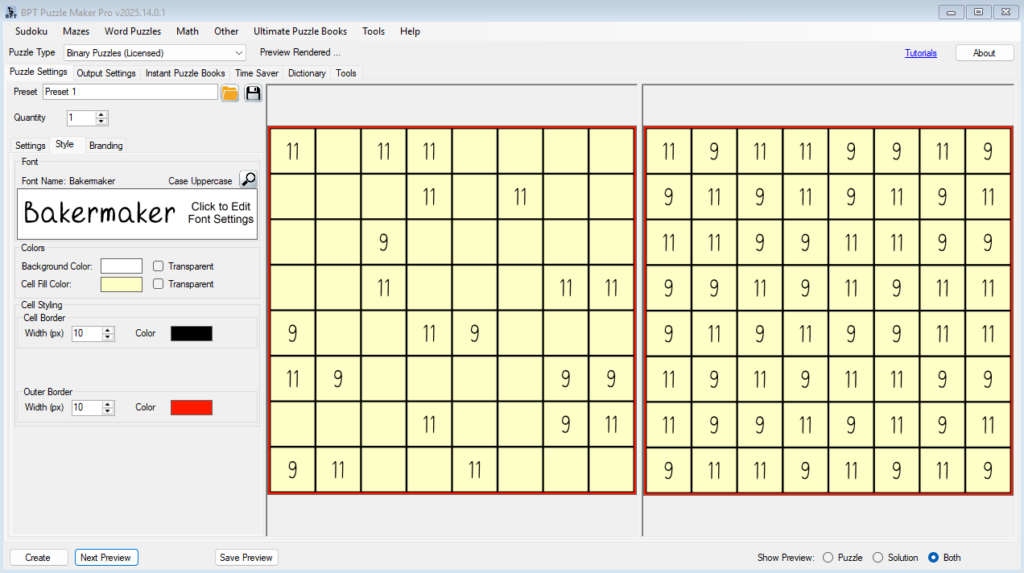
Styling and Branding Binary Puzzles in Puzzle Maker Pro Overview One of the biggest advantages of Puzzle Maker Pro – Binary Puzzles is the ability to go far beyond simple 0s and 1s. With full styling and branding options, you can customize puzzles to match your audience or brand identity—whether that’s colorful puzzles for kids,

Styling and Branding Binary Puzzles in Puzzle Maker Pro Read More »

Shopping Cart