Tutorials

Unlock the full potential of puzzle creation with our comprehensive guides. Whether you’re a beginner wondering where to start or an experienced creator looking to refine your skills, these tutorials simplify every step. Learn how to use Puzzle Maker Pro to craft professional-quality puzzles that captivate your audience. Each guide is tailored to help you save time, unleash your creativity, and confidently produce puzzles that stand out in any context.

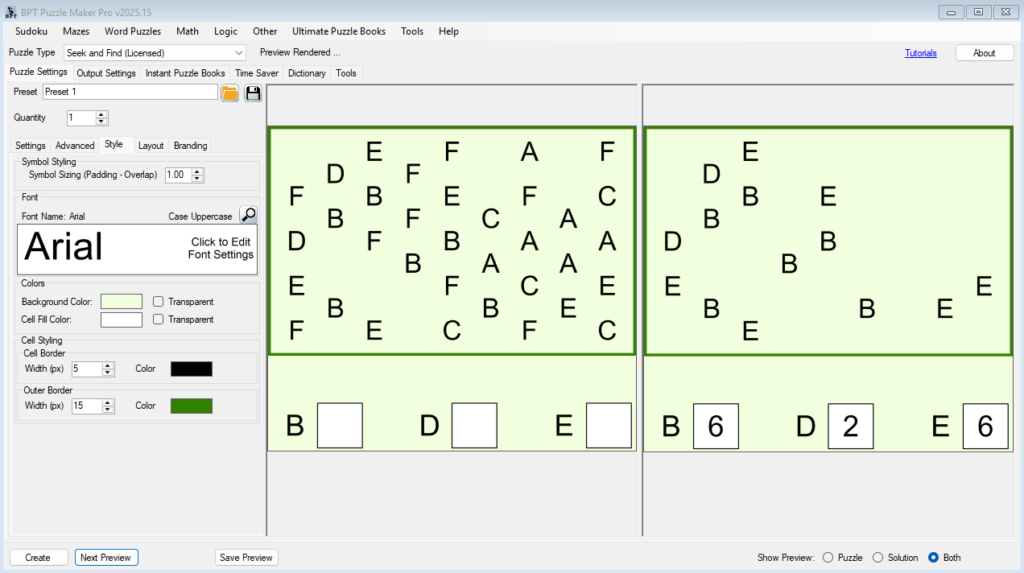
Styling and Branding Your Bridges Puzzles

🎨 Styling and Branding Your Bridges Puzzles URL: /bridges-puzzle-styling-and-brandingPrimary Keyword: Bridges puzzle stylingSecondary Keywords: puzzle branding, custom puzzle design, Puzzle Maker Pro Bridges 🔍 Overview Your puzzle’s appearance matters just as much as its logic. In this tutorial, you’ll learn how to customize the look and feel of your Bridges puzzles — including fonts, colors, […]

Styling and Branding Your Bridges Puzzles Read More »
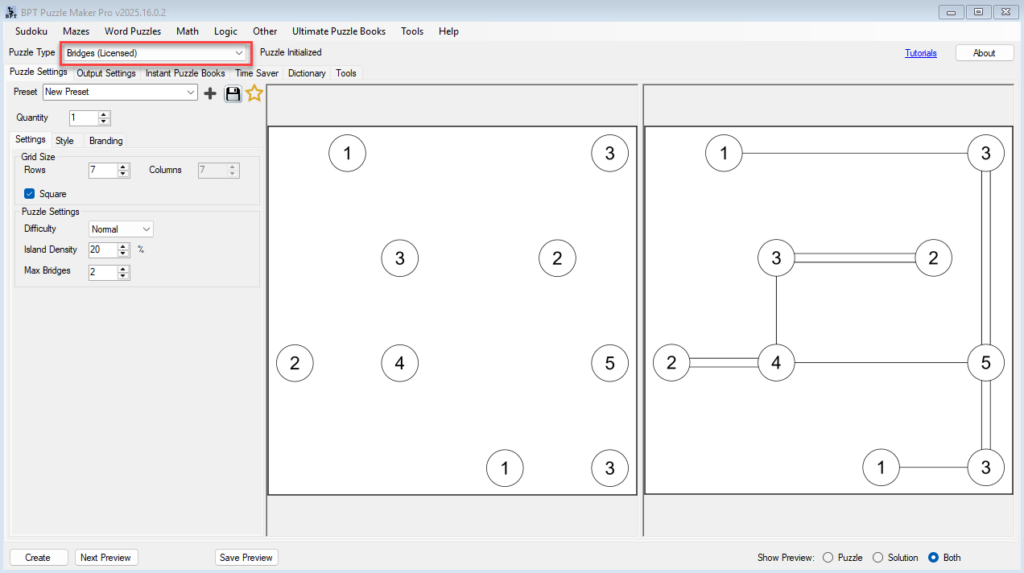
Getting Started with Puzzle Maker Pro – Bridges

Getting Started with Puzzle Maker Pro – Bridges 🔍 Overview Learn how to create your first Bridges puzzles in Puzzle Maker Pro.In this tutorial, you’ll set up your grid, adjust island density, define bridge limits, and generate your first printable puzzle — ready for puzzle books, printables, or classroom activities. Who this is for:Perfect for

Getting Started with Puzzle Maker Pro – Bridges Read More »

🧩 The Complete Guide to Seek and Find Puzzles

🧩 The Complete Guide to Seek and Find Puzzles 10 Expert Articles on Design, Psychology, Accessibility, and Publishing Welcome to the Seek and Find resource hub — your complete guide to creating, publishing, and understanding visual puzzles that engage learners, readers, and puzzle fans of all ages. Whether you’re an educator designing classroom worksheets, a

🧩 The Complete Guide to Seek and Find Puzzles Read More »

How to Build a Complete Puzzle Book Using Seek and Find Themes

How to Build a Complete Puzzle Book Using Seek and Find Themes A step-by-step guide to planning, designing, and publishing puzzle books that feature visually engaging Seek and Find puzzles. Introduction: Building a Book That Stands Out Creating a puzzle book isn’t just about filling pages — it’s about designing an experience. Readers expect variety,

How to Build a Complete Puzzle Book Using Seek and Find Themes Read More »

Using the Time Saver to Build Puzzle Collections Fast

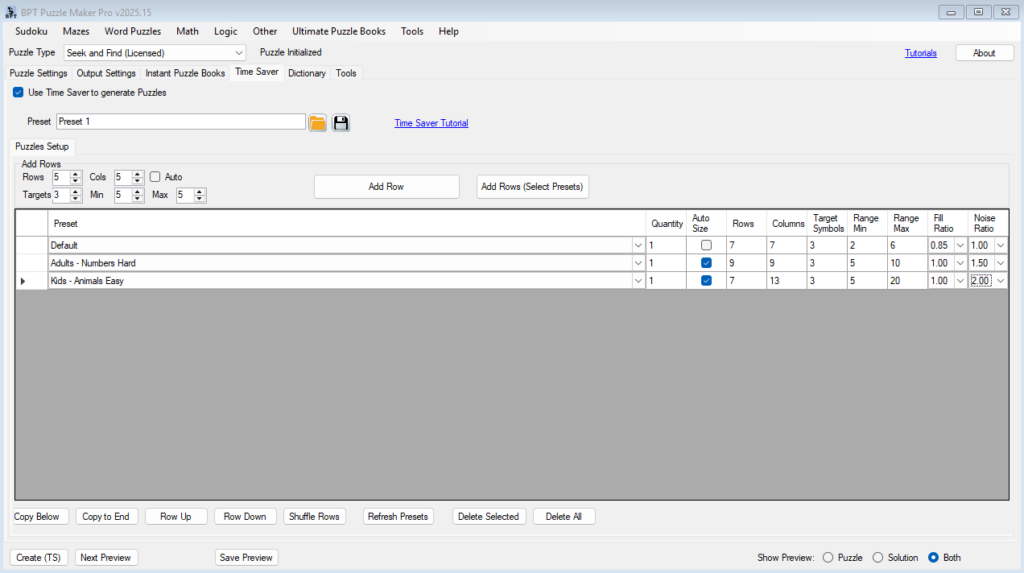
⚙️ Using the Time Saver to Build Puzzle Collections Fast Overview The Time Saver in Puzzle Maker Pro – Seek and Find helps you create complete puzzle collections automatically — perfect for KDP publishers, educators, and anyone producing multiple puzzles in a single session. Instead of generating puzzles one by one, you can define an

Using the Time Saver to Build Puzzle Collections Fast Read More »

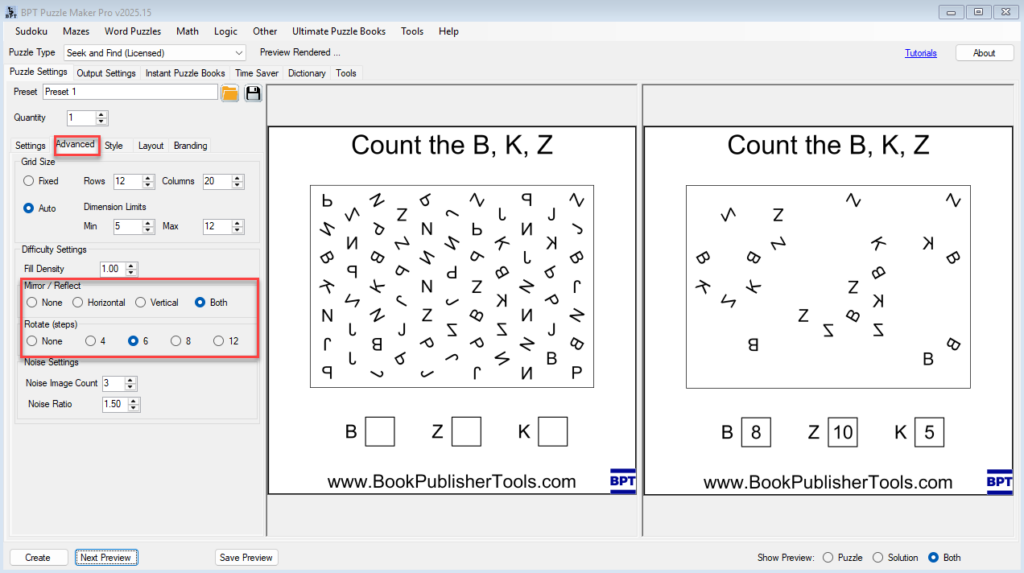
Exporting and Refining Seek and Find Puzzles for Print and PDF

🖨️ Exporting and Refining Seek and Find Puzzles for Print and PDF Overview This tutorial shows how to export high-quality Seek and Find puzzles and solutions using Puzzle Maker Pro – Seek and Find.You’ll learn how to preview, fine-tune clarity, and generate clean output files that are ready for printing, classroom worksheets, or puzzle books.

Exporting and Refining Seek and Find Puzzles for Print and PDF Read More »

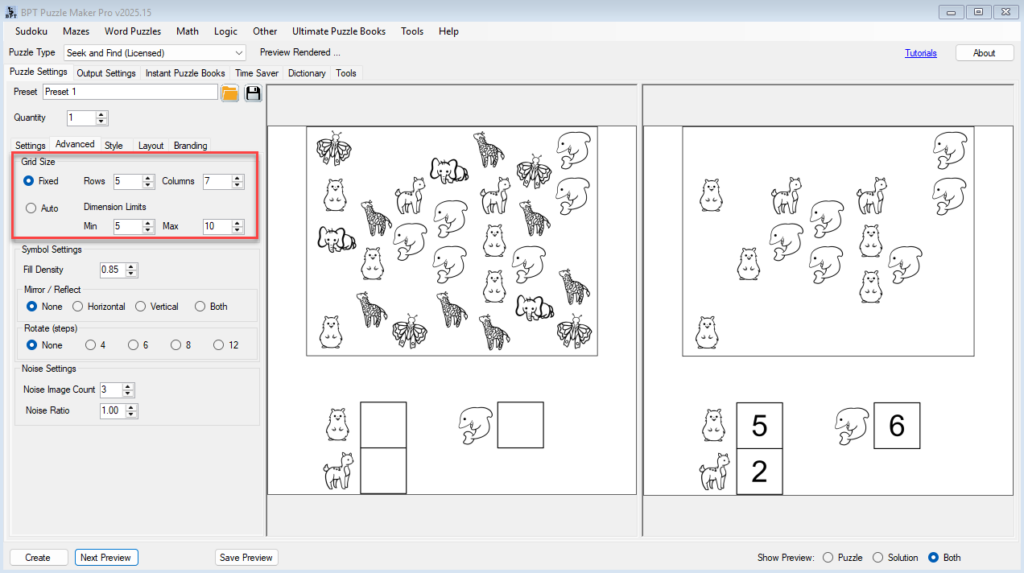
Mastering Grid Design and Difficulty Settings in Seek and Find

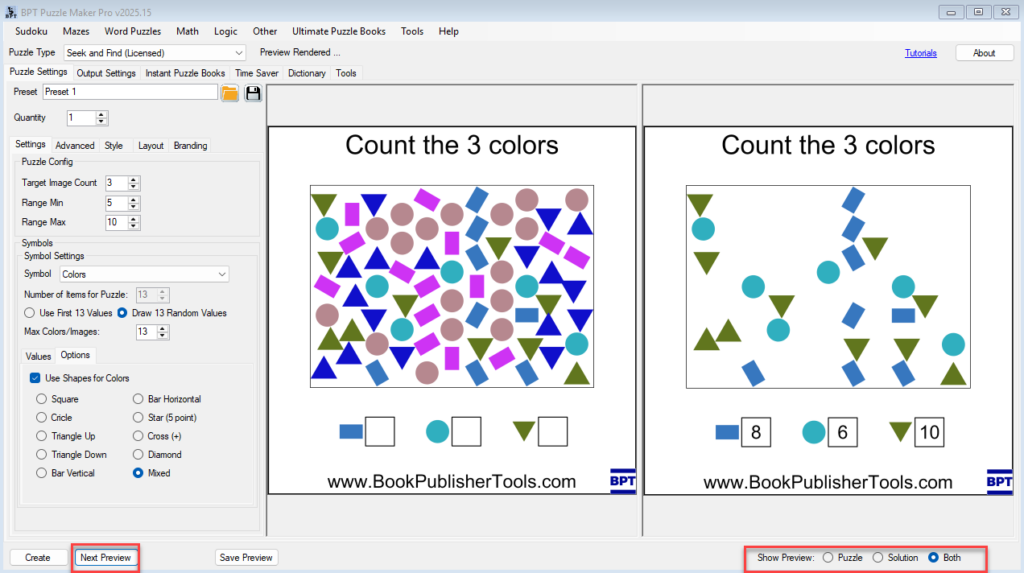
🧮 Mastering Grid Design and Difficulty Settings in Seek and Find Overview In this tutorial, you’ll learn how to design balanced, visually clear Seek and Find puzzles in Puzzle Maker Pro – Seek and Find.You’ll use the Settings and Advanced tabs to control puzzle size, symbol placement, and difficulty — ensuring your puzzles are fun

Mastering Grid Design and Difficulty Settings in Seek and Find Read More »

Shopping Cart