Tutorials

Unlock the full potential of puzzle creation with our comprehensive guides. Whether you’re a beginner wondering where to start or an experienced creator looking to refine your skills, these tutorials simplify every step. Learn how to use Puzzle Maker Pro to craft professional-quality puzzles that captivate your audience. Each guide is tailored to help you save time, unleash your creativity, and confidently produce puzzles that stand out in any context.

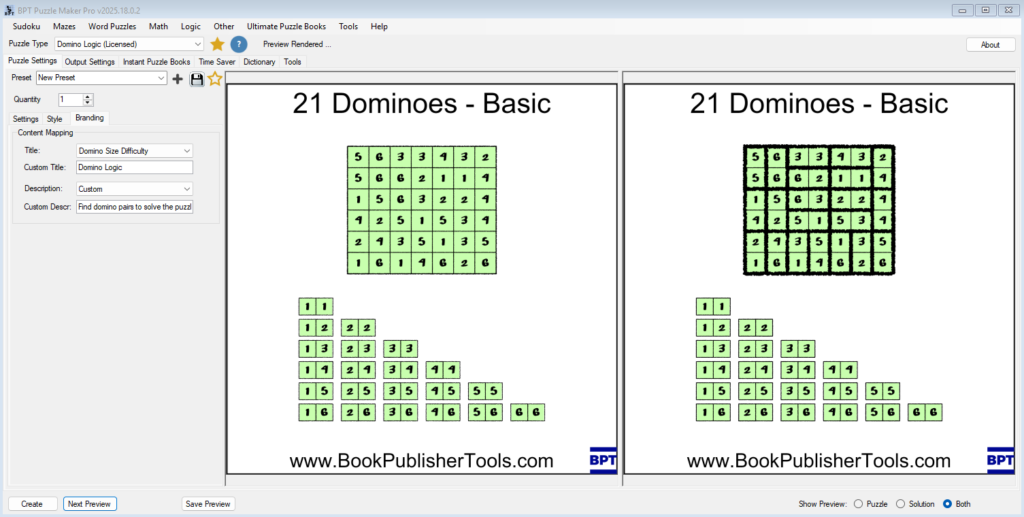
Styling and Branding Domino Logic Puzzles

Styling and Branding Domino Logic Puzzles Overview Styling and branding give your Domino Logic puzzles their final personality — transforming them from functional grids into beautiful, themed logic experiences.In this tutorial, you’ll learn how to adjust line styles, use the hand-drawn “sketch” effect, add colors or backgrounds, and apply consistent branding to your puzzles.We’ll also […]

Styling and Branding Domino Logic Puzzles Read More »

Getting Started with Domino Logic in Puzzle Maker Pro

Getting Started with Domino Logic in Puzzle Maker Pro Overview This tutorial walks you through creating your first Domino Logic puzzle — from selecting the content type to exporting your first printable puzzle or complete puzzle book.You’ll learn how to control difficulty, choose between numbers, colors, or images, and use Instant Puzzle Books to generate

Getting Started with Domino Logic in Puzzle Maker Pro Read More »

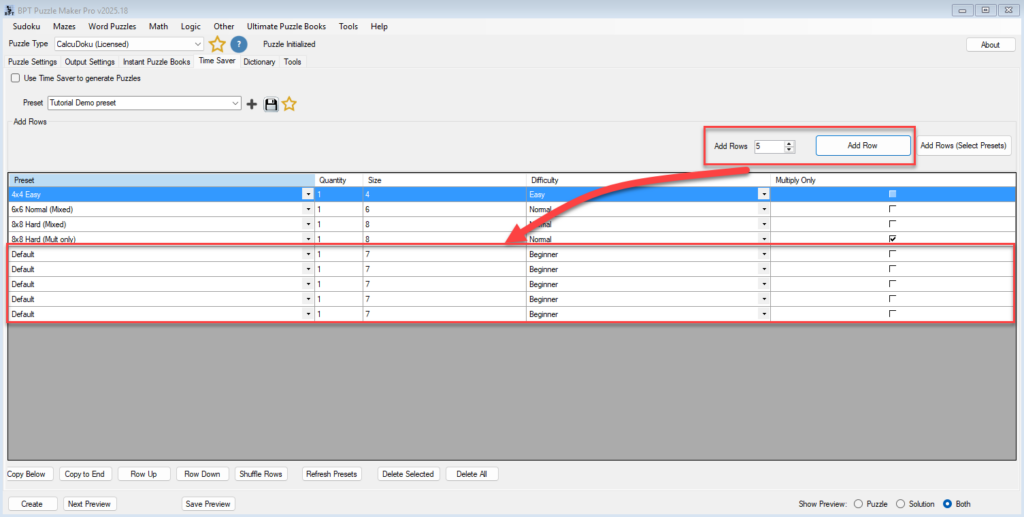
Batch Puzzle Creation with the Time Saver Add-On (CalcuDoku Creator Edition)

Batch Puzzle Creation with the Time Saver Add-On (CalcuDoku Creator Edition) Overview The Time Saver Add-On takes CalcuDoku puzzle production to the next level.Instead of manually adjusting settings and regenerating puzzles one by one, you can prepare a full list of puzzle configurations — mixing grid sizes, difficulties, and arithmetic rules — and generate them

Batch Puzzle Creation with the Time Saver Add-On (CalcuDoku Creator Edition) Read More »

Creating CalcuDoku Puzzle Books with Instant Puzzle Books

Creating CalcuDoku Puzzle Books with Instant Puzzle Books Overview Once you’ve designed your ideal CalcuDoku layout, it’s time to scale up.The Instant Puzzle Books feature lets you generate multiple puzzles in one click — perfect for creating printable puzzle books, classroom worksheets, or large puzzle sets for online shops. This tutorial shows how to use

Creating CalcuDoku Puzzle Books with Instant Puzzle Books Read More »

Styling and Branding CalcuDoku Puzzles in Puzzle Maker Pro

Styling and Branding CalcuDoku Puzzles in Puzzle Maker Pro Overview A well-designed CalcuDoku puzzle looks professional, clear, and on-brand.In this tutorial, you’ll learn how to style your puzzles — adjusting lines, fonts, and colors — and apply your branding layout for consistent titles, logos, and descriptions. We’ll focus on what matters most: creating readable puzzles

Styling and Branding CalcuDoku Puzzles in Puzzle Maker Pro Read More »

Getting Started with CalcuDoku in Puzzle Maker Pro

Getting Started with CalcuDoku in Puzzle Maker Pro Overview CalcuDoku combines arithmetic and logic in one elegant puzzle format.In this tutorial, you’ll learn how to create your first CalcuDoku puzzle — from selecting the grid size and difficulty level to previewing and exporting your results.By the end, you’ll understand how each setting influences both the

Getting Started with CalcuDoku in Puzzle Maker Pro Read More »

How to create Word Scramble puzzles with Puzzle Maker Pro

This tutorial shows how to create Word Scramble puzzles with Puzzle Maker Pro – Word Scramble. Puzzle Maker Pro – Word Scramble This tutorial applies to Word Scramble The add-on “Time Saver for Word Puzzles” adds additional options for puzzle generation and Instant Puzzle Book layout. Word Scramble Explained Word Scramble is a word puzzle,

How to create Word Scramble puzzles with Puzzle Maker Pro Read More »

Shopping Cart