JigSaw Tutorials

How Can I Change the Styling for Puzzle Maker Pro – Jigsaw puzzles?

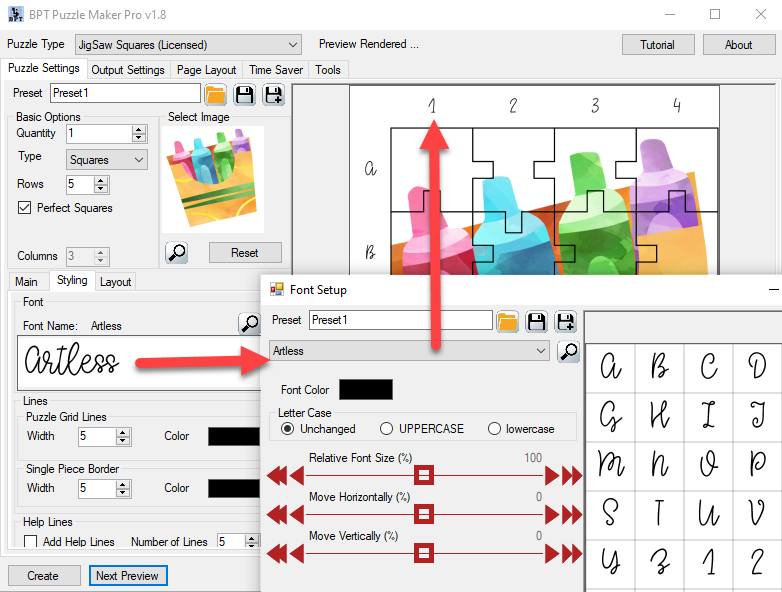
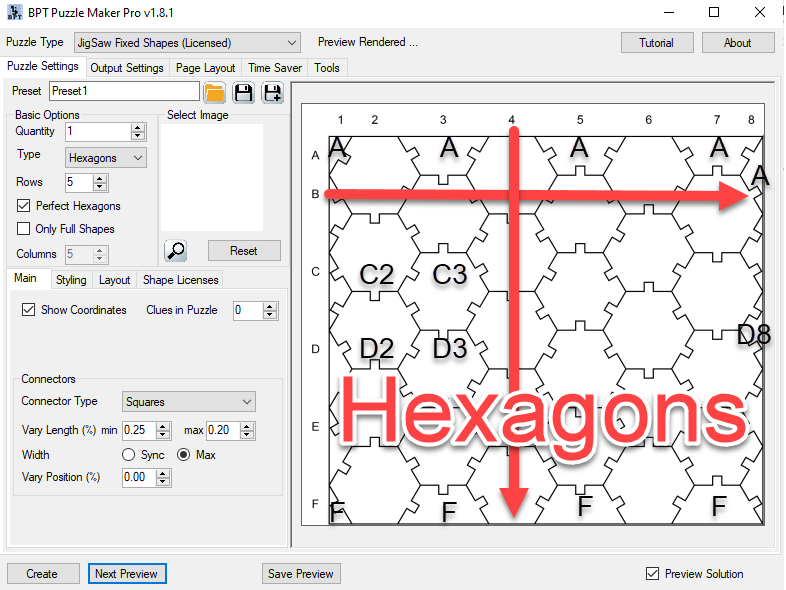
Welcome to the tutorial for styling your Jigsaw puzzles made with Puzzle Maker Pro – Jigsaw. The techniques shown in this tutorial apply to all versions of Jigsaw. For Jigsaw puzzles, the following styling options are available: Font Styling You can choose any (TrueType) font on your computer for the printed coordinates. Just click the

How Can I Change the Styling for Puzzle Maker Pro – Jigsaw puzzles? Read More »

How Can I Change the Number of Puzzle Pieces in Puzzle Maker Pro – Jigsaw?

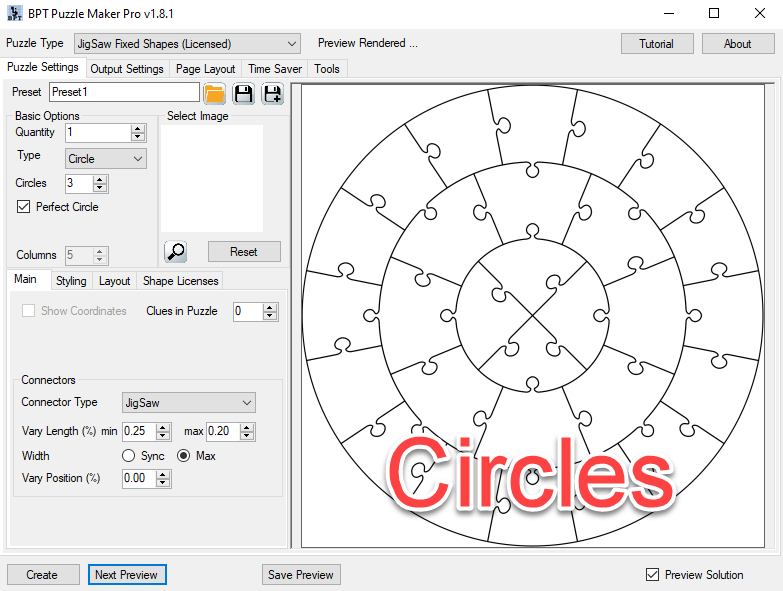
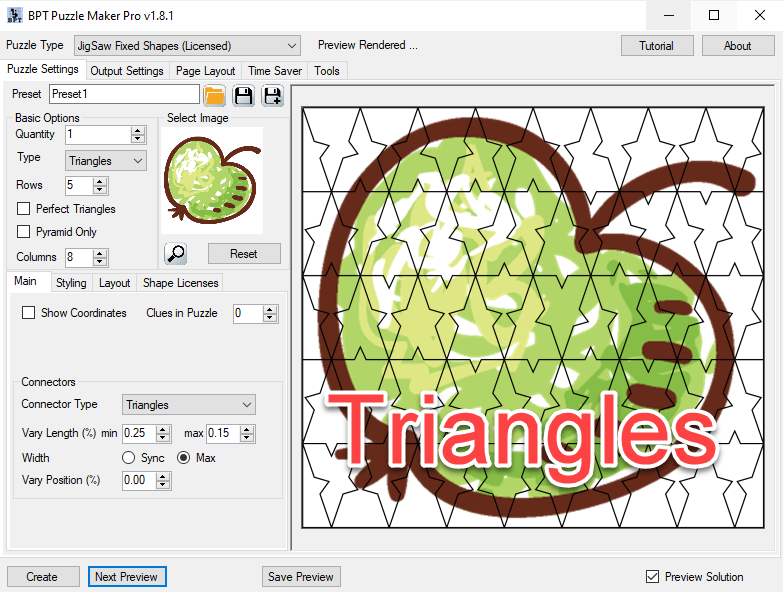
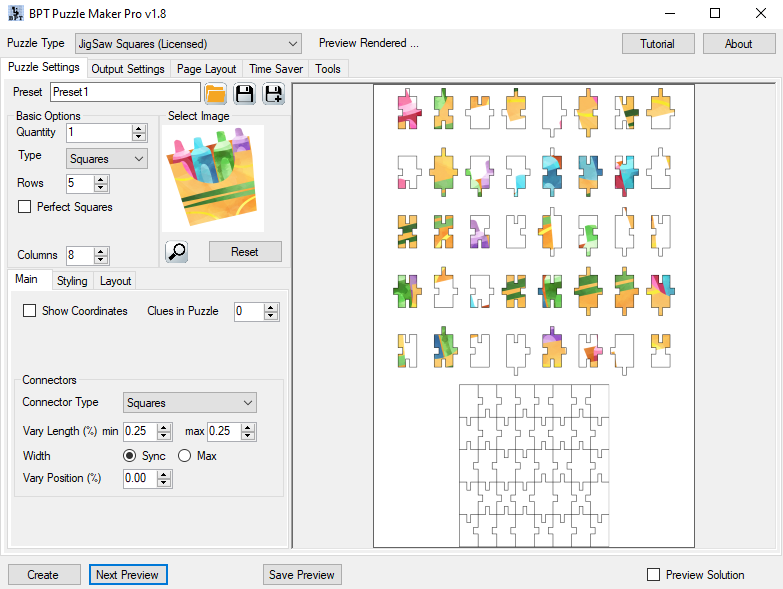
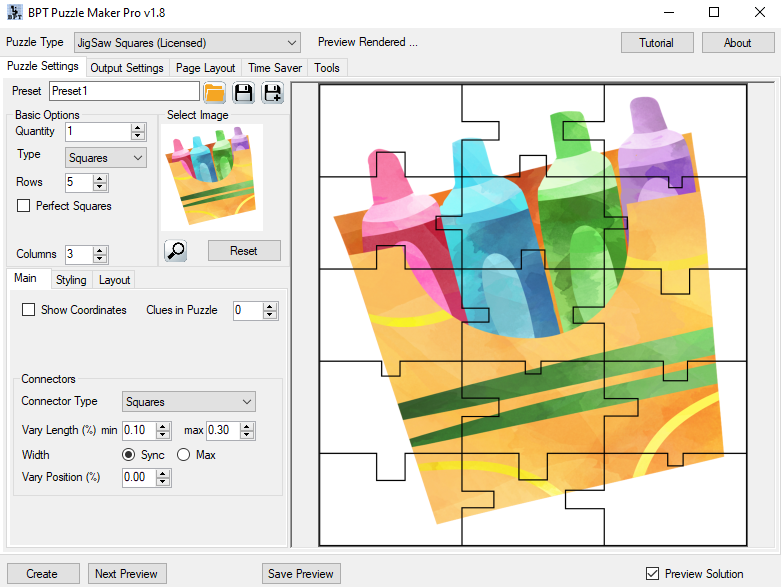
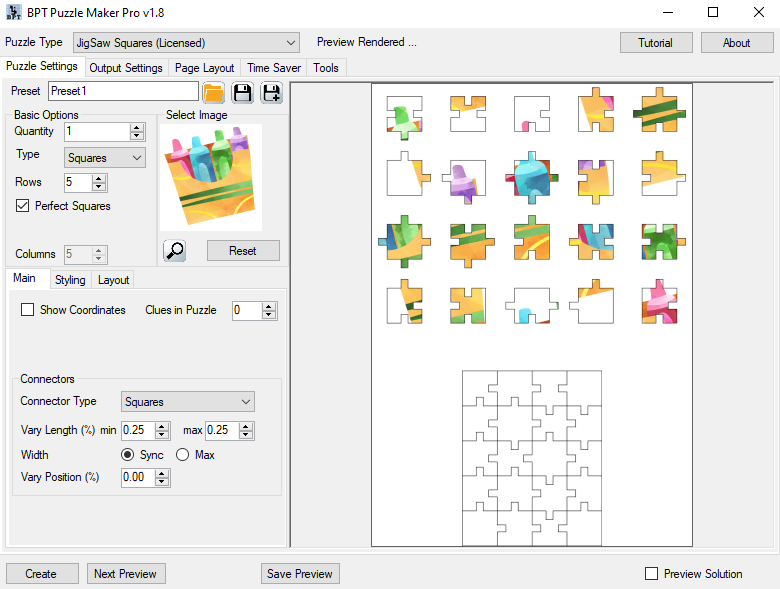
When you start Puzzle Maker Pro – JigSaw, and create your first preview, it will use the default settings “Perfect Squares” (or another shape type) and 5 Rows. Perfect Squares / Triangles Depending on your taste or your customer’s preferences, you may want to create puzzles with squares (where each side has the same length)

How Can I Change the Number of Puzzle Pieces in Puzzle Maker Pro – Jigsaw? Read More »

How Can I Change the Connectors for Puzzle Maker Pro – Jigsaw puzzles?

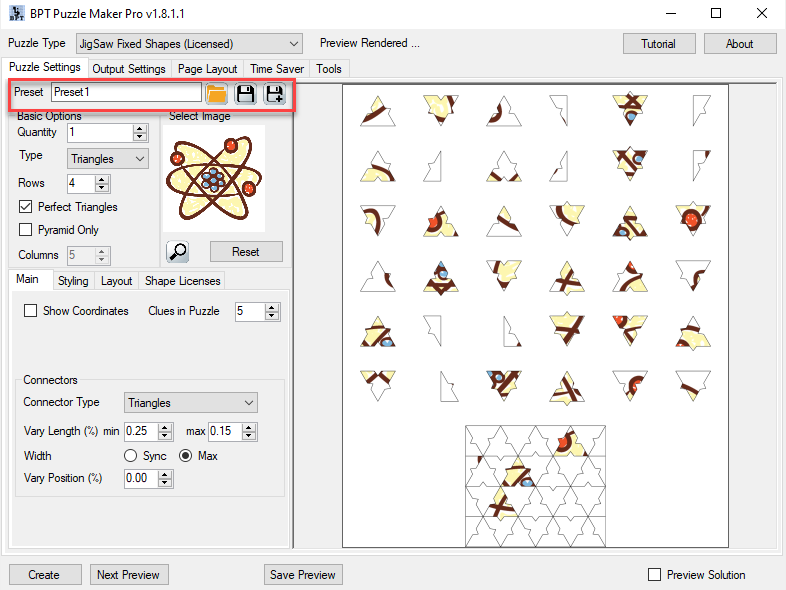
In this tutorial we’ll show you how to change the connectors in Puzzle Maker Pro – Jigsaw. The techniques in this tutorial apply for every version of Jigsaw. We use the word “Connectors” for the little pieces / hooks that connect the jigsaw puzzle pieces. In Puzzle Maker Pro, you can choose between several Connector

How Can I Change the Connectors for Puzzle Maker Pro – Jigsaw puzzles? Read More »

Shopping Cart