How to create your own SVG files with Adobe Illustrator (for use in Connect the Dots)
How to create your own SVG files with Adobe Illustrator (for use in Connect the Dots) Read More »

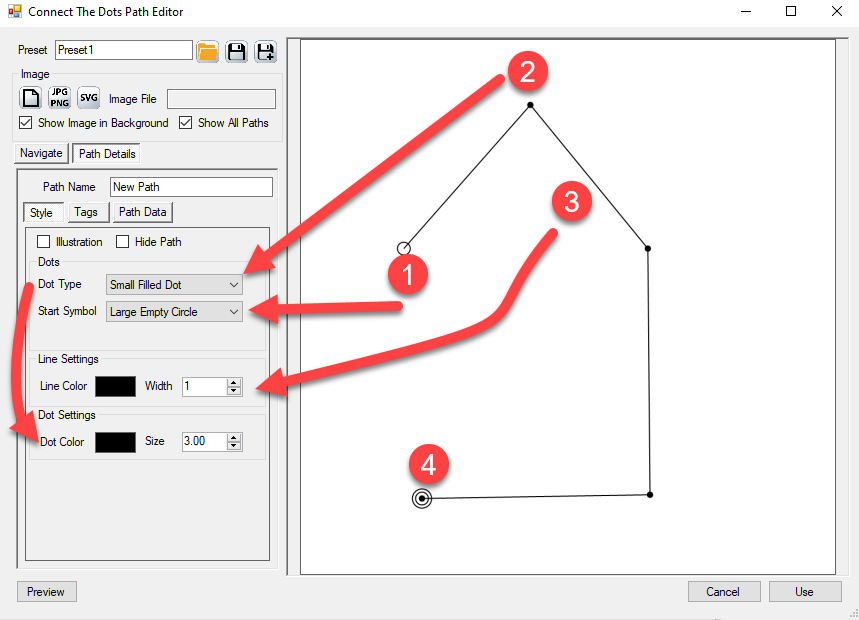
Puzzle Maker Pro – Connect the Dots is an interactive playground to create Connect the Dots puzzles. There are three different versions: The Lite Edition, the Manual Edition and the SVG Edition. In this tutorial we’ll focus on the basics – the window layout, and the tools and options to create a very simple Connect
How Do I get started with Connect the Dots (Text Version) Read More »
This video tutorial demonstrates the use of different Tag types in Puzzle Maker Pro – Connect the Dots
How to use different Tag types in Connect the Dots Read More »
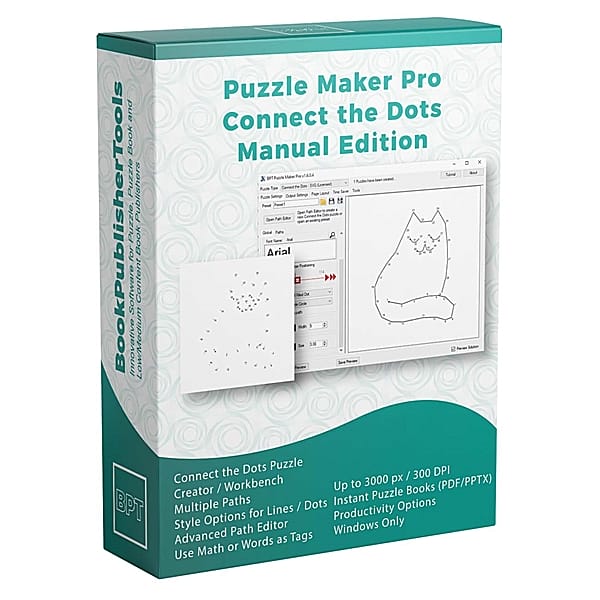
This video tutorial demonstrates the use of Shortcut Keys for Puzzle Maker Pro – Connect the Dots
How to use Shortcut Keys with Connect the Dots Read More »
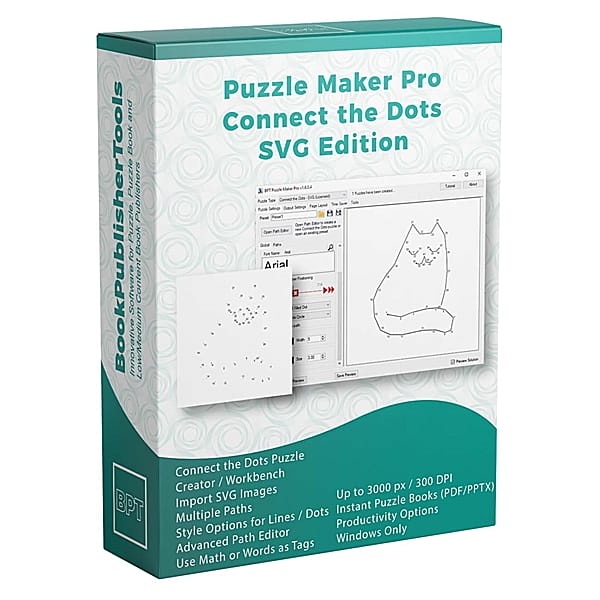
This video tutorial demonstrates the first steps to learn Puzzle Maker Pro – Connect the Dots
Getting started with Puzzle Maker Pro – Connect the Dots Read More »