puzzle presets

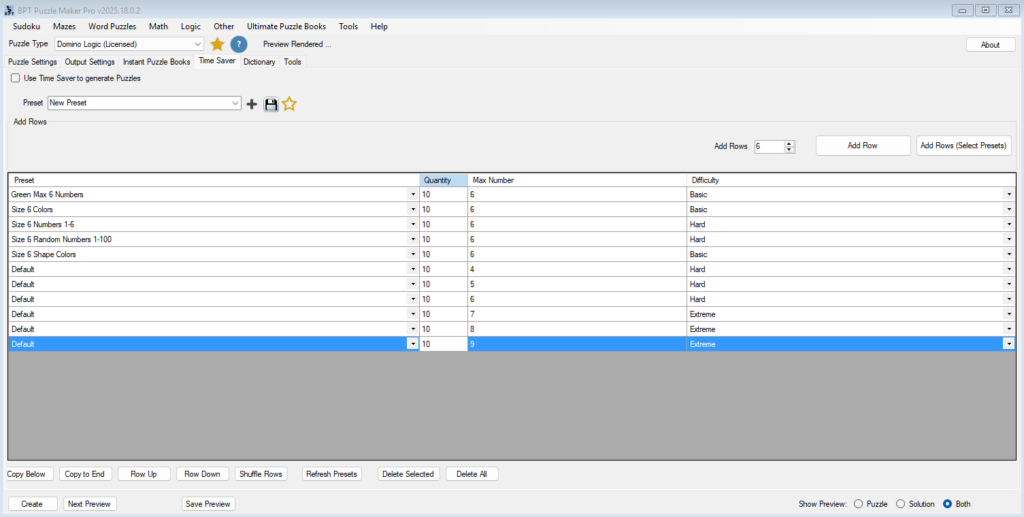
Domino Logic Batch Creation with the Time Saver Add-On

Batch Creation with the Time Saver Add-On (Domino Logic Creator Edition) Overview When you’re ready to scale your workflow, the Time Saver Add-On makes it effortless to produce multiple Domino Logic puzzles in one session.This tutorial explains how to use the Time Saver’s table layout to manage presets, control difficulty, and export entire puzzle books

Domino Logic Batch Creation with the Time Saver Add-On Read More »
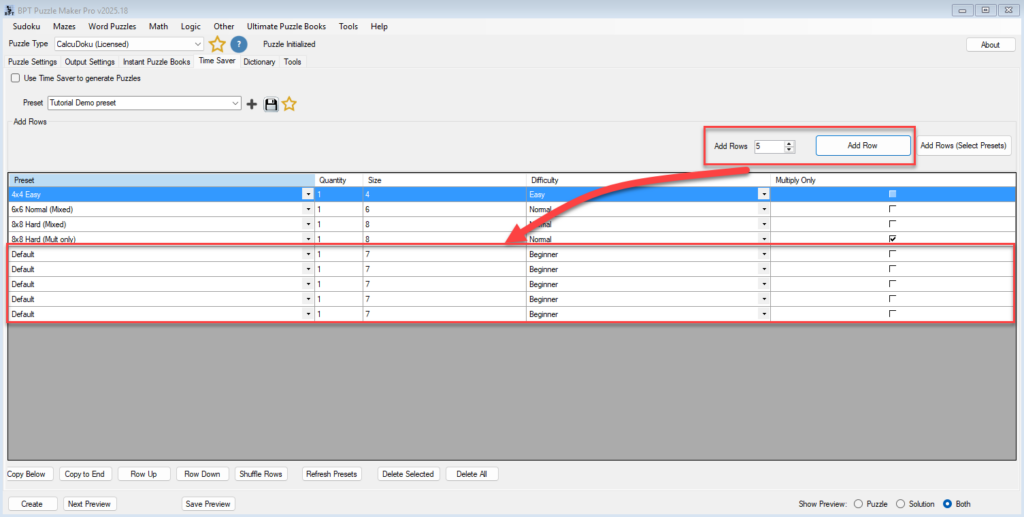
Batch Puzzle Creation with the Time Saver Add-On (CalcuDoku Creator Edition)

Batch Puzzle Creation with the Time Saver Add-On (CalcuDoku Creator Edition) Overview The Time Saver Add-On takes CalcuDoku puzzle production to the next level.Instead of manually adjusting settings and regenerating puzzles one by one, you can prepare a full list of puzzle configurations — mixing grid sizes, difficulties, and arithmetic rules — and generate them

Batch Puzzle Creation with the Time Saver Add-On (CalcuDoku Creator Edition) Read More »

Creating Difficulty Levels and Puzzle Variations in Bridges

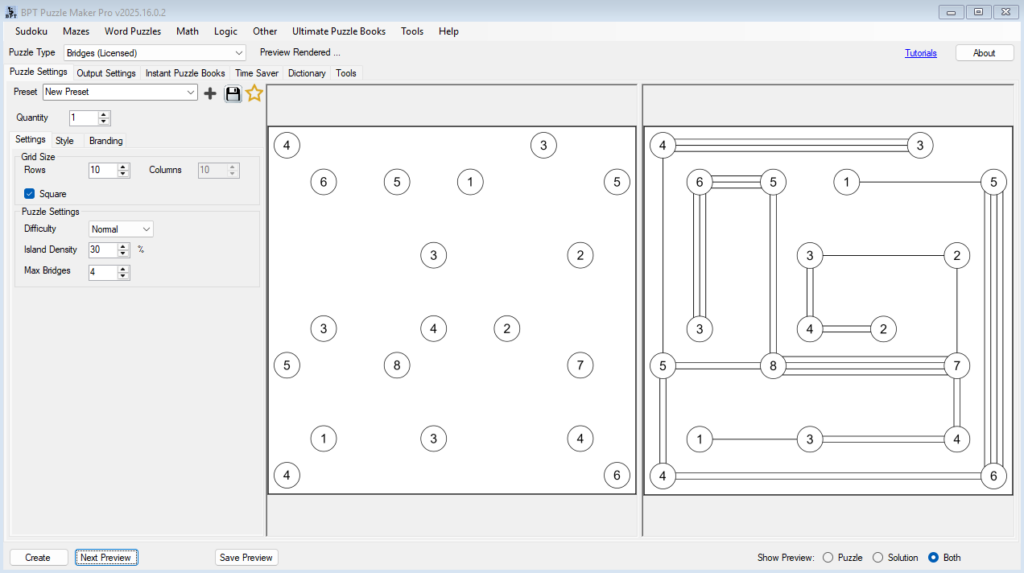
⚙️ Creating Difficulty Levels and Puzzle Variations in Bridges 🔍 Overview In this tutorial, you’ll learn how to control and fine-tune puzzle difficulty in the Bridges module of Puzzle Maker Pro.By adjusting a few simple parameters — grid size, density, difficulty, and maximum bridges — you can create an entire range of puzzles from relaxing

Creating Difficulty Levels and Puzzle Variations in Bridges Read More »

Using the Time Saver to Build Puzzle Collections Fast

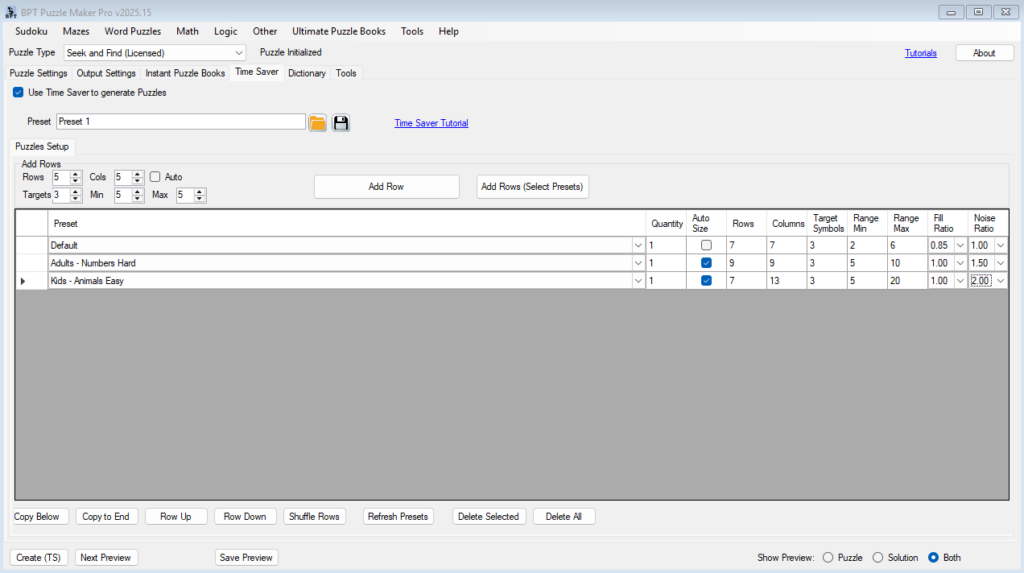
⚙️ Using the Time Saver to Build Puzzle Collections Fast Overview The Time Saver in Puzzle Maker Pro – Seek and Find helps you create complete puzzle collections automatically — perfect for KDP publishers, educators, and anyone producing multiple puzzles in a single session. Instead of generating puzzles one by one, you can define an

Using the Time Saver to Build Puzzle Collections Fast Read More »

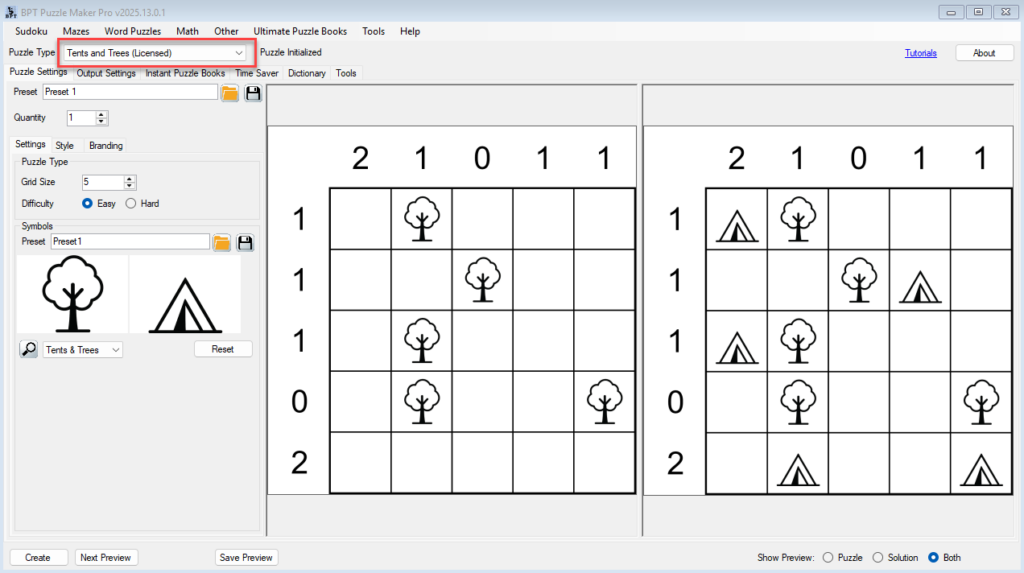
Tents and Trees – Batch Creation (Creator Edition)

⚡ Time Saver & Batch Creation (Creator Edition) Quickly generate multiple themed puzzles with different settings — all in one go. 🗂️ Required Module 🛠️ Preparation Before using Time Saver: 🔢 Step-by-Step Instructions 1. Enable Time Saver Mode 2. Add Puzzles to the Batch Table ➤ Option A: Add Default Row ➤ Option B: Add

Tents and Trees – Batch Creation (Creator Edition) Read More »

Tents and Trees Styling and Branding for Print or Digital

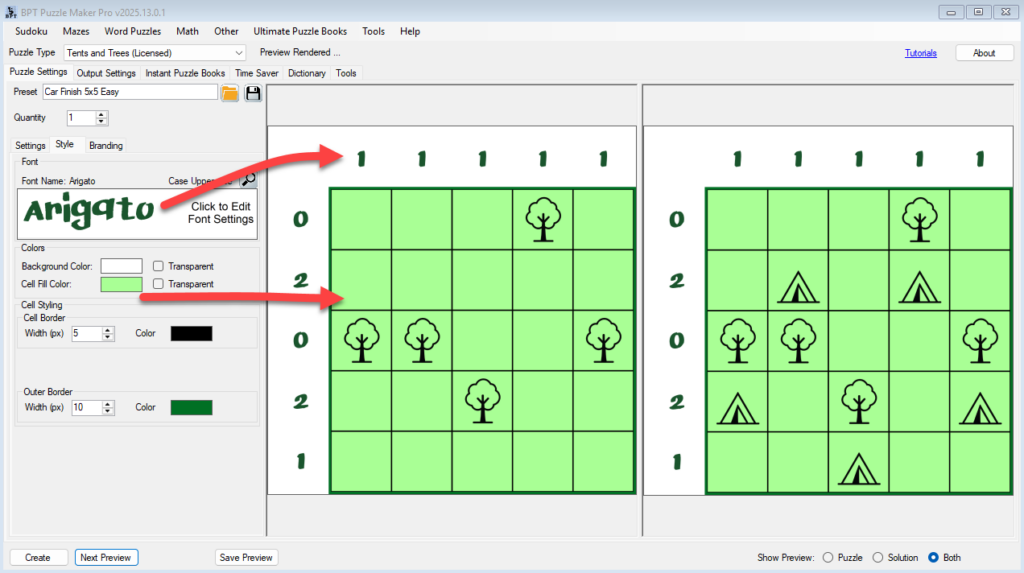
🎨 Styling & Branding for Print or Digital Make your Tents and Trees puzzles match your brand, theme, or publishing style. 🗂️ Required Module 🛠️ Preparation Before you begin: 🔢 Step-by-Step Instructions 1. Open the Tents and Trees Module 2. Set Your Font and Grid Styling Go to the Style tab: Use Next Preview to

Tents and Trees Styling and Branding for Print or Digital Read More »

Theming Your Tents and Trees Puzzle with Custom Images

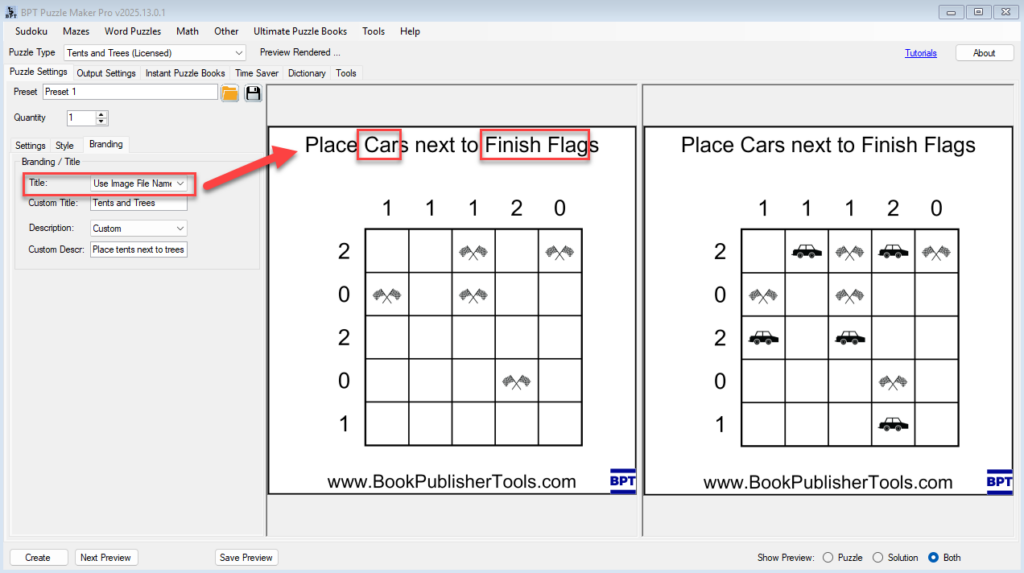
🎨 Theming Your Puzzle with Custom Images Swap tents and trees for any icons — create seasonal, fun, or branded puzzles in minutes. 🗂️ Required Module 🛠️ Preparation Before you start, you’ll need: 🔢 Step-by-Step Instructions 1. Open the Tents and Trees Module 2. Go to the Puzzle Settings Tab 3. Save Your Theme as

Theming Your Tents and Trees Puzzle with Custom Images Read More »

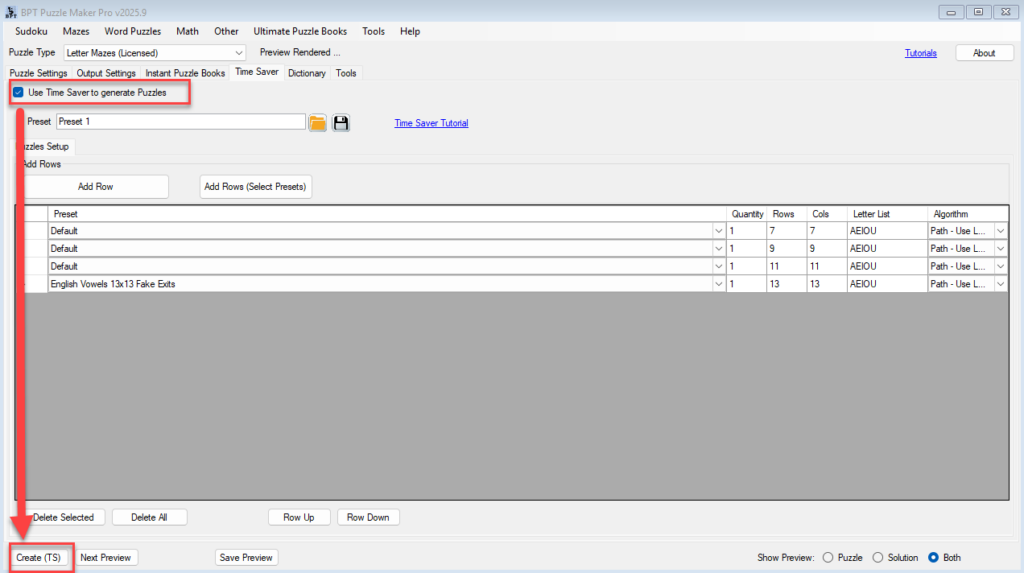
Create 50+ Letter Maze Puzzles at Once and Understand What Rights You Have

Create 50+ Puzzles at Once and Understand What Rights You Have Use the built-in Time Saver to generate full batches of custom letter mazes — perfect for puzzle books, printable packs, or wholesale licensing. Required Modules Preparation Before you begin: Step-by-Step: Batch Generation with Time Saver 1. Set up your puzzle style in Letter Mazes

Create 50+ Letter Maze Puzzles at Once and Understand What Rights You Have Read More »

Shopping Cart