puzzle maker pro tutorial

Creating Your First Magnet Logic Puzzle

Creating Your First Magnet Logic Puzzle Once you understand how Magnet Logic puzzles work, the next step is to generate your own.This tutorial will guide you through every stage—from defining grid size to previewing the final puzzle and its automatically generated solution.You’ll also learn how content options, styles, and difficulty levels influence the appearance and

Creating Your First Magnet Logic Puzzle Read More »
Getting Started with Puzzle Maker Pro – Bridges

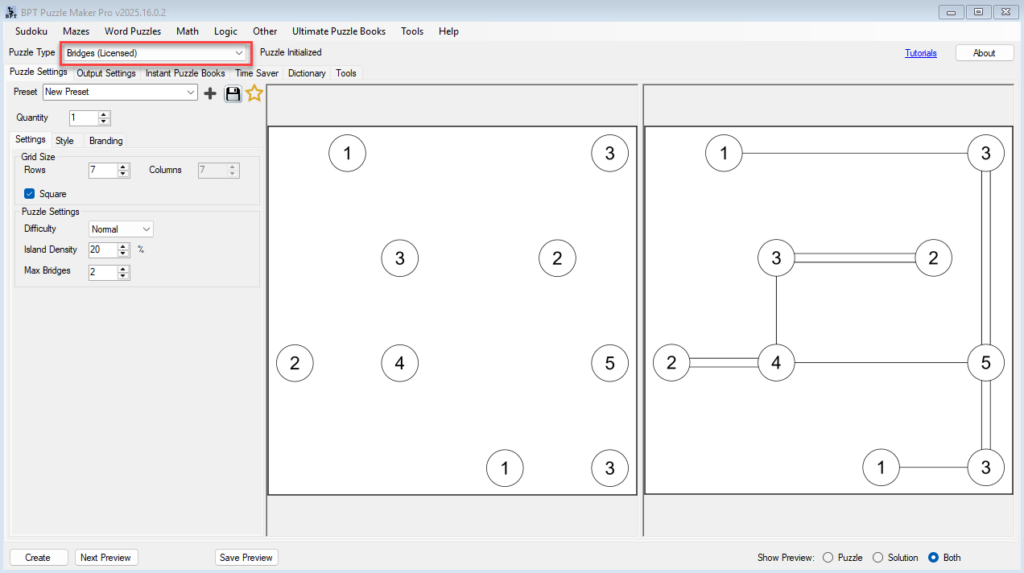
Getting Started with Puzzle Maker Pro – Bridges 🔍 Overview Learn how to create your first Bridges puzzles in Puzzle Maker Pro.In this tutorial, you’ll set up your grid, adjust island density, define bridge limits, and generate your first printable puzzle — ready for puzzle books, printables, or classroom activities. Who this is for:Perfect for

Getting Started with Puzzle Maker Pro – Bridges Read More »

WordPress Plugin – Build or Modify Puzzle Sets Manually

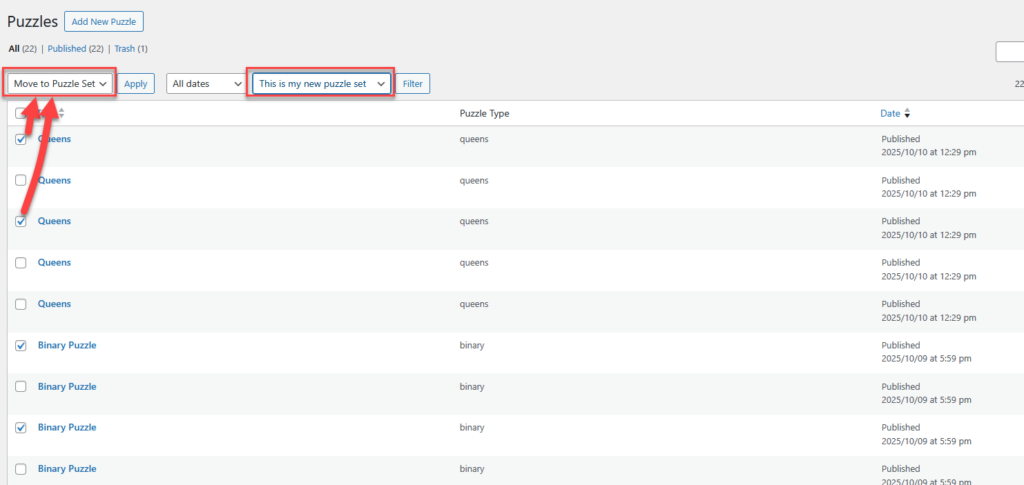
🧩 WordPress Plugin – Build or Modify Puzzle Sets Manually Demo: See the plugin in action – https://www.bookpublishertools.com/pmp_puzzle_set/queens-puzzles-demo/ Overview This guide explains how to manually create or edit a Puzzle Set in WordPress using the Puzzle Maker Pro WordPress Plugin.You’ll learn how to add existing puzzles, upload new ones, and organize them in a custom

WordPress Plugin – Build or Modify Puzzle Sets Manually Read More »

Getting Started with Puzzle Maker Pro WordPress Plugin

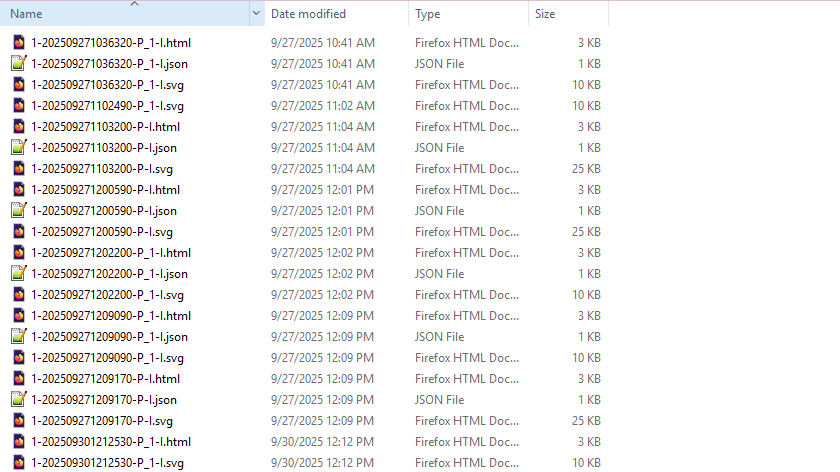
🧩 Getting Started with Puzzle Maker Pro WordPress Plugin Demo: See the plugin in action – https://www.bookpublishertools.com/pmp_puzzle_set/queens-puzzles-demo/ Overview This tutorial shows how to get started with the WordPress plugin for Puzzle Maker Pro. We tried to make this easy, you can import a ZIP file created by Puzzle Maker Pro into WordPress using the Puzzle

Getting Started with Puzzle Maker Pro WordPress Plugin Read More »

Interactive Puzzle Page Styling – Customize Colors, Fonts, and Layout

Interactive Puzzle Page Styling: Customize Colors, Fonts & Layout (CSS) Overview Make your interactive puzzle pages look on-brand—without touching the puzzle logic. In this tutorial you’ll style the page with custom.css to change colors, fonts, spacing, and buttons while keeping all required HTML and JavaScript intact. Great for KDP/Etsy publishers showcasing samples, or educators matching

Interactive Puzzle Page Styling – Customize Colors, Fonts, and Layout Read More »

Interactive Puzzle Gallery: Publish Multiple Puzzles Online

Interactive Puzzle Gallery: Publish Multiple Puzzles Online Overview Interactive puzzles don’t just attract attention — they keep visitors engaged on your website. With Puzzle Maker Pro, you can publish a gallery of puzzles on a single page, allowing readers to switch between different puzzles in a dropdown menu. This setup is ideal if you want

Interactive Puzzle Gallery: Publish Multiple Puzzles Online Read More »

Interactive Puzzles: Publish a Single Puzzle Online

Interactive Puzzles: Publish a Single Puzzle Online Overview Interactive puzzles are a powerful way to attract and engage visitors on your website. By publishing a Puzzle Maker Pro puzzle as an interactive HTML page, you give readers the chance to try a puzzle instantly—perfect for showing samples, promoting your books, or keeping your audience engaged.

Interactive Puzzles: Publish a Single Puzzle Online Read More »

Shopping Cart