puzzle layout

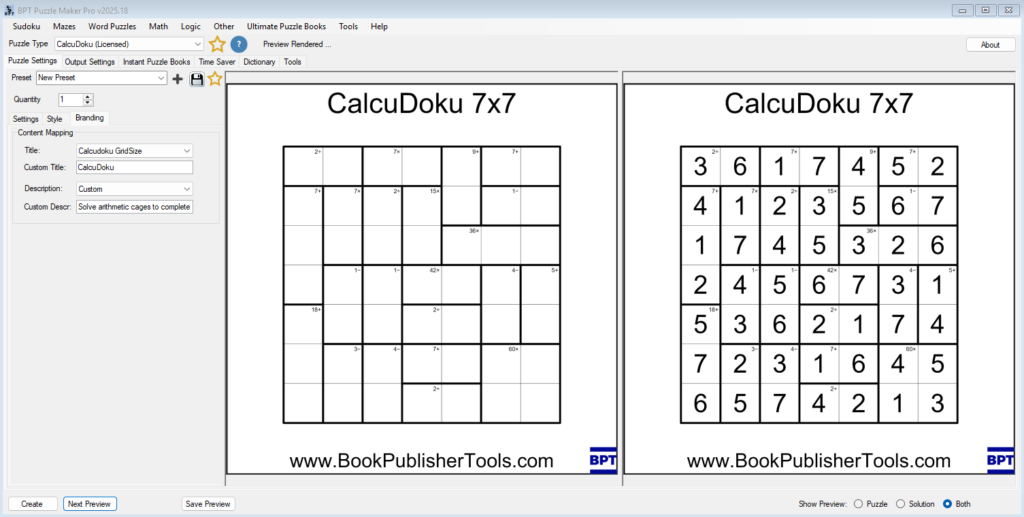
Styling and Branding CalcuDoku Puzzles in Puzzle Maker Pro

Styling and Branding CalcuDoku Puzzles in Puzzle Maker Pro Overview A well-designed CalcuDoku puzzle looks professional, clear, and on-brand.In this tutorial, you’ll learn how to style your puzzles — adjusting lines, fonts, and colors — and apply your branding layout for consistent titles, logos, and descriptions. We’ll focus on what matters most: creating readable puzzles

Styling and Branding CalcuDoku Puzzles in Puzzle Maker Pro Read More »
Puzzle Creation Process

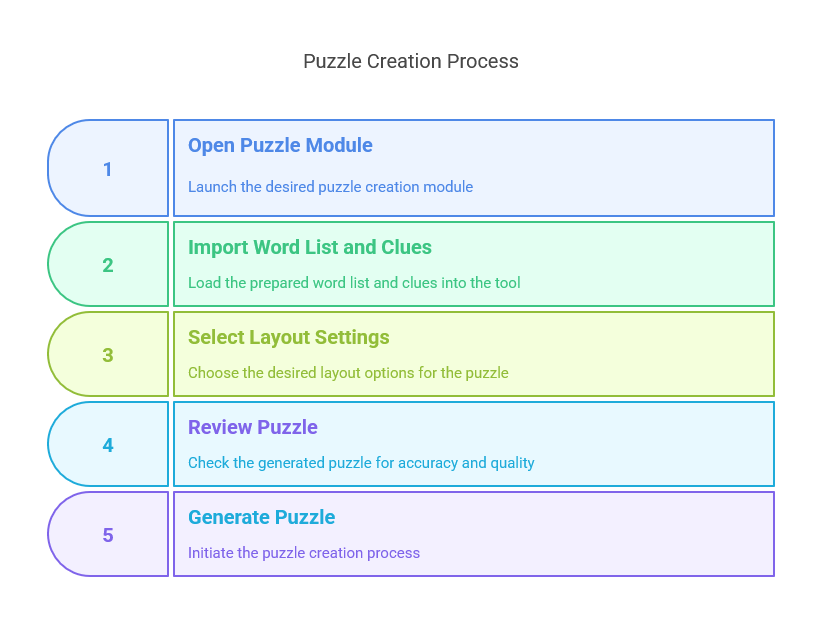
How to Turn an AI Word List into a 100-Page Puzzle Book (That Actually Sells)

Introduction: The Myth of “Instant Puzzle Books” You’ve asked AI for a list of 50 jungle animals. Great start. But how do you get from that word list to a print-ready book that people actually want to buy? Many AI tools claim you can just “generate and publish.” In reality, serious creators know that formatting,

How to Turn an AI Word List into a 100-Page Puzzle Book (That Actually Sells) Read More »

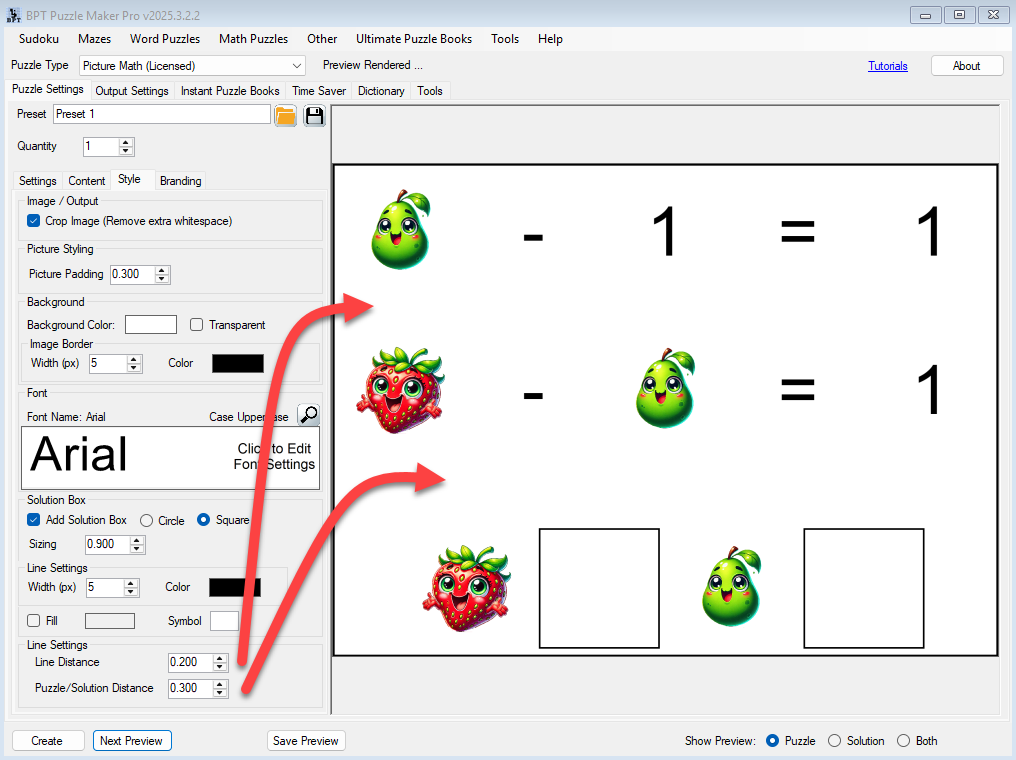
Picture-Perfect Layouts with Cropping and Line Spacing in Picture Math

🧩 Overview A well-designed puzzle isn’t just about logic — it’s about layout. In Picture Math, small visual adjustments can make a big difference in readability, especially for younger solvers or print-focused books. This tutorial walks you through how to use the Crop Images setting, Picture Padding, and the Style tab’s spacing controls to give

Picture-Perfect Layouts with Cropping and Line Spacing in Picture Math Read More »

Shopping Cart