Styling and Branding CalcuDoku Puzzles in Puzzle Maker Pro
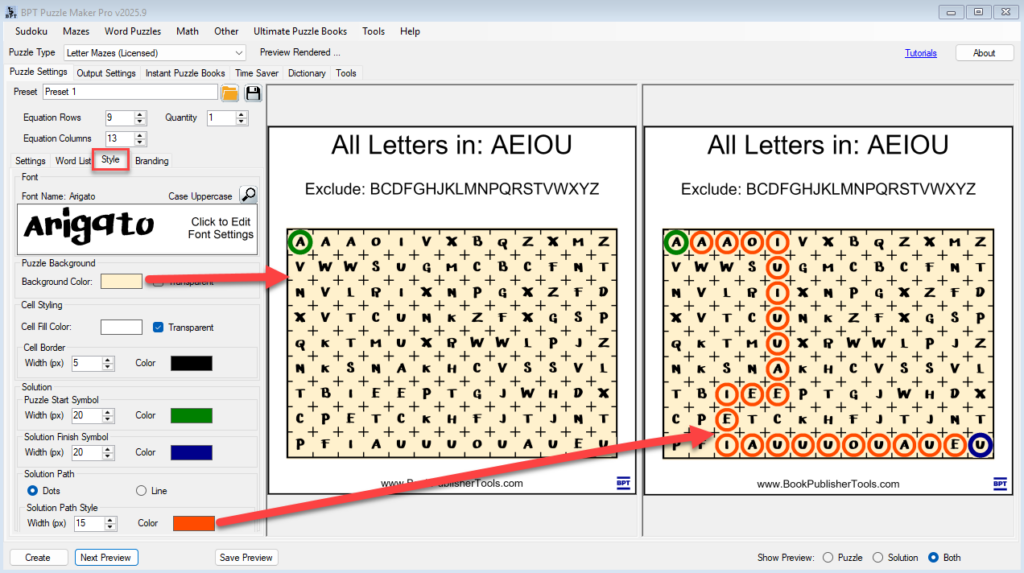
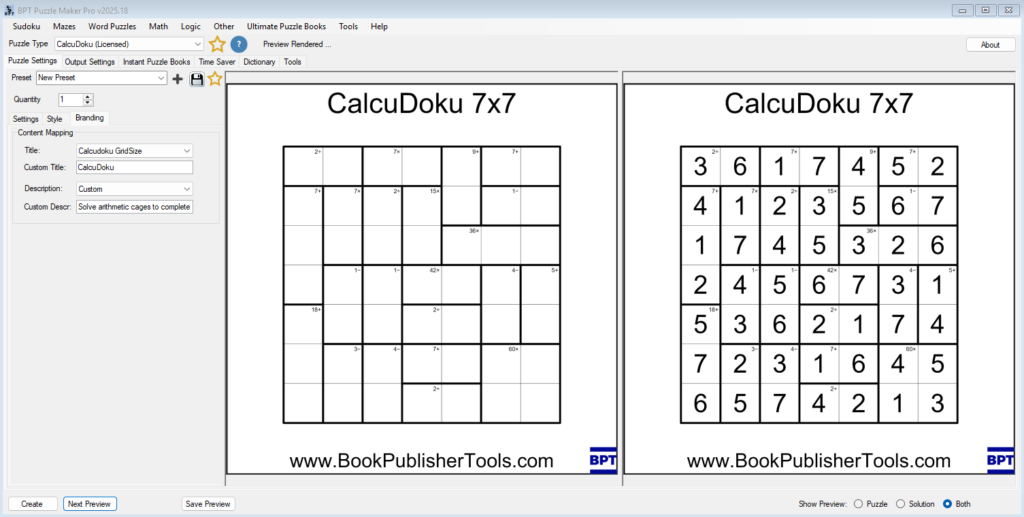
Styling and Branding CalcuDoku Puzzles in Puzzle Maker Pro Overview A well-designed CalcuDoku puzzle looks professional, clear, and on-brand.In this tutorial, you’ll learn how to style your puzzles — adjusting lines, fonts, and colors — and apply your branding layout for consistent titles, logos, and descriptions. We’ll focus on what matters most: creating readable puzzles
Styling and Branding CalcuDoku Puzzles in Puzzle Maker Pro Read More »