Educational Puzzles

Sudoku Printables & Puzzle Book Publishing Tools for Etsy & Publishing - BPT Puzzle Maker Pro software interface displaying a 6x6 Sudoku puzzle with colored shapes. Options for puzzle types, difficulty, and symbol settings are visible. Ideal for creating custom puzzle books and printables.

Using Colors and Shapes Together in Sudoku Pick and Place

Using Colors and Shapes Together in Sudoku Pick and Place Make your sudoku puzzles more expressive and visually accessible by combining colors and shapes. This is especially helpful for younger audiences, learners with visual needs, and creative puzzle themes. This tutorial shows you how to: 🧩 Required Modules Requires Puzzle Maker Pro version 2025.5 or

Using Colors and Shapes Together in Sudoku Pick and Place Read More »

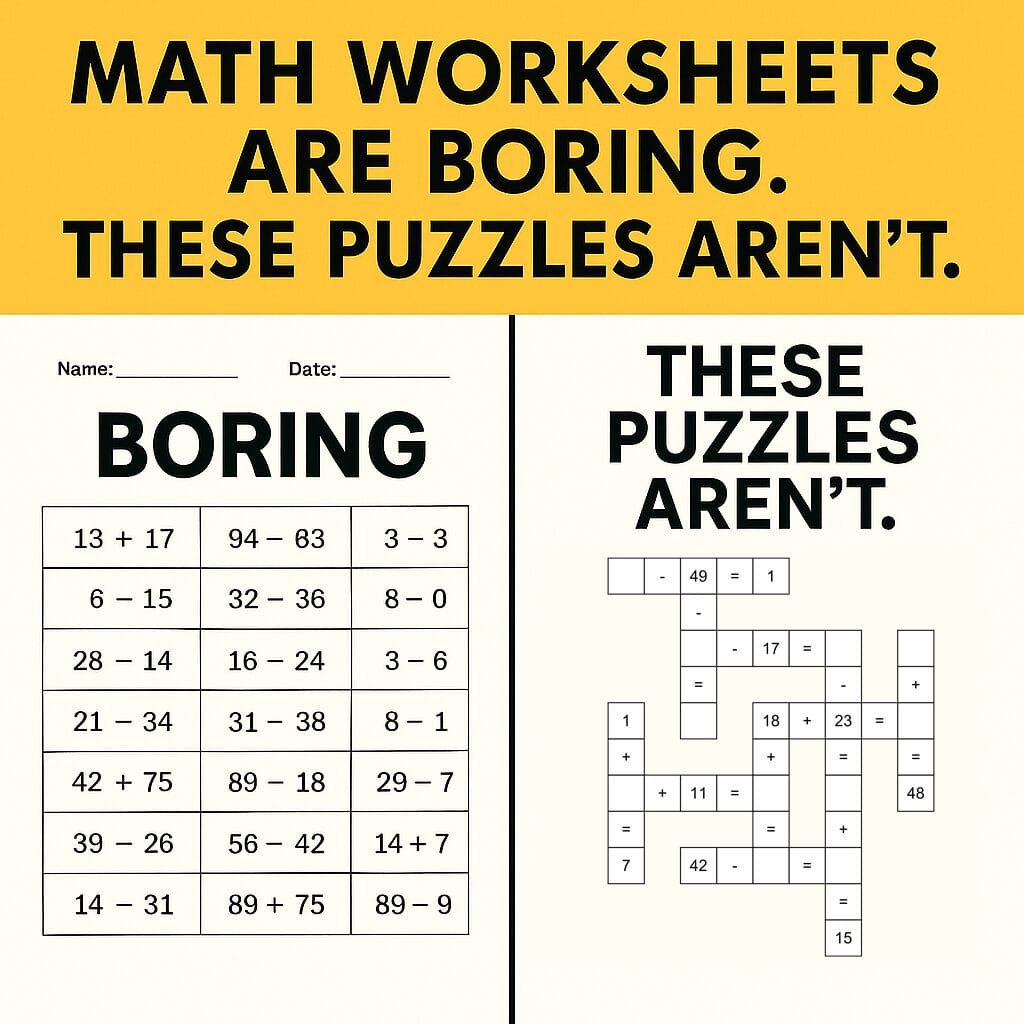
Math Worksheets Are Boring. These Puzzles Aren’t.

Math Worksheets Are Boring. These Puzzles Aren’t. Let’s be honest: traditional math worksheets can be soul-crushing. For students, they’re a blur of numbers and repetition. For educators and parents, they’re a last-minute print job or a filler activity. And for content creators in the printables space, they often lack the spark that turns casual downloaders

Math Worksheets Are Boring. These Puzzles Aren’t. Read More »

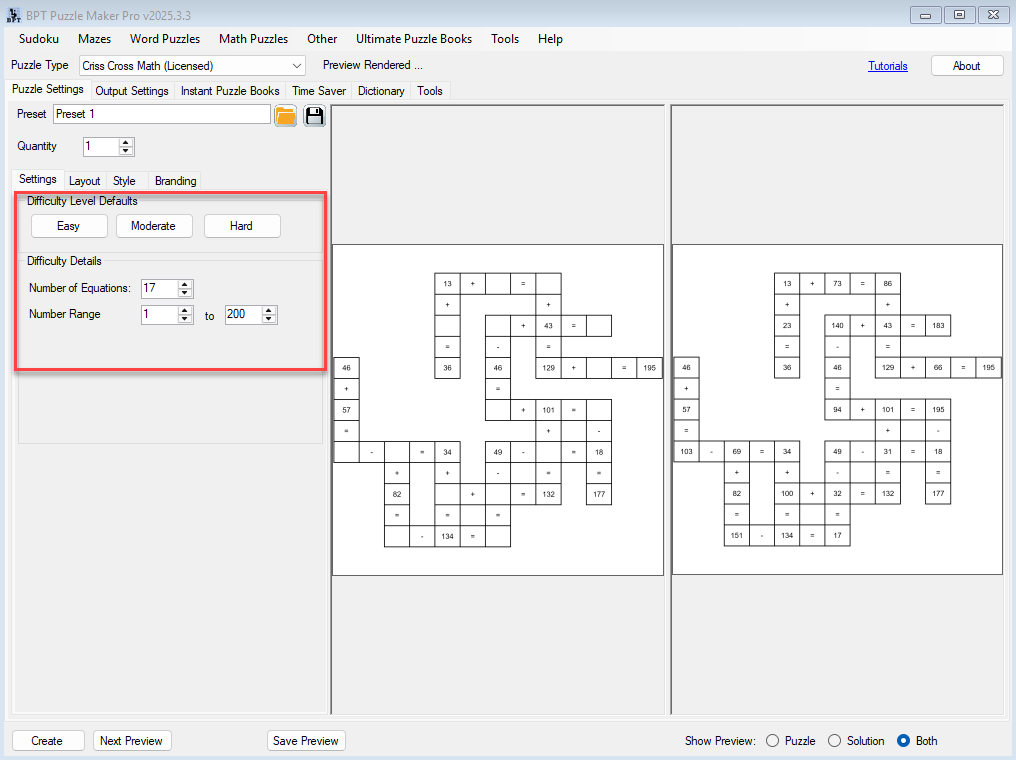
Setting Number Range and Operators – Control Puzzle Difficulty for Criss Cross Math

📚 Setting Number Range and Operators – Control Puzzle Difficulty 1. What This Tutorial Covers Learn how to set the number range and understand how Puzzle Maker Pro – Criss Cross Math handles operators to control puzzle difficulty. This tutorial applies to:Puzzle Maker Pro – Criss Cross Math 2. Introduction Why Adjust Number Range? Controlling

Setting Number Range and Operators – Control Puzzle Difficulty for Criss Cross Math Read More »

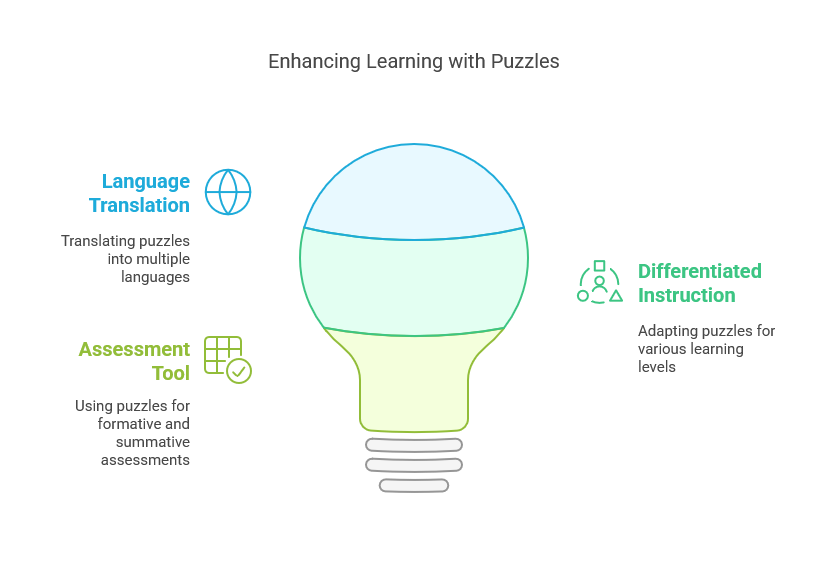
Enhancing Learning with Puzzles

Teachers: Instantly Create Curriculum-Aligned Puzzles Using AI + Puzzle Maker Pro

Introduction: The Puzzle Prep Problem in Every Classroom As a teacher, you know puzzles work. They boost engagement, reinforce vocabulary, and offer a fun break from traditional worksheets. But making puzzles that are both curriculum-aligned and age-appropriate takes time—often hours. With the right tools, you can change that. This guide shows how to use AI

Teachers: Instantly Create Curriculum-Aligned Puzzles Using AI + Puzzle Maker Pro Read More »

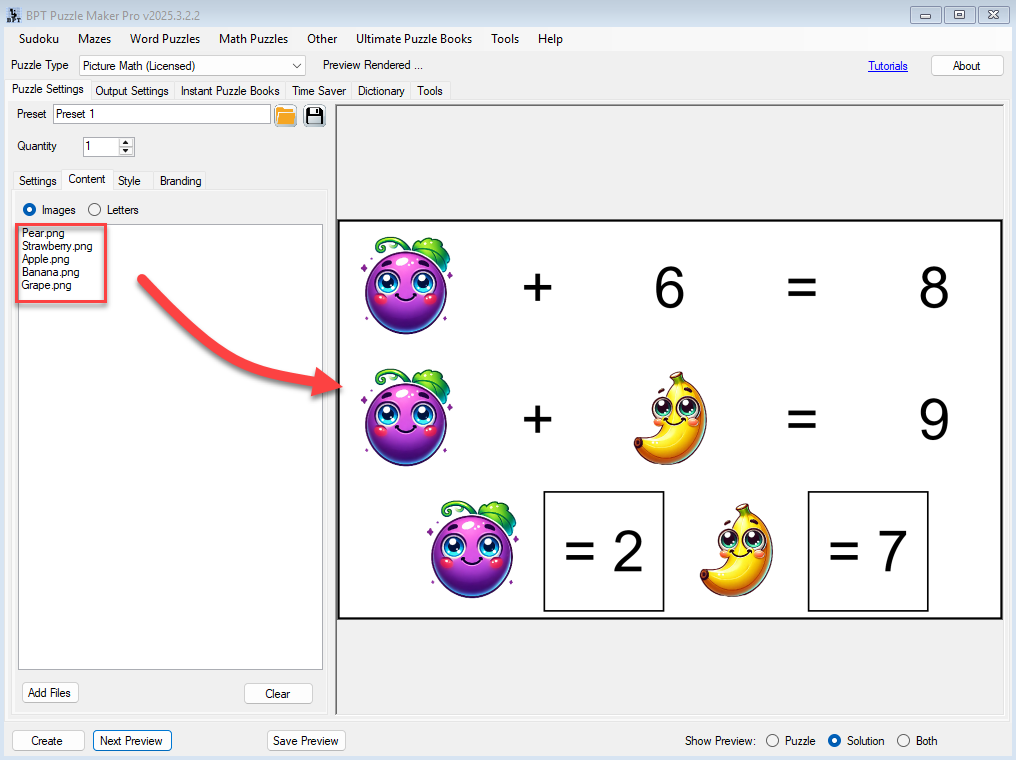
How to Design Kid-Friendly Picture Math Puzzles with Easy Subtraction Mode

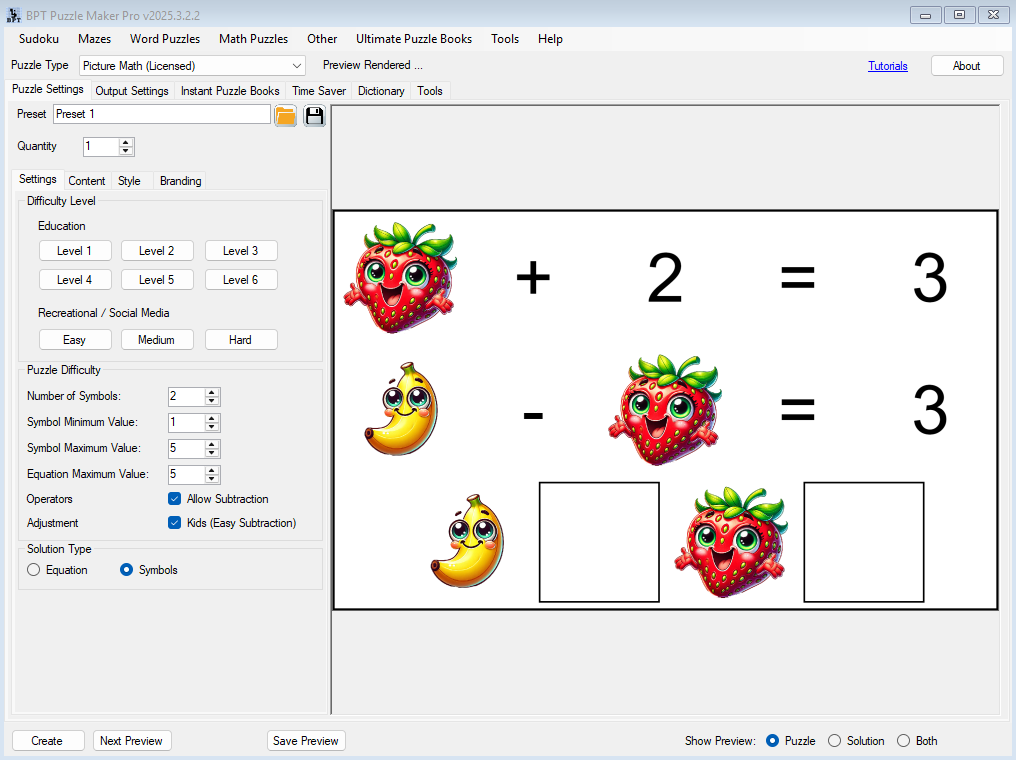
🧩 Overview Creating math puzzles that are both fun and developmentally appropriate can be tricky — especially when subtraction is involved. In this tutorial, you’ll learn how to use the new “Adjusted – Kids (Easy Subtraction)” setting in Puzzle Maker Pro’s Picture Math module to generate puzzles that are simpler and better suited for younger

How to Design Kid-Friendly Picture Math Puzzles with Easy Subtraction Mode Read More »

Design a Language-Learning Puzzle Using Foreign Characters or Letters

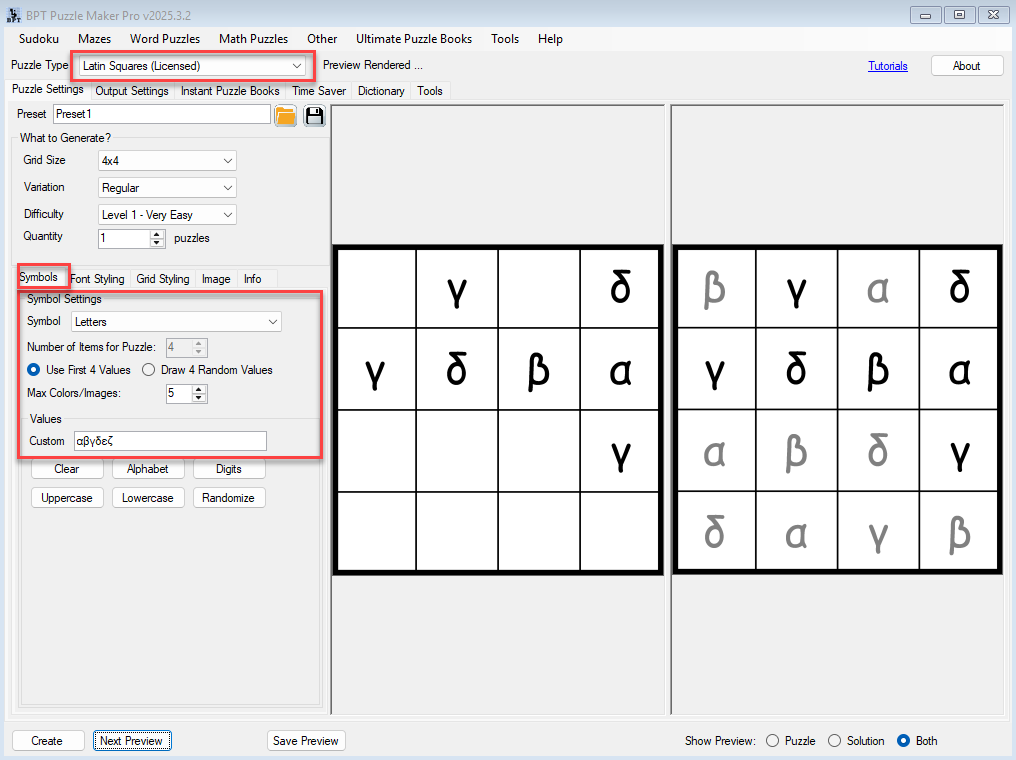
🌍 Design a Language-Learning Puzzle Using Foreign Characters or Letters (With Puzzle Maker Pro – Latin Squares Creative) Overview Looking to reinforce foreign alphabets, accented letters, or character recognition in a creative way?This tutorial shows you how to design Latin Squares puzzles using custom characters—perfect for teaching Spanish, French, Greek, or even fictional alphabets.You’ll use

Design a Language-Learning Puzzle Using Foreign Characters or Letters Read More »

Create a Themed Logic Puzzle in Under 5 Minutes

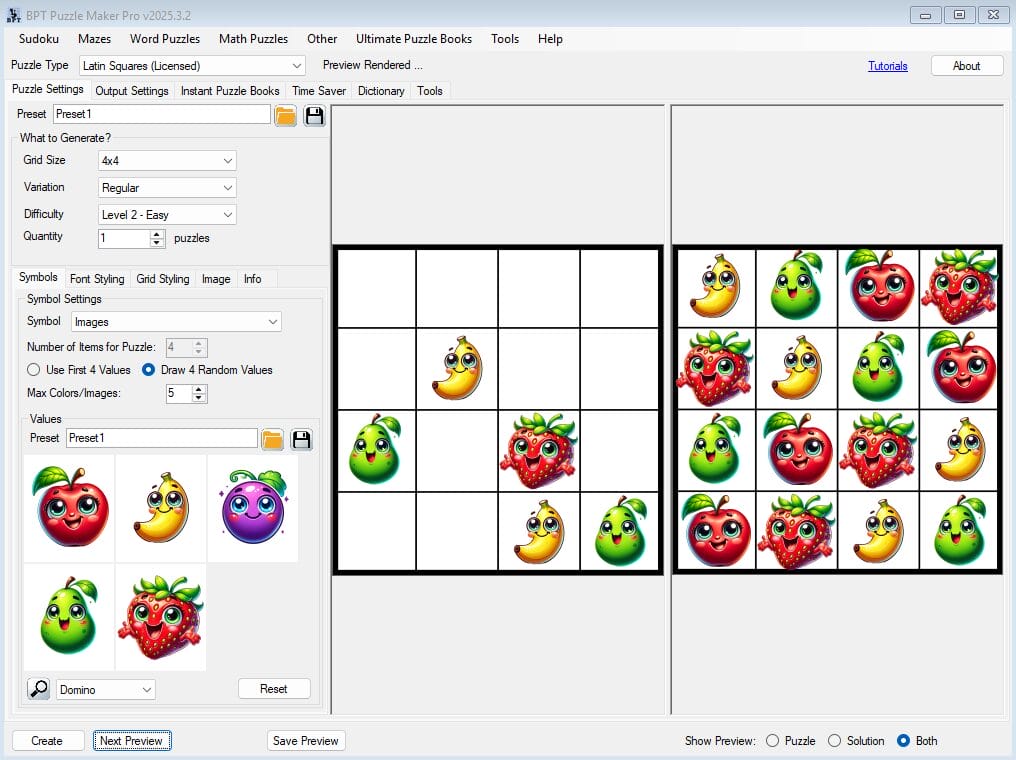
Here’s your full beginner-friendly tutorial, written according to the 2025v3 Tutorial Writing Guide, for the Latin Squares Creative module: 🧩 Create a Themed Logic Puzzle in Under 5 Minutes (Using Puzzle Maker Pro – Latin Squares Creative) Overview Want to make an eye-catching logic puzzle for a holiday, classroom, or themed book—fast? This tutorial shows

Create a Themed Logic Puzzle in Under 5 Minutes Read More »

Getting Started with Puzzle Maker Pro – Missing Pieces

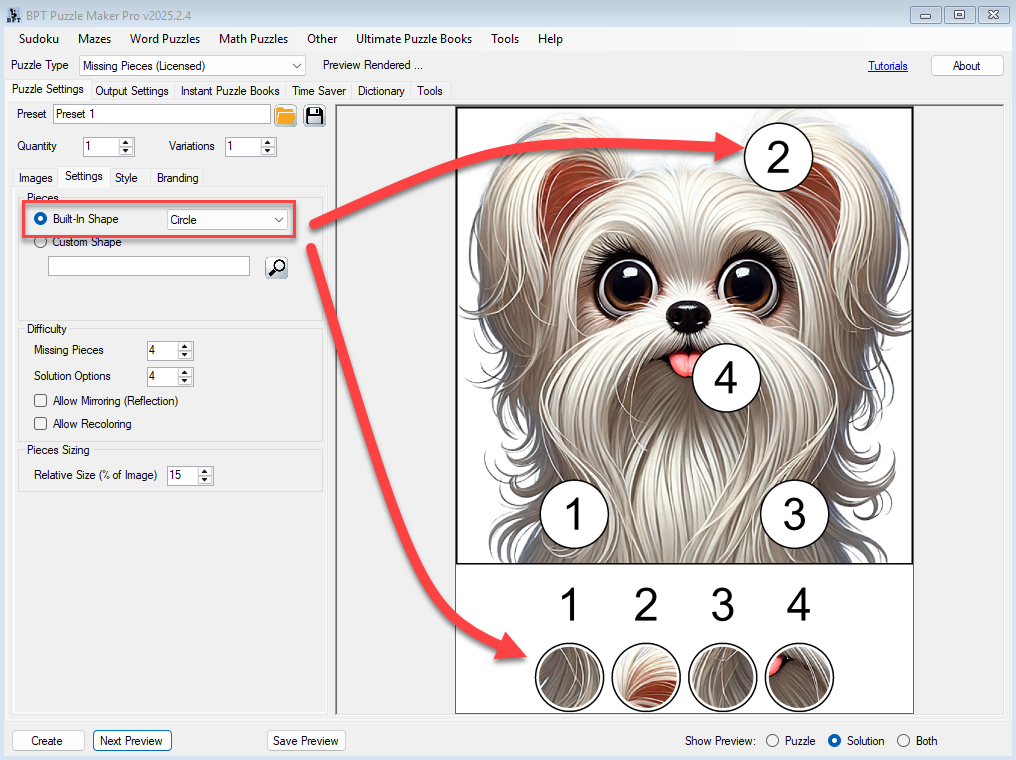
Overview This tutorial shows you how to create a customized Missing Pieces puzzle using your own image. It’s a quick way to produce engaging, printable puzzles for books, worksheets, or activities — no prior experience needed. Required Modules Preparation Before you start: Step-by-Step Instructions 1. Add Images 2. Choose a Piece Shape 3. Set the

Getting Started with Puzzle Maker Pro – Missing Pieces Read More »

Shopping Cart